


-
 Courier delivery

-
Official Brand Warranty (Check with Manufacturer)

-
3 Days DOA Replacement



Our Story
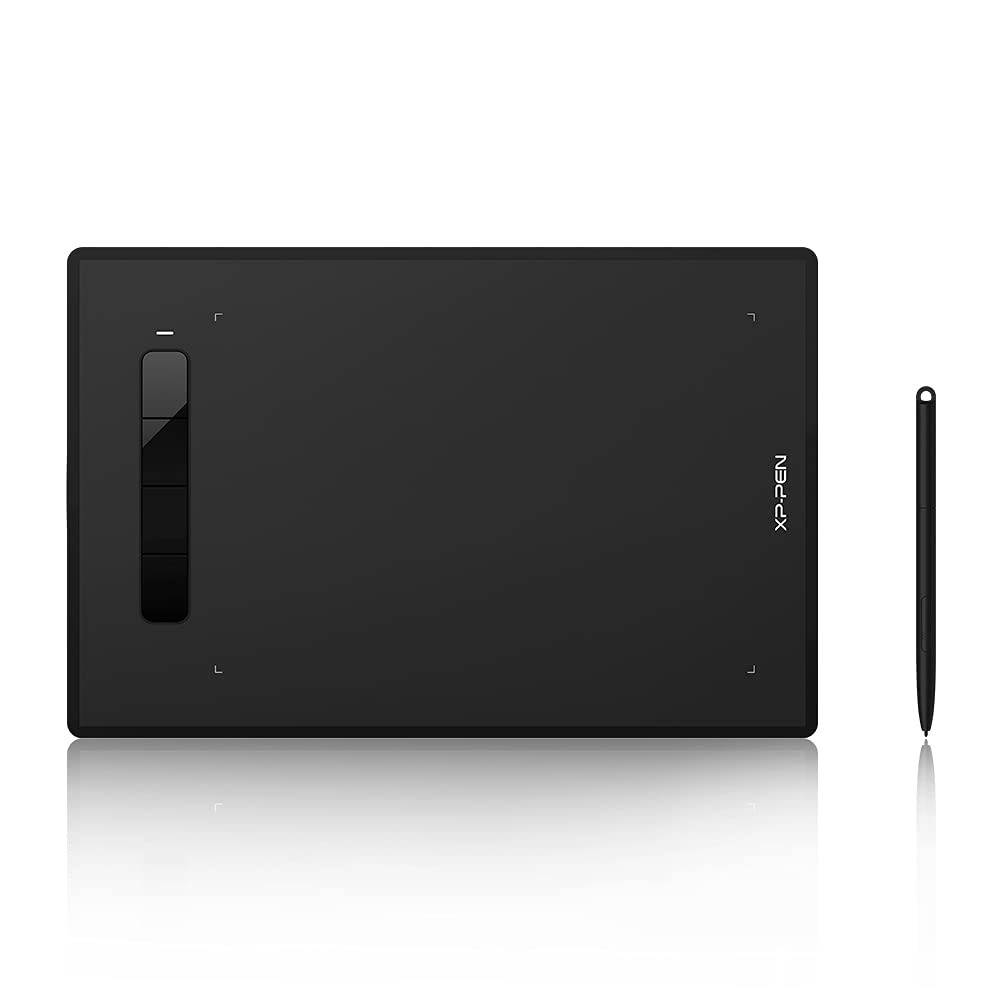
XP-PEN is a professional and reliable supplier of graphics tablets, pen display monitors, stylus pens, and more. Our team is committed to endless innovation to bring illustrators, photographers, graphic designers, and other digital artists into the digital age with tools and technology to suit their individual needs.
Leave behind the limitations of traditional drawing and discover the limitless potential of digital art. Start your drawing program today with an XP-PEN pen tablet or display.
Why are XP-PEN Drawing Tablets
Whether you like sketching, drawing, painting, designing, creating 3D models, editing or retouching photos, our graphics products will help you enhance your Illustrations, animation, graphic design, photography, and more, visually and efficiently, with digital art software such as Photoshop, GIMP, Krita, Paint Tool SAI, Corel Painter, Illustrator, Clip Studio Paint, Inkscape, Zbrush, Blender and more.
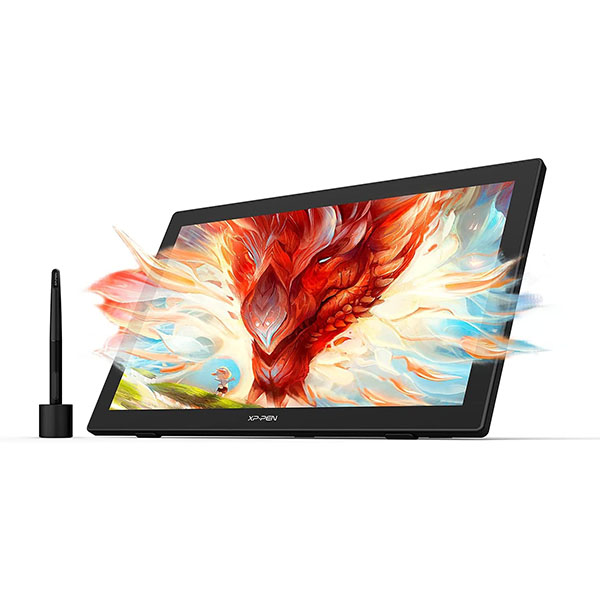
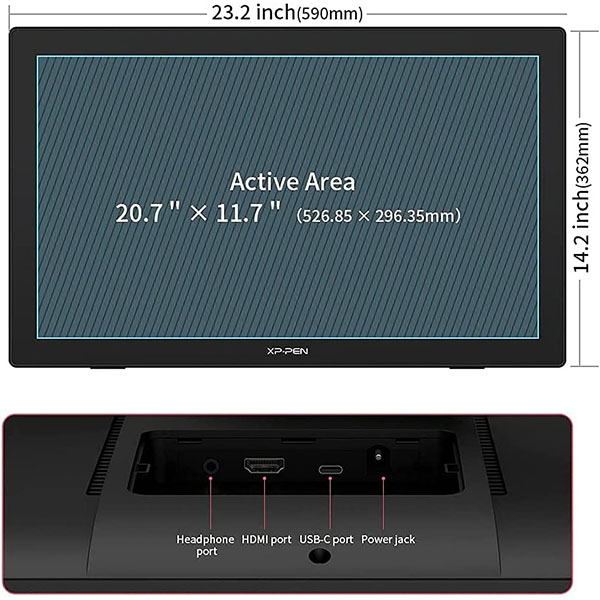
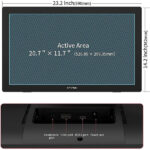
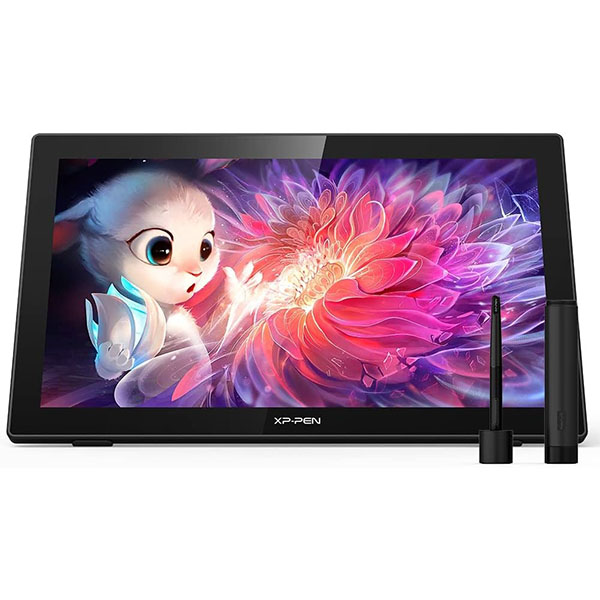
- Display: 23.8-inch QHD 2560 x 1440
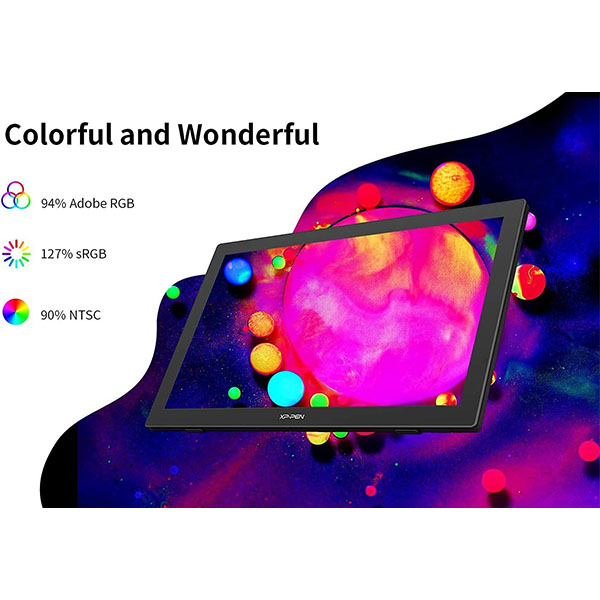
- Colour Gamut: 127% sRGB gamut with 178-degree wide viewing angle
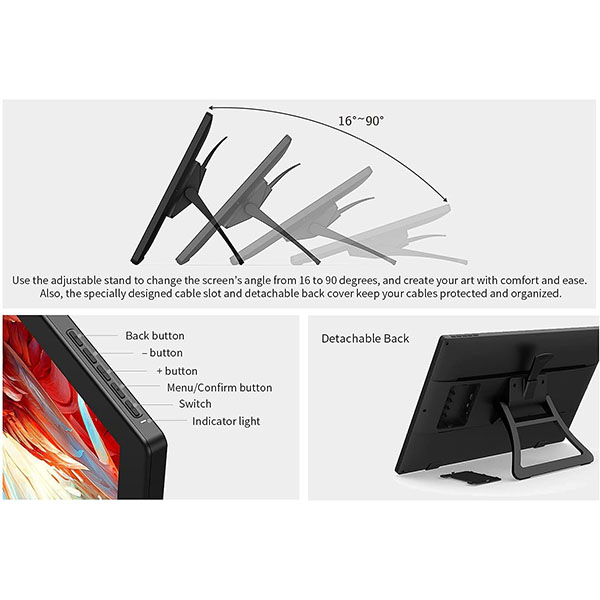
- Stand: Adjustable stand included
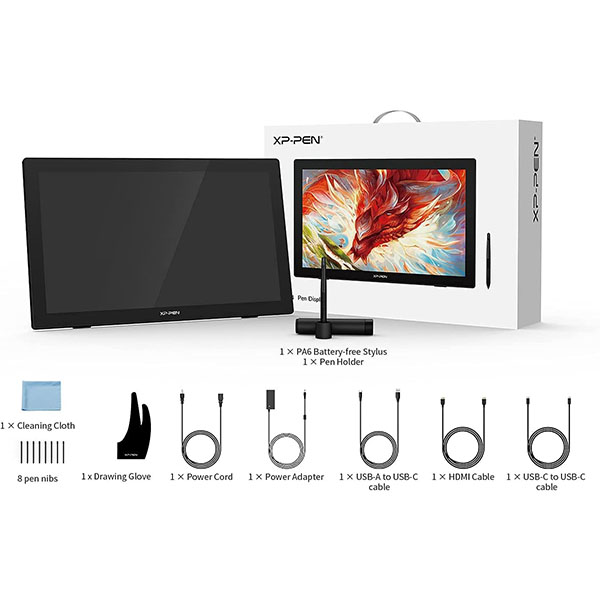
- Stylus: XP-PEN PA6 Pen 8192 pressure levels, no charging required
- Connectivity:Type-C to Type-C or HDMI

2K QHD Resolution (2560 x 1440)
With screen resolution 2 times better than 720 HD screen, XP-PEN Artist 24 drawing tablet is flawless with almost 4 million pixels. With a contrast ratio of 1000:1, everything across the XP-PEN Artist 24 pen display is not only clearer and more vivid but also are more immersive.
Minimizes Images Parallax
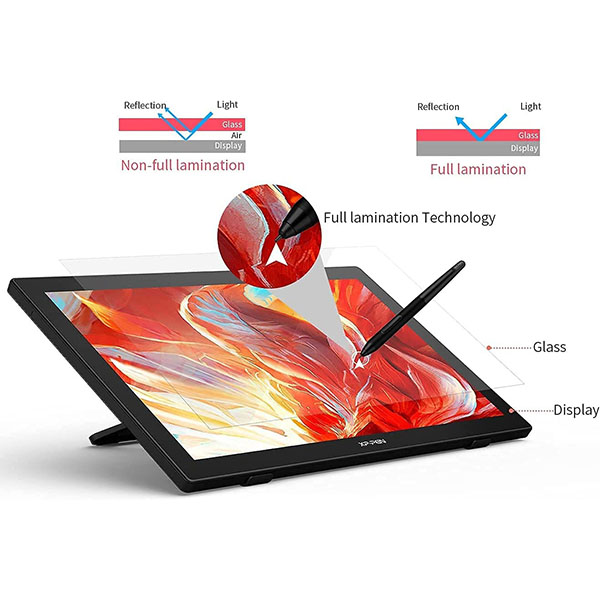
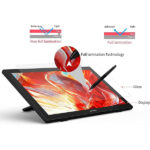
XP-PEN Artist 24 drawing tablet with screen is seamlessly combined with anti-glare glass, which minimizes parallax. The IPS screen supports 178°viewing angle.
Reduce Eyes Fatigue
In anti-glare glass, the luminance gets milder to reduce the fatigue caused to your eyes. The Anti-Glare film provides the ideal solution to reduce glare and to diffuse harsh reflections on screens affected by high ambient light and sunlight. And the frosted surface of the anti-glare film offers paper-like texture.
Impressive Color Accuracy
Featuring color gamut of 94% Adobe RGB, 127% sRGB, and a contrast ratio of 1000:1, this highly color-accurate screen makes XP-PEN Artist 24 drawing monitor a perfect option for doing any color-sensitive work such as graphics design, photo/video editing, etc.

Highly Compatible
The Artist 24 supports Windows 7/8/10, Mac OS X 10.10 (or later), Chrome OS 88 (or later), and Linux (detailed versions). It is also compatible with popular digital art software, such as Adobe Photoshop, Illustrator, SAI, CDR, GIMP, Krita, MediBang, FireAlpaca, and Blender 3D.
Ideal Tools to Optimize your Workflow
1. Online Teaching. Teachers and students can create and explain interactive content visually by writing, editing, and annotating directly in files and sharing their screens in real-time.
2. Web-conference. The Artist 24 drawing pen display allows you to start broadcasting for distance education or web conferencing, entering an interactive classroom or meeting room anytime, anywhere.
3. E-Learning. XP-PEN graphics tablets make your education journey much smoother and easier, and your education broadcasting more intuitive and attractive.
4. More to Explore. Simultaneous digital inking with an XP-PEN drawing tablet compatible with Microsoft Office apps like Word, PowerPoint, OneNote, etc. Visually present your handwritten notes, signatures precisely, and more.
|
|
|
|---|---|---|
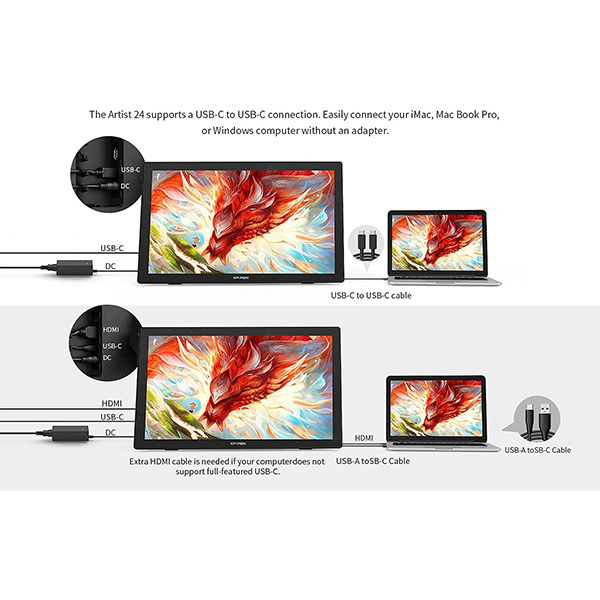
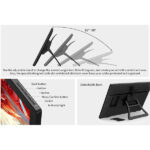
The Artist 24 Adapts to YouUse the adjustable stand to change the screen’s angle from 16 to 90 degrees, and create your art with comfort and ease. | Complete Your Artwork with EaseThe PA6 is battery-free so no charging is required. The stylus supports up to 60 degrees of tilt function and has 8192 pressure sensitivity levels. | Easy and Fast ConnectionThe Artist 24 supports a USB-C to USB-C connection. Easily connect your iMac, MacBook Pro, or Windows computer without an adapter. |


XP-PEN Artist24 Drawing Display is NOT a standalone product
XP-PEN Artist24 needs to connect to a laptop/computer to work. It is compatible with Windows 7 or later, Mac OS 10.10 or later, Linux, and Chrome OS.
Type-C to Type-C Connection Way
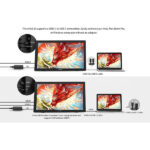
The Artist24 has two full-featured USB-C ports that can be easily connected, supporting a USB-C to USB-C connection, giving you a tidy desktop and more connection options.
Register your Artist24 drawing display on xppen web to apply for an ArtRage 5, openCanvas and ArtRage Lite, Explain Everything drawing program.
Easy to Use
1-Before Driver Installation: Please Remove Other Brand’s Driver from your computer and reboot before installing the XP-PEN’s driver, or there will be driver conflict problems.
2-Driver Download: Our driver will be regularly updated, so please go to our official web to download the newest driver, and install it on your computer.
3-For Windows UsersPlease closes all drawing programs and run the XP-PEN driver as Administrator when installing. (IMPORTANT)


Type-C to Type-C Connection Way
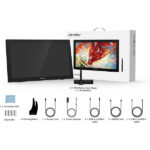
The Artist24 has two full-featured USB-C ports that can be easily connected, supporting a USB-C to USB-C connection. ( If your pc has no Type-C port, you can use the included USB-A to USB-C Cable and HDMI Cable for connection )


Only logged in customers who have purchased this product may leave a review.
Reviews
Clear filtersThere are no reviews yet.