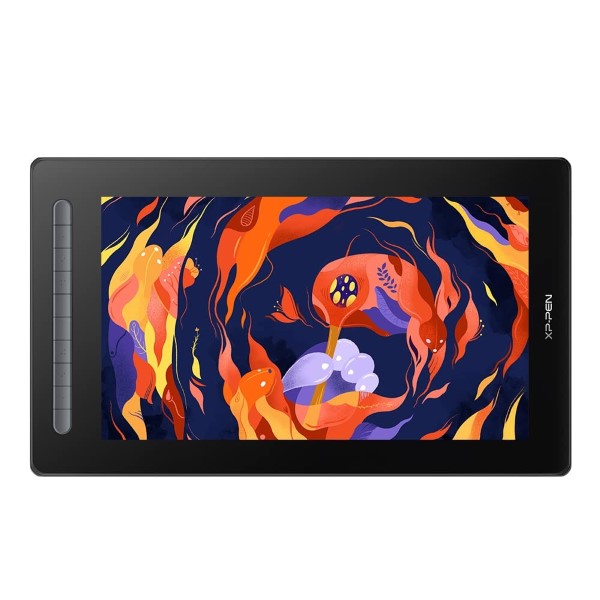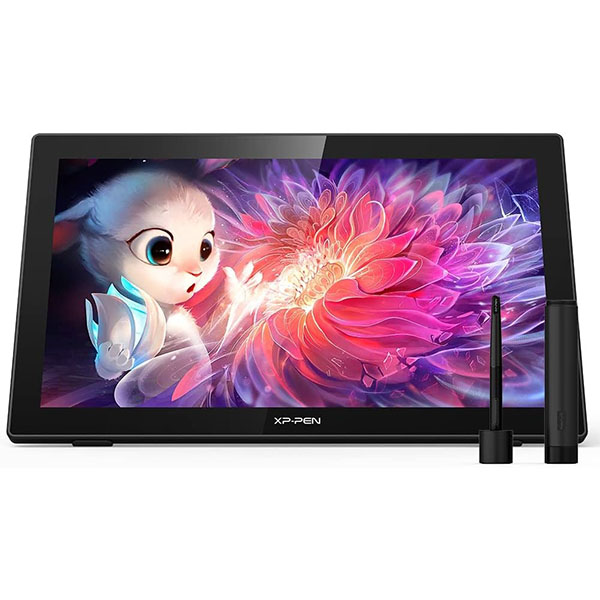
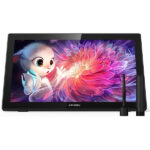
XP-Pen Artist 22 2nd Gen Drawing Tablet
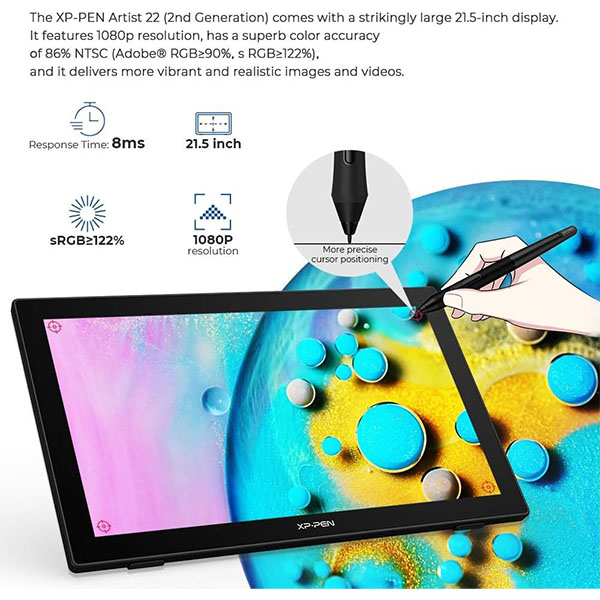
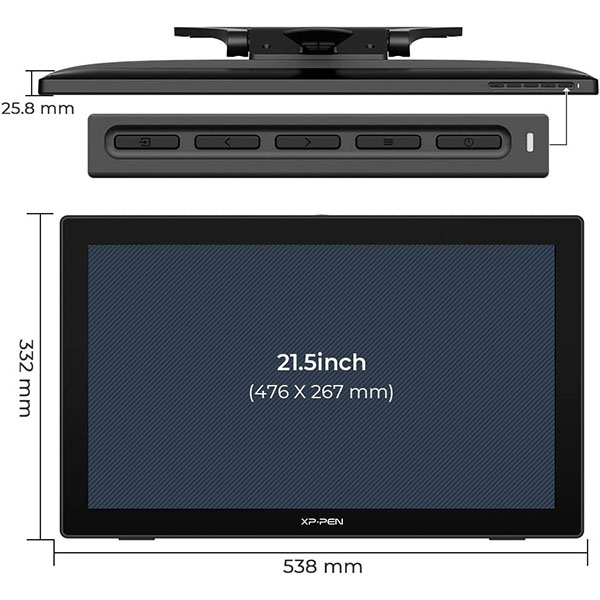
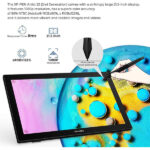
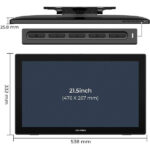
- The XPPen Artist 22 (2nd Generation) comes with a strikingly large 21.5-inch display. It features 1080p resolution, has a superb color accuracy of 86% NTSC (Adobe® RGB≥90%,sRGB≥122%), and it delivers more vibrant and realistic images and videos.
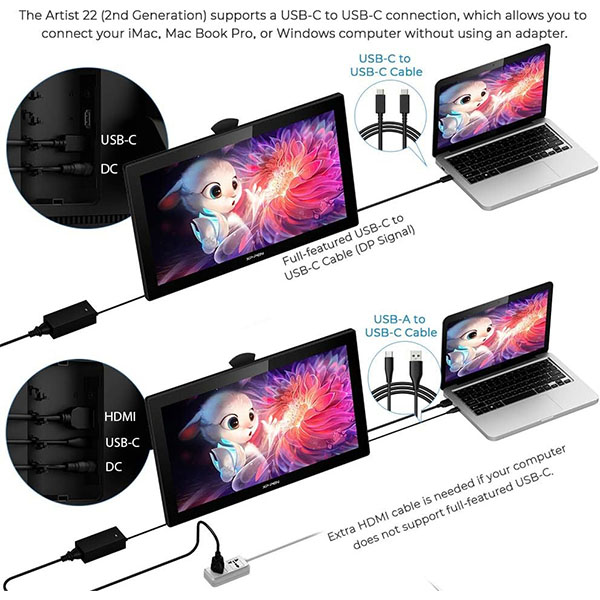
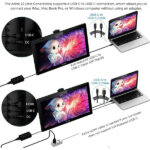
- It supports a USB-C to USB-C connection, which allows you to connect your iMac, Mac Book Pro, or Windows computer without using an adapter.
- With better accuracy, the Artist 22 (2nd Generation) lets you draw with more precise cursor positioning, even at the four corners. This ensures a satisfying drawing experience.
- With a response time of 8ms, it responds nimbly to any pen movement and ensures the swift and smooth presentation of every line and stroke input onto the screen, bringing you a familiar drawing experience.
- The battery-free stylus supports up to 60 degrees of tilt function and 8,192 pressure sensitivity levels, helping you to effortlessly create exquisite strokes and seamless shading.
- By connecting your full-featured USB-C supported Android phone to the XPPen Artist 22 (2nd Generation), you can project your phone screen onto a bigger display, which enables you to watch shows, play games, and listen to music easily.
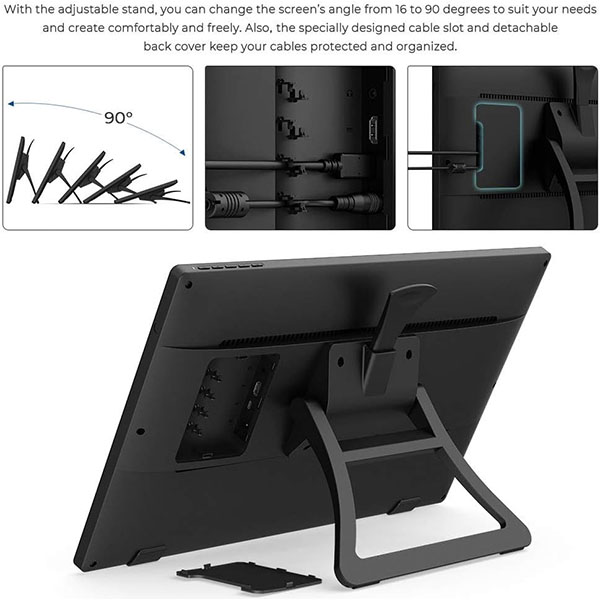
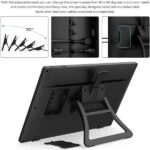
- With the adjustable stand, you can change the screen’s angle from 16 to 90 degrees to suit your needs and create comfortably and freely. Also, the specially designed cable slot and detachable back cover keep your cables protected and organized.
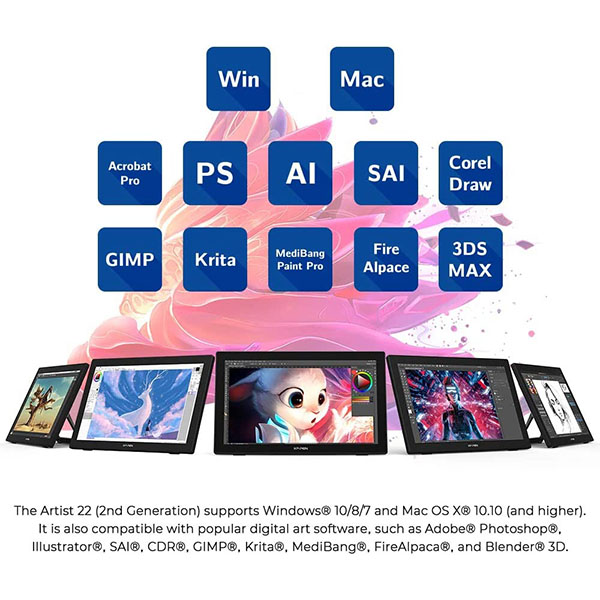
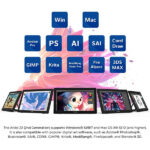
- The XPPen Artist 22 (2nd Generation) supports Windows® 10/8/7, Linux (Detailed versions) and Mac OS X® 10.10 (and higher). It is also compatible with popular digital art software, such as Adobe® Photoshop®, Illustrator®, SAI®, CDR®, GIMP®, Krita®, MediBang®, FireAlpaca®, and Blender® 3D.
Disclosure: Links on this page may be affiliate links. If you make a purchase through these links, we may earn a small commission at no extra cost to you. As an Amazon Associate, we earn from qualifying purchases.
Missing Product?
Shipping & Delivery
-
Courier delivery
Our courier will deliver to the specified address
1-5 Working Days
-
Official Brand Warranty (Check with Manufacturer)

-
3 Days DOA Replacement

Please Read Below Important Notices Before Purchase!!
1. Artist 22 (2nd Generation) drawing tablet is NOT a standalone product!!!
Artist 22 (2nd Generation) drawing tablet must be connected to a laptop/computer to work. It is compatible with Windows system 11/10/8/7(32/64bit), Mac OS X version 10.10 or later, and Linux OS.
2. About the Protective Film
Artist 22 (2nd Generation) drawing tablet comes with protective covers(plastic layer) to avoid damages to the surface from hand grease, scratches, etc.
Please peel off the protective covers(plastic layer) before the application! The real protective film is under the protective covers(plastic layer).
3. Connection Tips
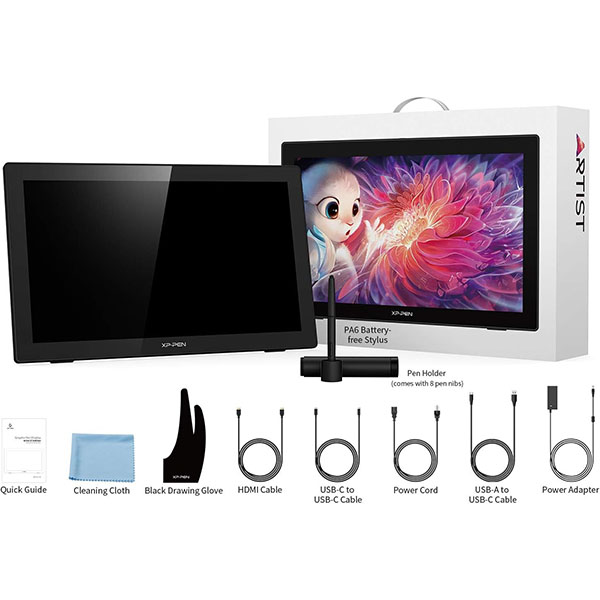
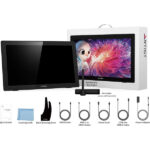
The Artist 22 (2nd Generation) drawing tablet is support a USB-C to USB-C connection, so you can directly connect your iMac/Mac Book Pro and other Windows computers that support USB-C input to the Artist 22 (2nd Generation) drawing tablet without using a Type-C to HDMI &USB adapter. If your computer does not have a USB-C port, please do not worry, there are also HDMI cable and USB-A to USB-C Cable come together with the tablet.
Other Tips: After connecting all the cables in the correct places, please wait about 30s~1min to make the USB Hardware driver loaded successfully.
4. Driver Download and Installation Tips
Driver Download: Our driver will be regularly updated, so please go to our official web to download the newest driver, and install it on your computer.
4.1 Before Driver Installation:
Please Remove Other Brand’s Driver from your computer and reboot before installing the XP-PEN’s driver, otherwise, there will driver conflict problems.
4.2 For Windows Users:
Please close all drawing programs and run the driver as Administrator when installing the driver. (IMPORTANT)
4.3 For Mac Mojave (10.14), Catalina (10.15) and above OS:
- Mac Mojave 10.14 or Above needs to add the “PenTabletSetting” and “PenTabletDriverUX” into the accessibility list first after installed XPPen Driver. Details steps please see the FAQ section on the XPPen web.
- Mac Mojave (10.14) or above OS upgrade in the security section, you need to put programs you newly downloaded into accessibility list first to normally use it.
5. Screen Setting Tips:
- XPPen drawing monitor and the connected monitor MUST be set to the same resolution to function properly in “Mirror mode/Duplicate these displays.”
- If your primary monitor is set to a resolution above 1920×1080, please open “Advanced display settings” and change its resolution to 1920×1080 to match the XPPen Artist 22 (2nd Generation) drawing tablet.
- If you encountered a parallax or offset issue. We recommended Set “Change the size of text, apps, and other items” to 100%. Then recalibrating the XPPen Stylus and Monitor.
6. XPPen Provides Support on all Our Drawing Tablets/Displays
- When you have problems with the use of the Artist 22 (2nd Generation) drawing tablet, please checks the Quick Guide, search XPPen online to find a way to us for further assistance, we are always standing by to help!
|
|
|
|---|---|---|
Easy to set upThe Artist 22 (2nd Generation) drawing tablet is support a USB-C to USB-C connection, which allows you to connect your iMac, Mac Book Pro, or Windows computer without using an adapter. | Enhance Your Drawing ExperienceThe XPPen Artist 22 (2nd Generation) drawing monitor comes with a strikingly large 21.5-inch display. With better accuracy, the Artist 22 (2nd Generation) lets you draw with more precise cursor positioning, even at the four corners. This ensures a satisfying drawing experience. | Newest Designed Battery-free StylusThe PA6 battery-free stylus supports up to 60 degrees of tilt function and 8,192 pressure sensitivity levels, helping you to effortlessly create exquisite strokes and seamless shading. |
|
|
|
|---|---|---|
Wide CompatibilityThe Artist 22 (2nd Generation) drawing tablet supports Windows11/10/8/7 and Mac OS X 10.10 (and higher) and Linux OS. It is also compatible with popular digital art software, such as Adobe Photoshop, Illustrator, SAI, CDR, GIMP, Krita, MediBang, FireAlpaca, and Blender 3D. | Small details that make a big differenceThe Artist 22 (2nd Generation) drawing screen comes equipped with the Headphone Jack, HDMI port, USB-C port and Power Jack. If your computer does not have a full-features USB-C port for the connection, you can use the HDMI and the included USB-A to USB-C cable to convert for the connection. | Pre-installed Anti-glare Screen ProtectorThe custom-designed anti-reflective coating reduces glare by 56 percent. Your screen will continue to look clear and beautiful, even if it’s bright out. |

1. Online Teaching. Teachers and students can create and explain interactive content visually by writing, editing, and annotating directly in files and sharing their screen in real-time.
2. Web-conference. The Artist 22 2nd drawing pen display allows you to start broadcasting for distance education or web conferencing, entering an interactive classroom or meeting room anytime, anywhere.
3. E-Learning. XPPen graphics tablets make your education journey much smoother and easier, and your education broadcasting more intuitive and attractive.
4. More to Explore. Simultaneous digital inking with an XPPen drawing tablet compatible with Microsoft Office apps like Word, PowerPoint, OneNote, etc. Visually present your handwritten notes, signatures precisely, and more.
|
|
|
|
|---|---|---|---|
Adjustable StandWith the adjustable stand, you can change the screen’s angle from 16 to 90 degrees to suit your needs and create comfortably and freely. | Compatible with Linux OS NowXPPEN Artist 22(2nd Generation) drawing monitor now supports working with the Linux OS Now! Open your mind and create new possibilities. | Big Screen to Play Switch GameBy connecting your Switch to the Artist 22 2nd Gen drawing tablet, you will have a big screen view when playing Switch Games! | Detachable Back CoverSpecially designed detachable back cover keep your cables protected. |
Only logged in customers who have purchased this product may leave a review.


Reviews
Clear filtersThere are no reviews yet.