


-
 Courier delivery

-
Official Brand Warranty (Check with Manufacturer)

-
3 Days DOA Replacement

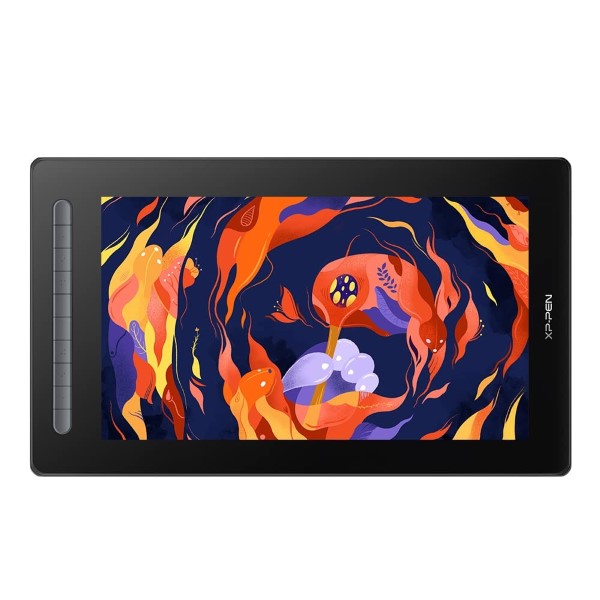
XP-Pen Artist 16 2ND Gen Display Tablet X3 Elite Stylus 8192 Level Pressure Sensitivity,10 Customisable Shortcut Keys, Fully Laminated – Black


WARM TIPS:
●How does the Artist 16 (2nd Gen) drawing tablet work?
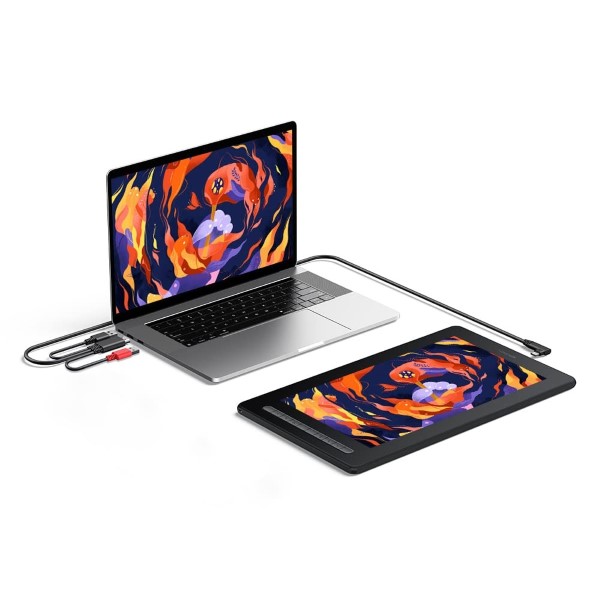
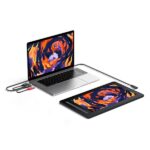
XP-PEN Artist 16 (2nd Gen) is not the standalone product. It must be connected to a PC/Laptop to work.
●What type of interface you need for connection?
For 3-in-1 USB-C cable connection: Your computer needs to have HDMI and USB ports available for the connection, if not, you need an adapter to convert for the connection.
For Full-featured USB-C cable connection: The Artist 16 (2nd Gen) also supports connection with XP-PEN USB-C to USB-C cable (sold separately).
●Driver Download and Installation Tips:
Before installing XP-PEN’s driver, please remove other brand’s driver from your computer and reboot, otherwise this might cause the conflict problem.
XP-PEN’s driver will be regularly updated, so please go to our official web to download the newest driver, and install it on your computer.
|
|
|
|---|---|---|
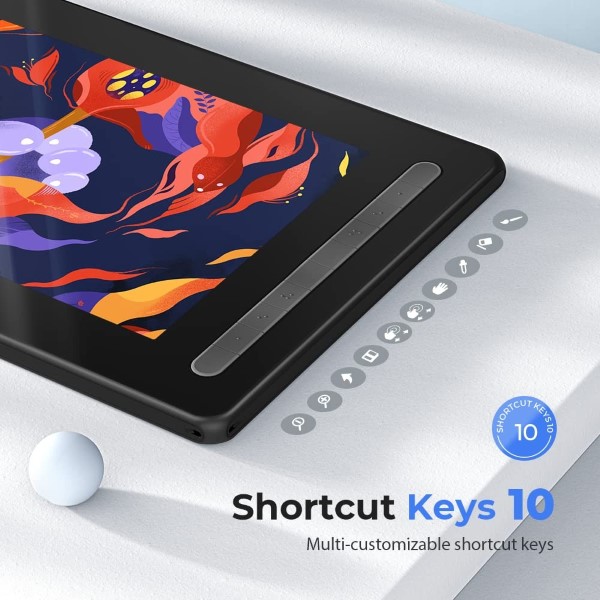
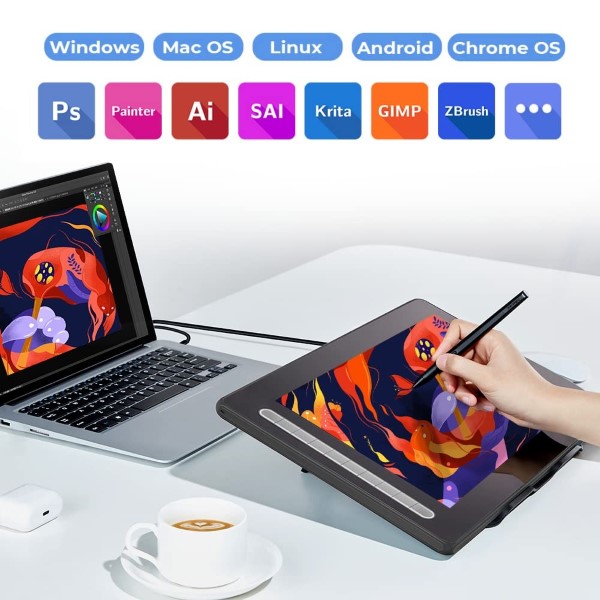
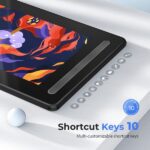
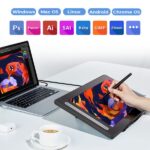
Extensive compatibilityThe Artist 16 (2nd Gen) graphics tablet is compatible with Windows 7 (or later), Mac OS X 10.10 (or later), Android (USB3.1 DP1.2), Chrome OS 88 (or later)*, Linux. Explore your creativity with the new Artist. It is also works well with various popular digital art software applications, such as Adobe Photoshop, Illustrator, SAI, CDR, GIMP, Krita, and MediBang. | Versatile shortcut keysThe Artist 16 2nd Display with 10 Customizable Shortcut Keys which available to be customized according to your own creative habits, you can used in your software application of choice to simplify your workflow and empower your productivity, it can make the operation more efficient, and save your precious time. | Full Lamination TechnologyArtist 16 (2nd Gen) is a more affordable graphic display with full-laminated screen. The seamless combination of screen and glass will bring you the most natural drawing experience with precise cursor positioning and the lowest parallax. The scratch-resistant anti-glare film prevents any unwanted distracting reflection. |


Free Bundle Software.
XP-PEN provides you with free software (openCanvas, ArtRage 6, Cartoon Animator 4, Storyboard, Harmony and Explain Everything) for different purposes.
How to obtain your software:
Step 1: Create or log into your XP-PEN account.
Step 2: Certify your purchase’s serial number.
Step 3: Select a software option, find the activation key of the software and visit the corresponding page to install it.
Compatible Operation System.
Windows OS: Windows 7, Windows 8, Windows 10, Windows 11 Home, Windows 11 Pro, Windows 11 Enterprise, Windows 11 Education;
Android OS: Android 6.0 Marshmallow, Android 7.0 Nougat, Android 8.0 Oreo, Android 9 Pie, Android 10, Android 11, Android 12;
Chrome OS: Chrome OS 88, Chrome OS 89, Chrome OS 90, Chrome OS 91, Chrome OS 92, Chrome OS 98, Chrome OS 99, Chrome OS 100;
Mac OS: OS X 10.10 Yosemite,OS X 10.11 El Capitan,macOS 10.12 Sierra,macOS 10.13 High Sierra,macOS 10.14 Mojave,macOS 10.15 Catalina,macOS 11 Big Sur,macOS 12 Monterey;
Linux OS: Ubuntu14.04/16.04/17.04/18.04/20.04 (64bit), Fedora32 64bit, Red Hat7 64bit, Manjaro-xfce-20.1.2-201019 64bit, Arch Linux2019.12.01 64bit, Debian-9.5.O-amd64-netinst 64bit.

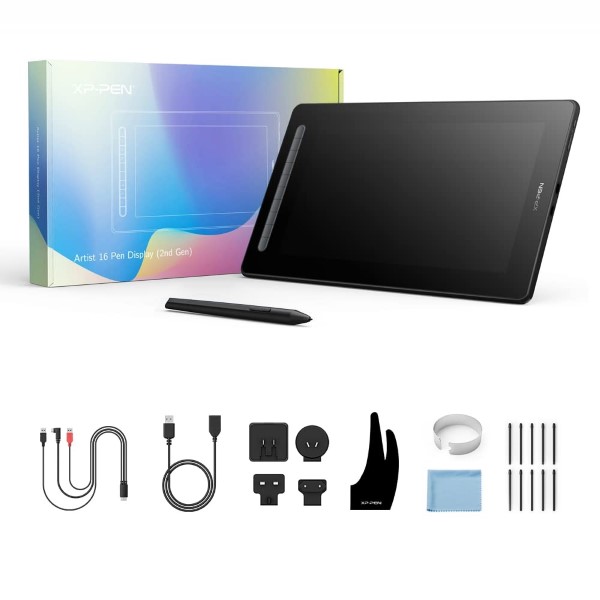
Package Included:
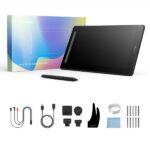
- 1 x Pen Display
- 1 x X3 Elite Stylus
- 1 x 3-in-1 USB Cable; 1 x Extension Cord
- 10 x Pen Nibs; 1 x Nib Extractor
- 1 x Cleaning Cloth
- 1 x Black Drawing Glove
- 1 x Quick Guide
- 1 x Maintenance Card
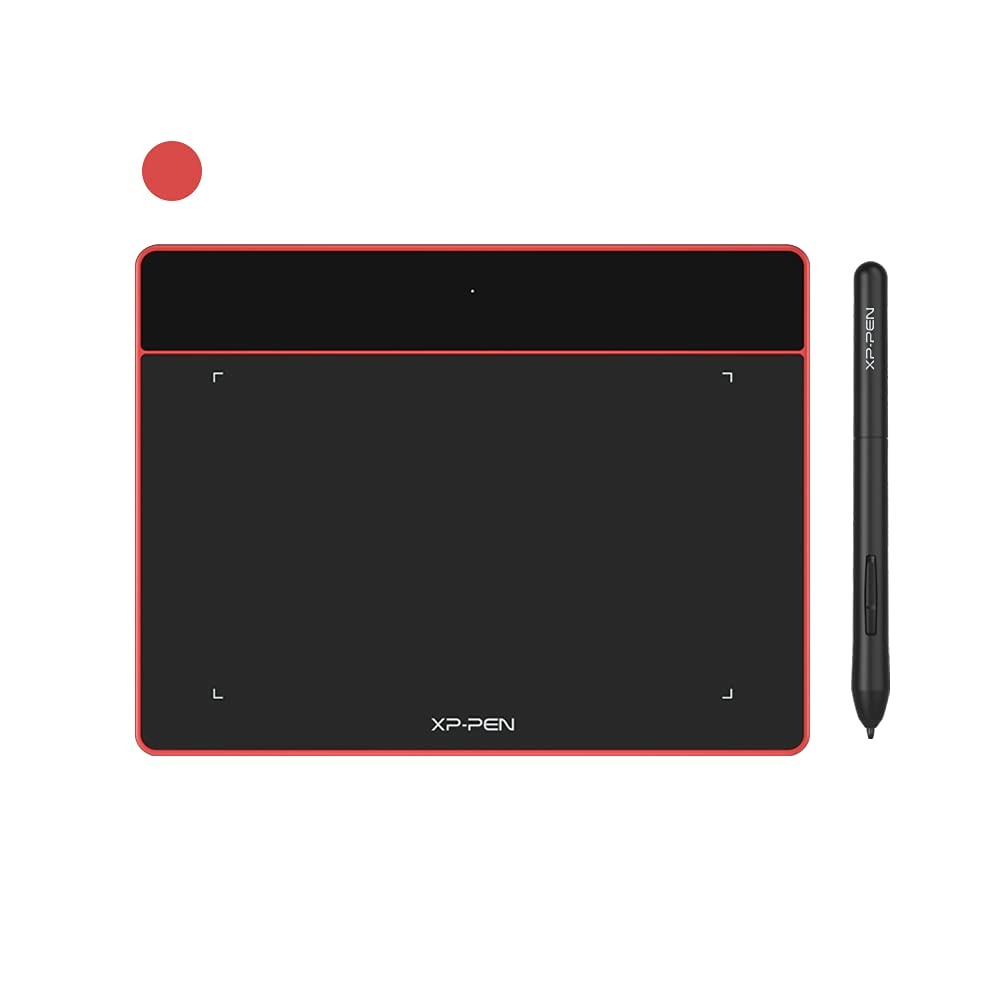
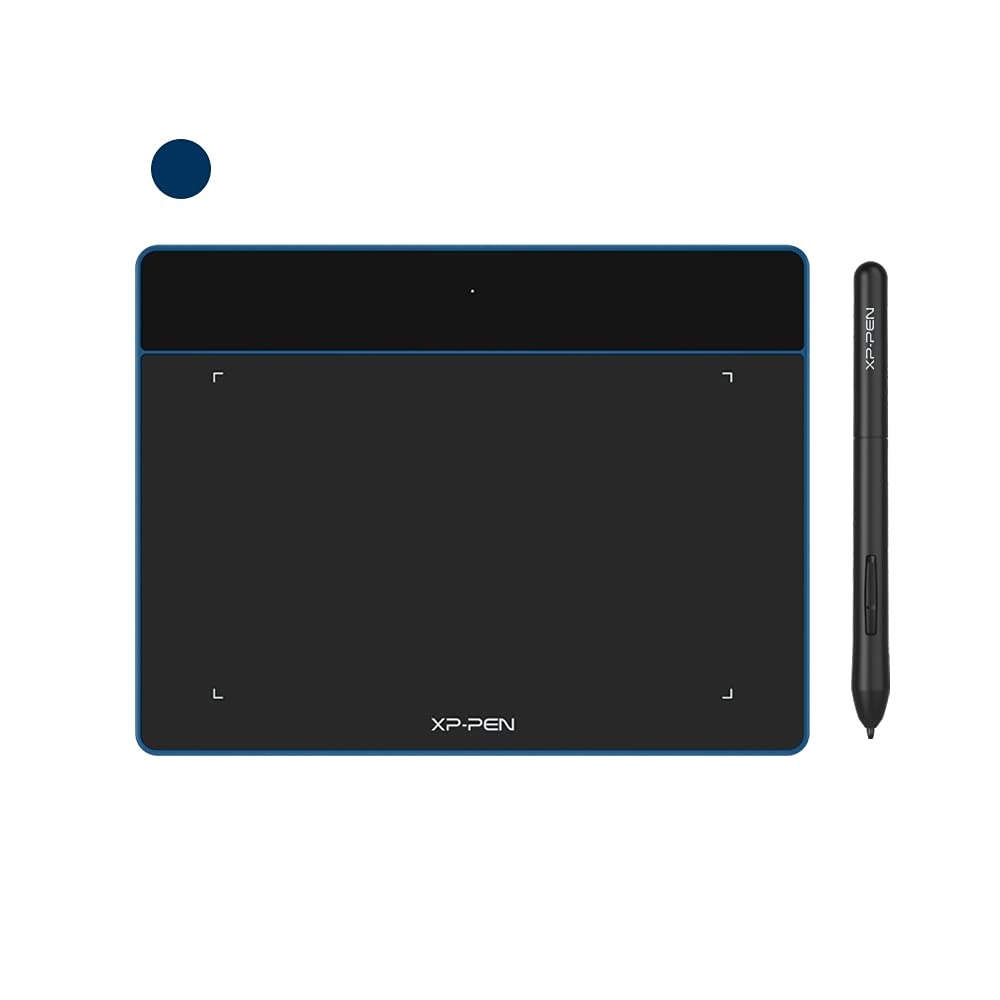
Four vibrant colors, for creative inspiration
When you’re ready to step up to creating directly on screen, Artist 16 2nd is your go-to product to take your work to the next level
A new generation introduces a new chapter. The Artist Series Pen Display (2nd Gen) upholds our mission to support you to follow your dreams, be bold, and express your true self. Multi-function, multi-size, multi-color, our new Artist comes with upgrades for an all-new experience. Powered by X3-Smart-Chip technology, it also opens more possibilities for your inspiration to flow.
Only logged in customers who have purchased this product may leave a review.
Reviews
Clear filtersThere are no reviews yet.