


-
 Courier delivery

-
Official Brand Warranty (Check with Manufacturer)

-
3 Days DOA Replacement


Warm Tips:
- How does Deco MW work?
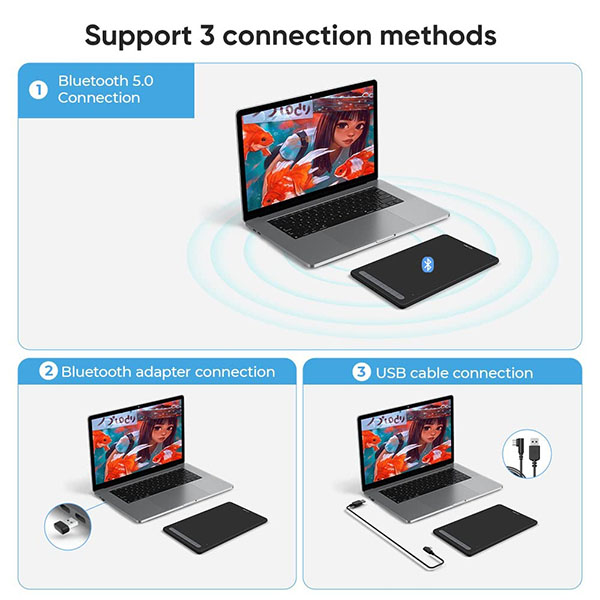
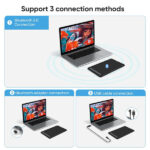
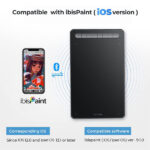
XP-Pen Deco MW is NOT a standalone product. It must be connected to a PC/Laptop/Android Phone to work.
- What type of interface you need for connection?
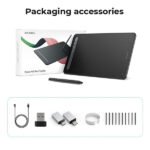
Your device needs to have a USB-A port for the connection. We also provide you one free USB to USB-C adapter and one USB to micro USB adapter for different connection need.
- Driver Download and Installation Suggestions:
Before installing the XP-Pen’s driver, please make sure to uninstall or delete any previous tablet drivers and then restart your computer. Otherwise there may be a system conflicts. After restarting please go to the XP-Pen official website, then download and install the latest version of driver.
Draw Your Dream with X3 Smart Chip

Set off on your CG journey with X3 smart chip
The introduction of the X3 Smart Chip begins the third chapter for the XP-Pen stylus: that of smart chip technology. Although the X3 is tiny, it is made with sophisticated technology that dramatically upgrades the performance and structure of the stylus. Our mission is to create artistic digitizers that give you a feeling as real and natural as working with a traditional tool. We have maintained that goal throughout the design process for the X3 Smart Chip, resulting in an X3 stylus that feels almost exactly like using a traditional brush. X3 Smart Chip technology, infinite possibilities!
Key Features of X3 Smart Chip Stylus
|
|
|
|
|---|---|---|---|
More StablePowered by the X3 smart chip, without the spring mechanism, the stylus performs better than any other existing XP-Pen stylus. With its 8192 pressure sensitivity levels and a 60-degree tilt function, you will have easy, intuitive control while creating artwork. | More SensitiveThe new X3 smart chip accurately processes electromagnetic signals by encoding them into digital data. This change increases 10-fold* the sensitivity of the initial activation force (IAF to under three grams*), so your artwork can be produced with a featherlight stroke. | More RealisticThe X3 smart chip with its powerful computing ability gives the stylus an improved sensor structure. This change reduces the retraction distance to 0.6 mm*, resulting in a steady brushstroke without wobble. | Improved DurabilityThanks to the overall design of the X3 smart chip, the new stylus greatly optimizes its inner structure and eliminates the consumable spring components of previous designs. The new design will approximately double* the life span of the stylus. |


Learn More About XP-Pen Deco MW
|
|
|
|---|---|---|
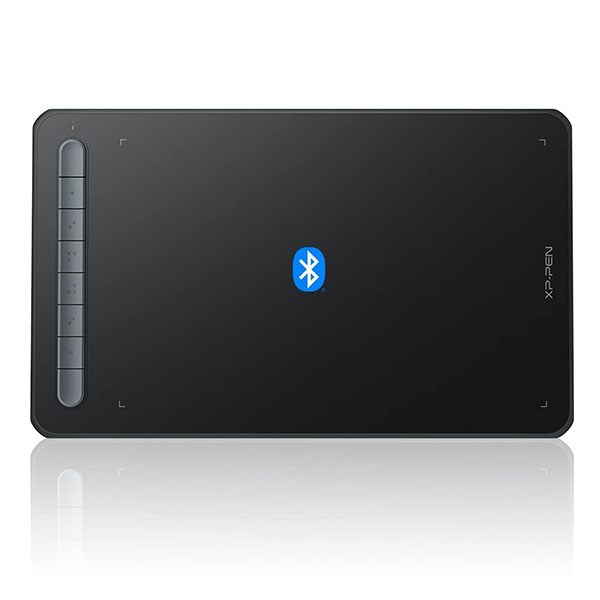
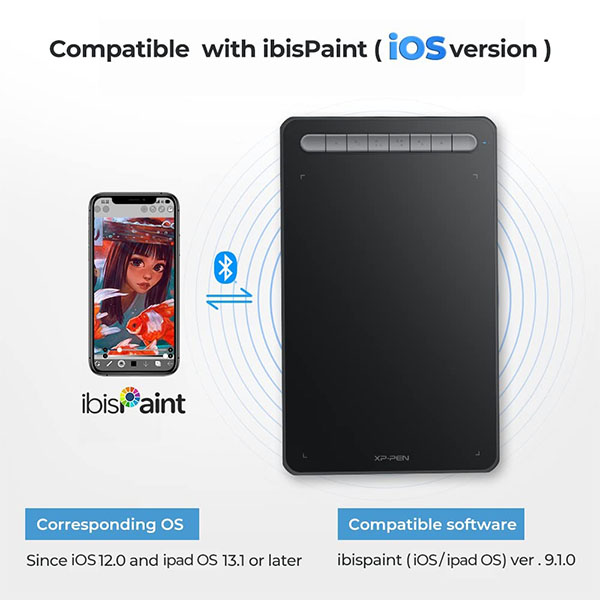
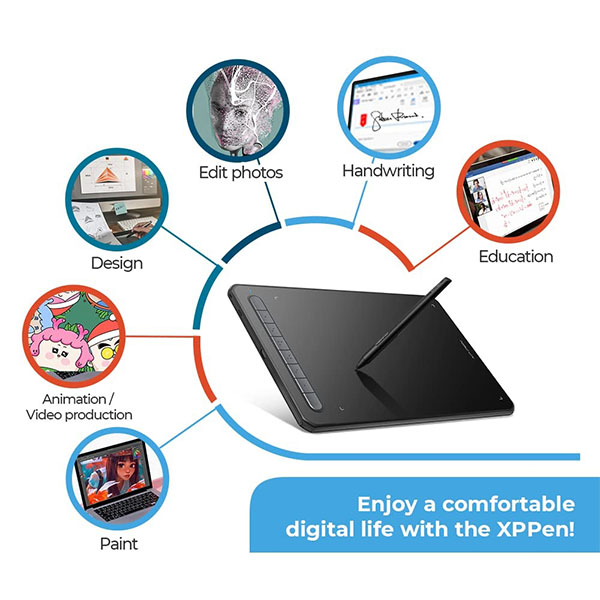
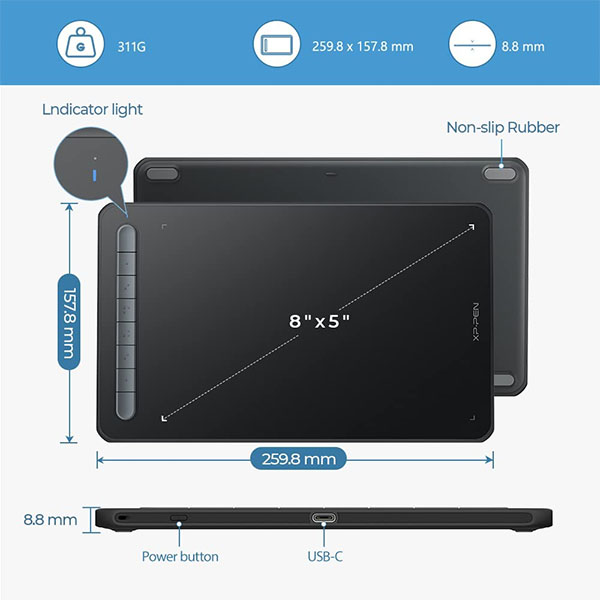
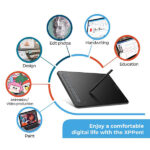
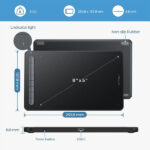
8 Efficient Shortcut KeysThe Deco MW Pen Tablet features eight shortcut keys that can be customized to suit the various shortcut combinations needed, thus replacing a computer keyboard. An assortment of tactile bumps on the keys lets you identify the correct shortcut quickly, even in a dim environment, helping you to speed up your workflow. | Work Area:8” x 5”The Deco MW graphics tablet comes with an 8 x 5 inch working area, offering you more space and more freedom to express your creative ideas. It supports a rotation of 0, 90, 180, and 270 degrees. Now you can set out to what you want to be! | Excellent CompatibilityThe Deco MW graphics tablet support Windows, Mac, Android, Chrome OS, and Linux systems. The pen tablets work with most major art software, including Photoshop, Illustrator, SAI, GIMP, Krita, MediBang Paint, FireAlpaca, Blender, and more. The extensive compatibility of these pen tablets expands your creative horizons. |


|
|
|
|---|---|---|
Free Bundle SoftwareXP-Pen provides you with free software (Zoner Photo Studio X, Explain Everything) for your Deco M drawing tablet. How to obtain your software?
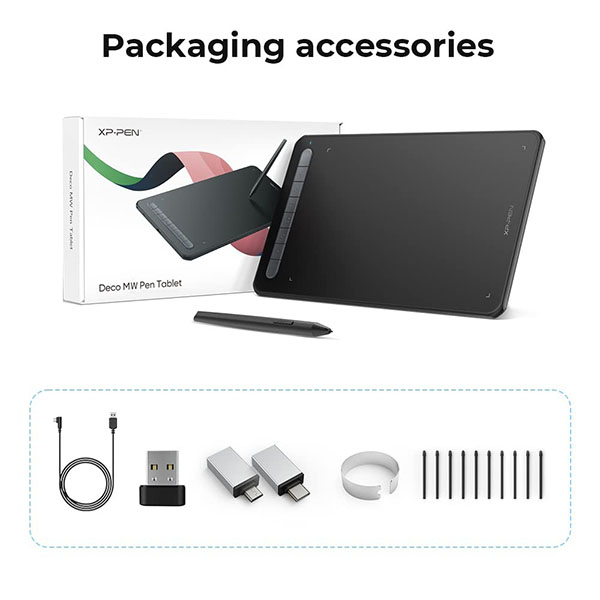
| Package Content1 x Pen Tablet 1 x X3 Elite Stylus 1 x USB to USB-C Adapter 1 x USB to Micro USB Adapter 1 x USB Cable 1 x Nib Extractor 10 x Nibs 1 x Quick Guide 1 x Maintenance Car |


Only logged in customers who have purchased this product may leave a review.
Reviews
Clear filtersThere are no reviews yet.