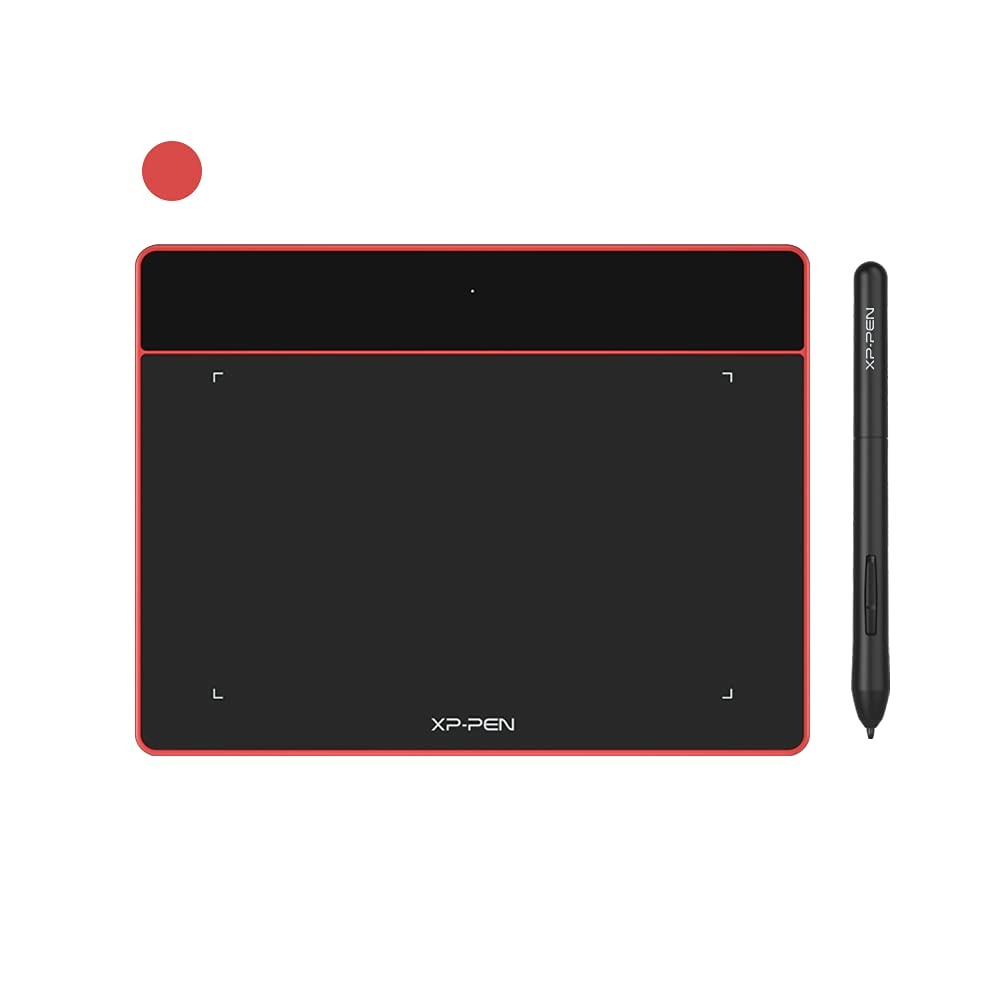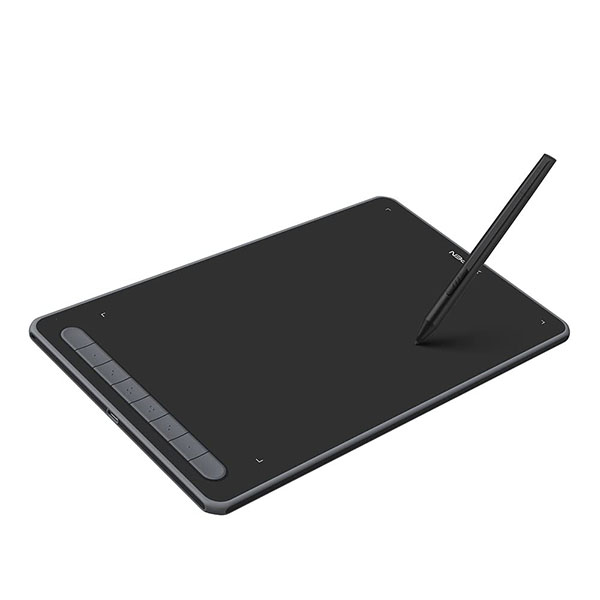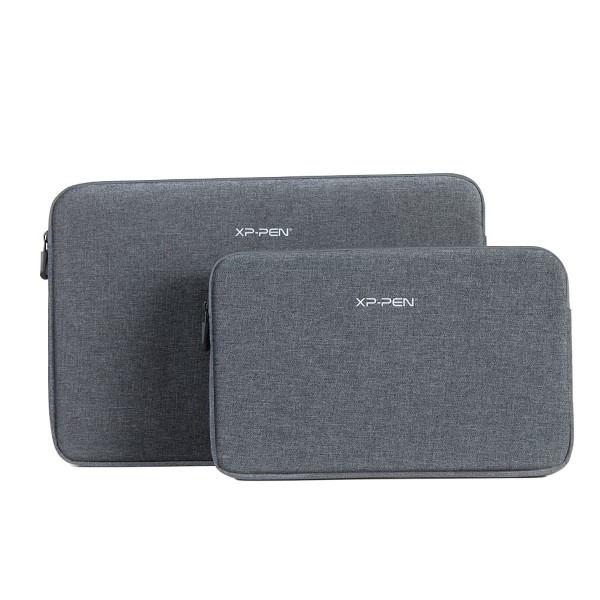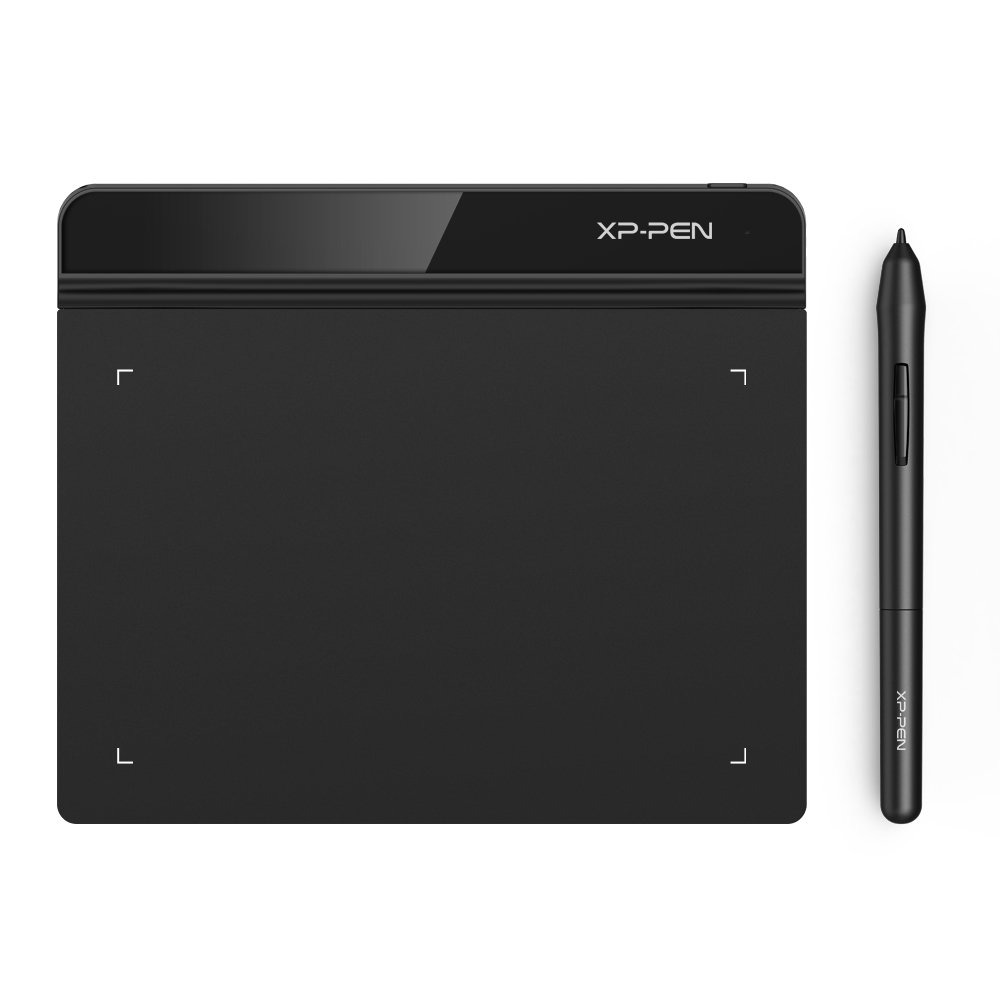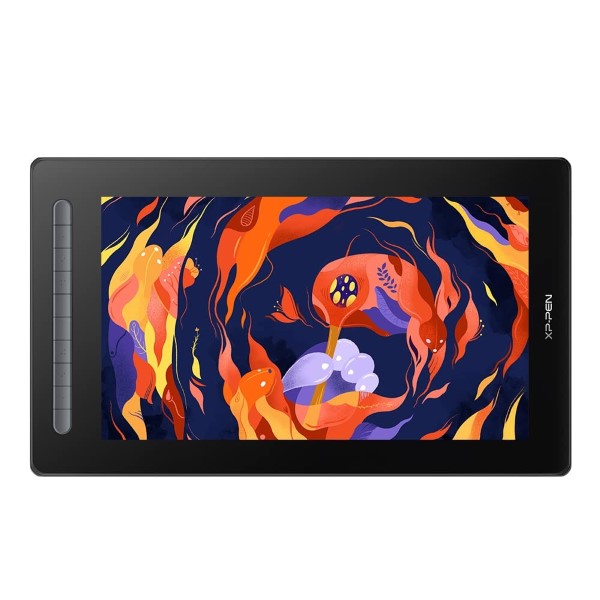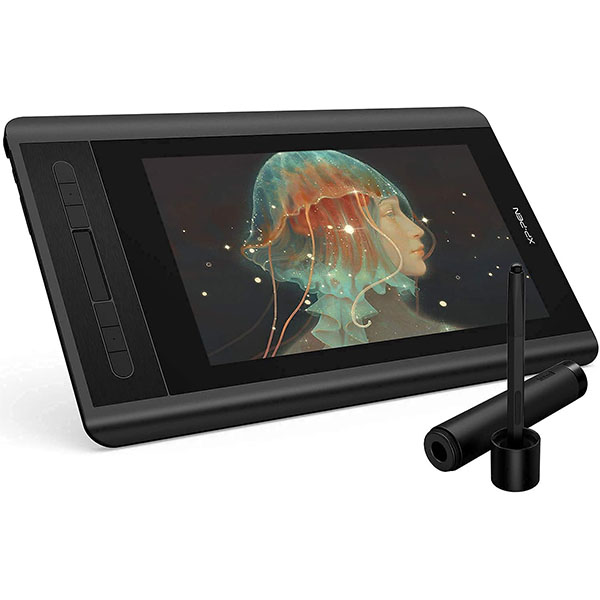
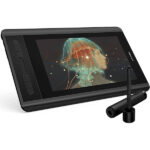
XP-Pen Artist 12 Pro Graphics Tablet
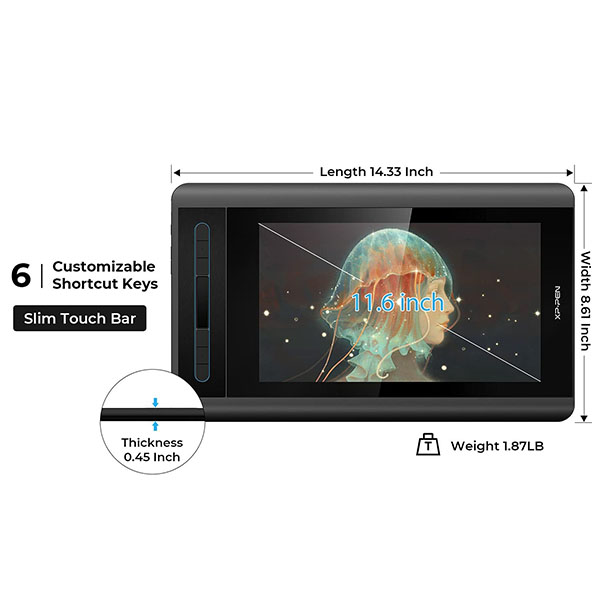
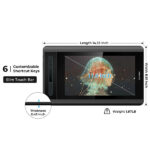
- 11.9-inch Working Area
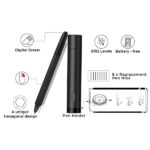
- Battery-Free Stylus With 8192 Levels Of Pressure Sensitivity
- Supports 60 Degrees Of Tilt
- 8 Customizable Shortcut Keys & Red Dial
- Fully Laminated IPS Display To Minimize Parallax
- Compatible with Windows® 11/10/8/7, Mac OS X® 10.10 and above.
- Compatible with many major designer software such as Photoshop®, SAI®, Painter®, Illustrator®, etc as well as online teaching software like Zoom, Microsoft Teams, WebEx etc
Disclosure: Links on this page may be affiliate links. If you make a purchase through these links, we may earn a small commission at no extra cost to you. As an Amazon Associate, we earn from qualifying purchases.
Missing Product?
Shipping & Delivery
-
Courier delivery
Our courier will deliver to the specified address
1-5 Working Days
-
Official Brand Warranty (Check with Manufacturer)

-
3 Days DOA Replacement

XP-PEN Artist 12 Pro 11.6 inches Drawing Pen Graphics Monitor Fully-Laminated IPS Display with Tilt Support, 8 Shortcut Keys and Red Dial with 8192 Levels Pen Pressure. Compatible for Windows & Mac OS

A perfect display that suits the beginner.
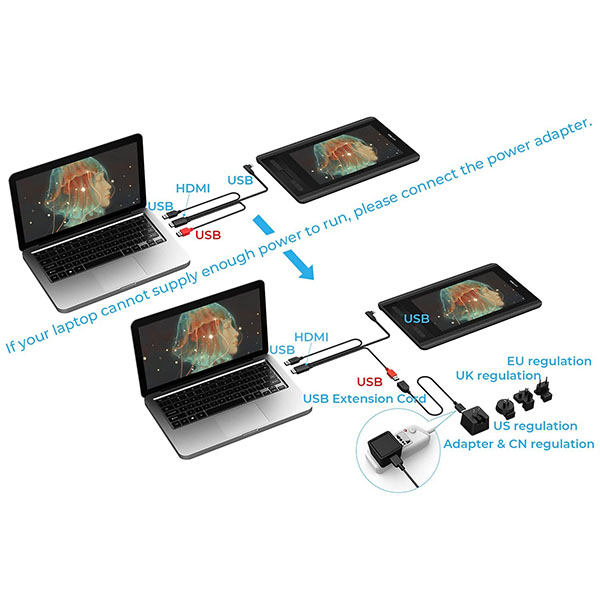
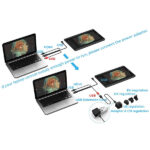
Features a super-portable screen with an 11.6-inch display area and a convenient 3-in-1 cable design. There’s no need to use any adapter and it quickly connects to your computer. Start sketching, doodling, and drawing directly on Artist 12 Pro and begin your creative journey.
Important Notice:
1. Artist12Pro is NOT a standalone product!!!
- This device must be connected to a computer to work. It is compatible with Windows system 10/8/7(32/64bit), Mac OS X version 10.10 or later.
2. About the Protective Film
- Artist12 Pro drawing pen display comes with protective covers(plastic layer) to avoid damages to the surface from hand grease, scratches, etc.
- Please peel off the protective covers(plastic layer) before application!
- The real protective film is under the protective covers(plastic layer).
3. Connection Tips
- Your computer needs to have HDMI and USB ports available for the connection, if not, you need an adapter to convert for the connection. Please confirm the Black USB Cable and the HDMI Cable completely plug into your computer. For the Red USB Cable, if your computer cannot supply enough power, please plug it to the wall plug.
- If your computer only have Type-c ports, you need a Type-c to HDMI and USB adapter for the connection.
- Other Tips: After connecting all the cables in the correct places, please wait about 30s~1min to make the USB Hardware driver loaded successfully.
4. Driver Download and Installation Tips
- Driver Download: Our driver will be regularly updated, so please go to our official web to download the newest driver, and install it on your computer.
4.1 Before Driver Installation:
- Please Remove Other Brand’s Driver from your computer and reboot before installing the XP-PEN’s driver, or there will driver conflict problems.
4.2 For Windows Users:
- Please close all drawing program and run the driver as Administrator when installing the driver. (IMPORTANT)
4.3 For Mac Mojave (10.14) Users:
- If your operating system is the newest Mojave 10.14, please Add the “PenTabletSetting” into the whitelist first after installed the driver on your computer.
5. XP-PEN Provides Lifetime Technical Support on all Our Drawing Pen Tablets/Displays
- When you have problems with the use of the Artist12 Pro, please checks the Quick Guide, search XP-Pen online to find a way to us for further assistance, we are always standing by to help!

|
|
|
|---|---|---|
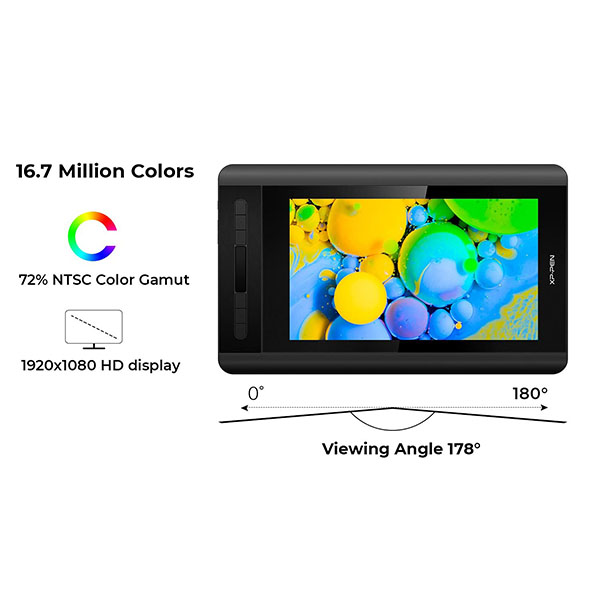
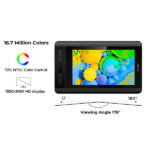
Full High Definition ScreenArtist12 Pro pairs a superb color accuracy of 72% NTSC with a 178-degree viewing angle and delivers rich colors, vivid images, and dazzling details in a wider view. Your creative world is now as powerful as it is colorful! It also comes with a replaceable anti-glare optical film and features high transparency and scratch resistance while reducing glare and keeping your screen crisp and clear even bright light. | Adopting Fully-laminated TechnologyArtist 12 Pro seamlessly combines the glass and screen to create a distraction-free working environment.With virtually no parallax, your cursor appears exactly where you want it, offering a real paper-like feel while drawing on this 11.6 inch fully-laminated IPS Display with a 178-degree viewing angle and 1920*1080 high resolution. | Natural ±60 Degrees Tilt SupportThe XP-Pen Artist 12 Pro supports up to 60 degrees of tilt function, so now you don’t need to adjust the brush direction in the software over and over again. Simply tilt to add shading to your creation and enjoy smoother and more natural transitions between lines and strokes. |
|
|
|
|---|---|---|
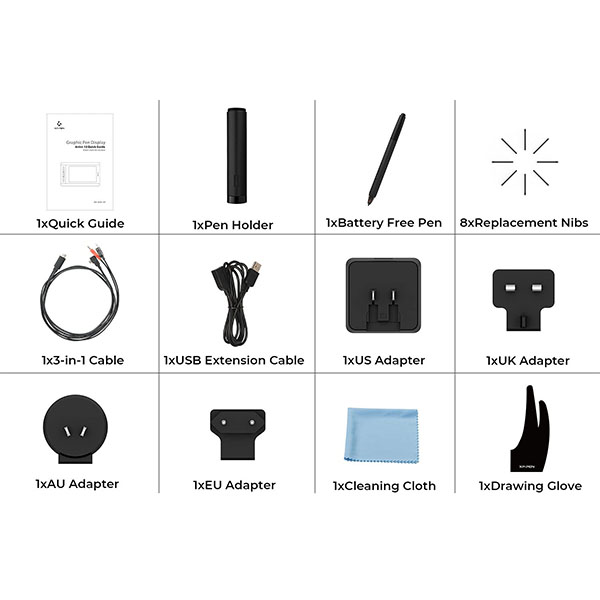
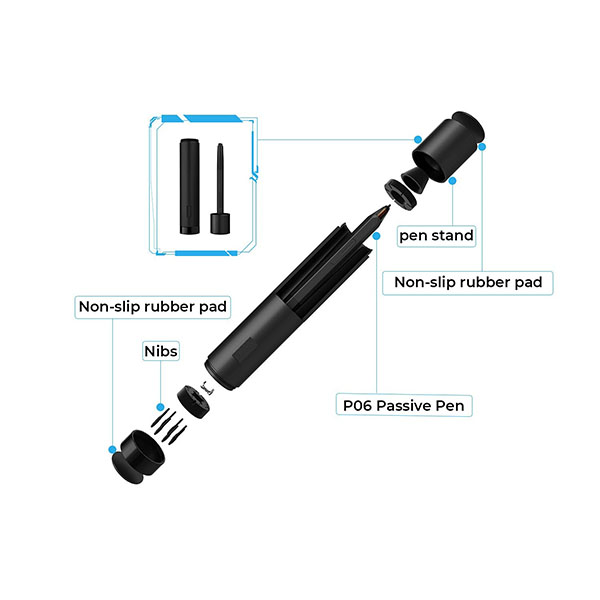
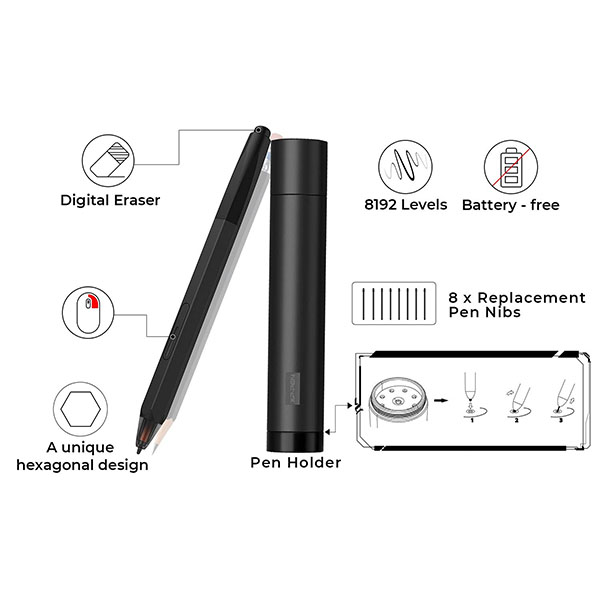
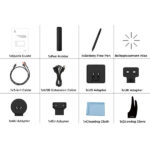
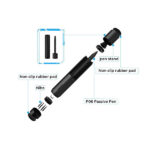
A Red Dial and 8 Customizable Shortcut KeysThe dial fits comfortably in your hand and can be programmed for more customization options, letting you capture and express your ideas faster and more easily. 8 fully customizable shortcut keys and puts more customization options at your fingertips to suit you preferred work style, allowing you to capture and express your ideas easier and faster for optimized workflow. It also features a slim 11mm profile, and with an easily accessible smart screen-brightness button, you can easily adjust it to your preferred brightness for comfortable drawing | Newly Design Battery-free P2A PenWith up to 8,192 levels of pressure sensitivity, it provides you with increased accuracy and enhanced performance to create the finest sketches and lines, even presenting the nuance of different hairs. Draw and paint naturally and smoothly with our battery-free stylus. | Accessories Perfectly MatchedIncluded with the Artist 12 Pro, the AC 42 easy-to-use stand is built to prevent shaking or sliding as well as relieve eye fatigue and hand stiffness. The multi-function Pen Holder keeps your pen and pen nibs safe, and doubles as a pen stand or pen holder. |
Only logged in customers who have purchased this product may leave a review.


Reviews
Clear filtersThere are no reviews yet.