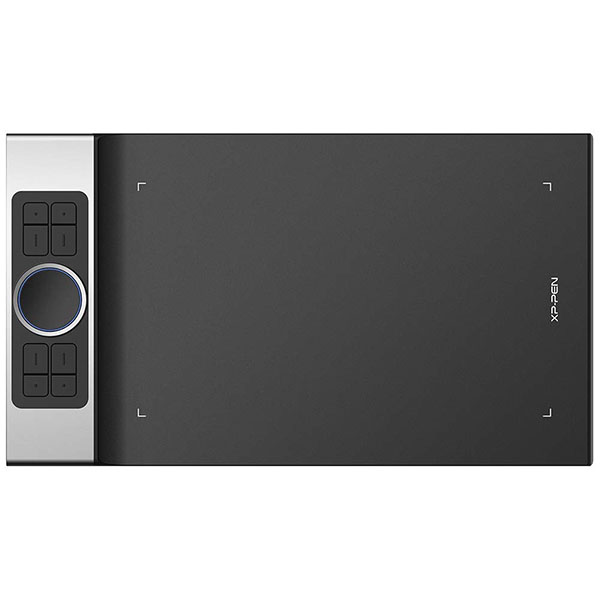
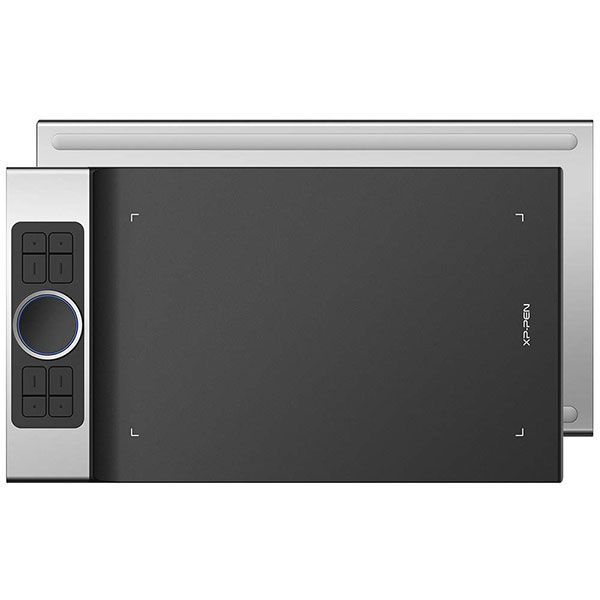
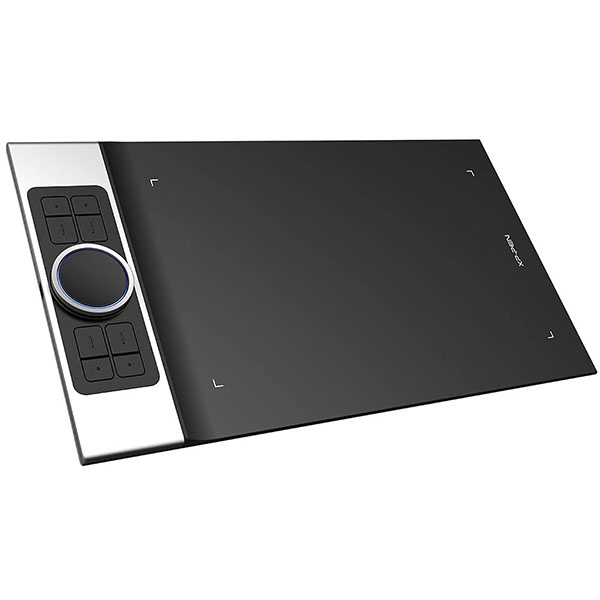
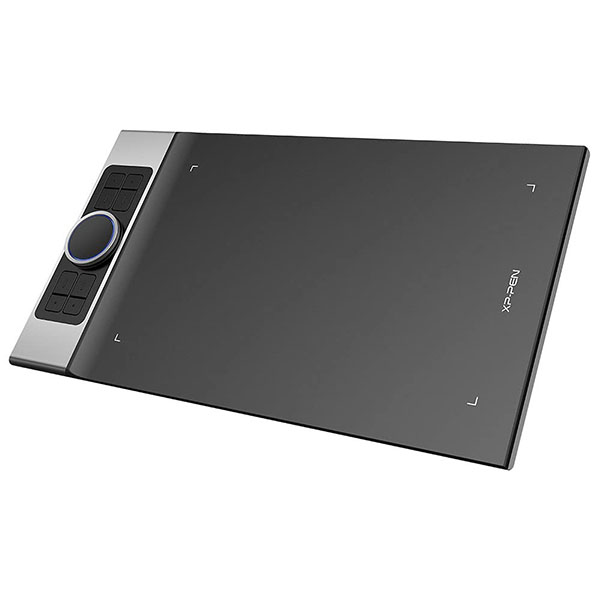
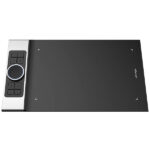
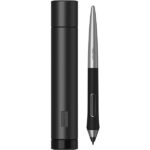
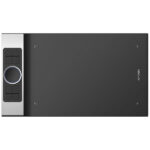
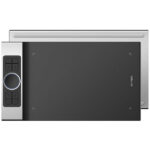
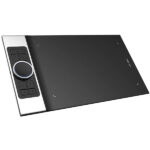
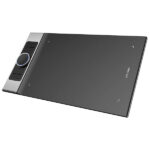
XP-Pen Deco PRO Small Graphics Drawing Tablet Black

✈️ Estimate Delivery:
203 People watching this product now!
28 Items sold in last 3 hours
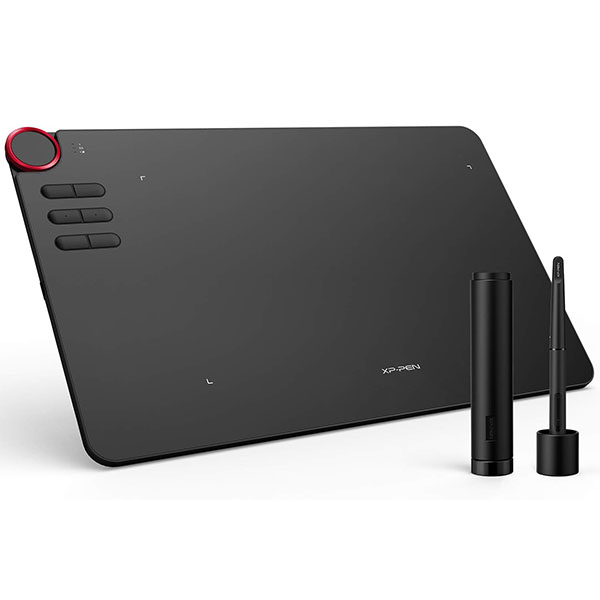
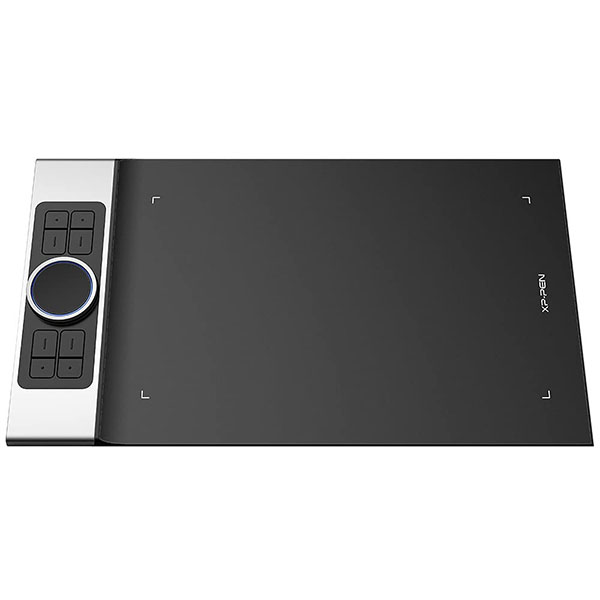
  • The XP-Pen Deco Pro S features a 9×5 inch working area and XP-Pen Deco Pro M 11 x 6
  • Made with an aluminum casing and features a curved sheet tablet as slim as 7mm, making it both smooth to use and sleek in appearance.
  • Deco Pro’s ground-breaking double wheel design paired with trackpad functionality creates an improved experience for professional level creation.
  • The roller wheel also comes equipped with an indicator light and adjustable brightness level, letting you stay immersed in your creation even in dim light.
  • The XP-Pen Deco Pro supports up to 60 degrees of tilt function, quickly and easily responding to the way your hand moves. Tilt function also delivers smoother and more natural transitions between lines and strokes while also giving you the ability to add shading to your creation.
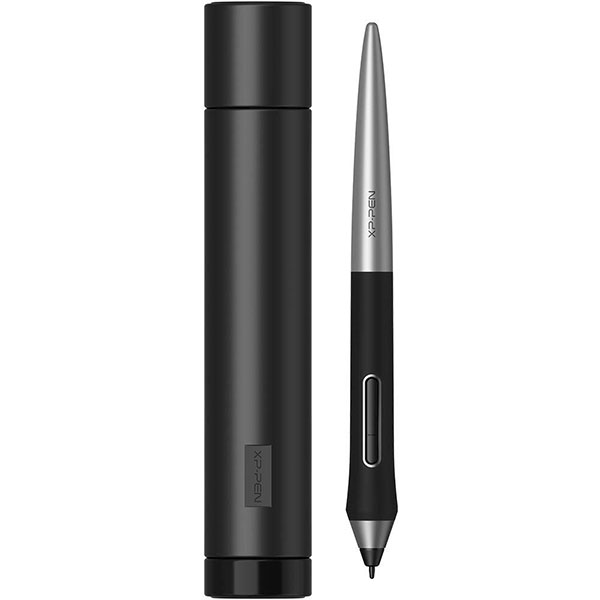
  • Deco Pro comes with a Battery-free Stylus Pen that has 8,192 levels of pressure sensitivity providing you with increased accuracy, control, and fluidity for the finest sketches and lines.
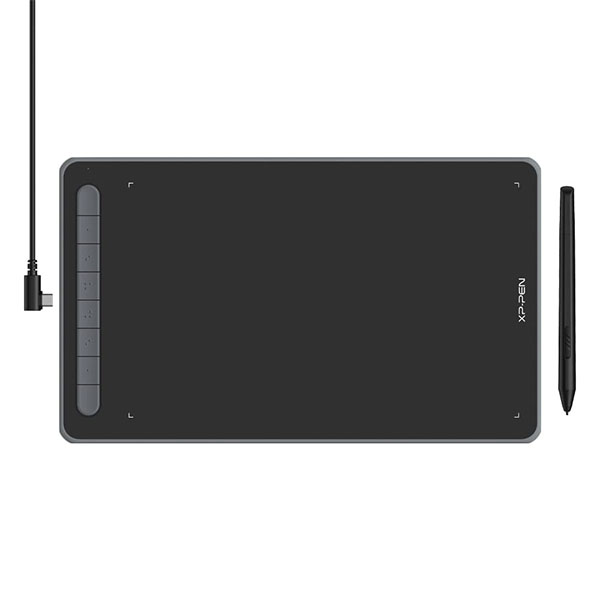
  • It features 8 fully customizable shortcut keys that puts more customization options at your fingertip to suit your preferred work style.
  • Ideal for digital drawing, designing, animation, online teaching and online video Conferencing
  • Compatible with Windows® 10/8/7, Mac OS X® 10.10 and above, Android 6.0 (works only in portrait mode)  and above.
  • Deco Pro Small is also compatible with many major designer software such as Photoshop®, SAI®, Painter®, Illustrator®, etc as well as online teaching software like Zoom, Microsoft Teams, WebEx etc

Disclosure: Links on this page may be affiliate links. If you make a purchase through these links, we may earn a small commission at no extra cost to you. As an Amazon Associate, we earn from qualifying purchases.

SKU: Deco Pro S

Missing Product?

Shipping & Delivery

  • Courier delivery

Our courier will deliver to the specified address

1-5 Working Days

  • Official Brand Warranty (Check with Manufacturer)

  • 3 Days DOA Replacement
Description

Important Notice:

1. Deco Pro is NOT a standalone product!!!

  • This device must be connected to a computer to work. It is compatible with Windows system 10/8/7(32/64bit), Mac OS X version 10.10 or later.

2. About the Product Surface

  • Electronics products often come with protective covers(plastic layer) to avoid damages to the surface from hand grease, scratches, etc. If there are any air bubble or light scratches when you first get the tablet, please do not misunderstand it have been used, just need to remove the protective covers(plastic layer) before application.

3. Connection Tips

  • Your computer needs to have USB Type-A port for the connection. Please confirm the USB Cable completely plug into your computer.
  • If your computer only have Type-c ports, you need an adapter for the connection.
  • Other Tips: After connecting all the cables in the correct places, please wait about 30s~1min to make the USB Hardware driver loaded successfully.

4. Driver Download and Installation Tips

  • Driver Download: Our driver will be regularly updated, so please go to our official web to download the newest driver, and install it on your computer.

4.1 Before Driver Installation:

  • Please Remove Other Brand’s Driver from your computer and reboot before installing the XP-PEN’s driver, or there will driver conflict problems.

4.2 For Windows Users:

  • Please close all drawing program and run the driver as Administrator when installing the driver. (IMPORTANT)

4.3 For Mac Mojave (10.14) Users:

  • If your operating system is the newest Mojave 10.14, please Add the “PenTabletSetting” into the whitelist first after installed the driver on your computer.


5. XP-PEN Provides Lifetime Technical Support on all Our Drawing Pen Tablets/Displays


  • When you have problems with the use of the Deco Pro, please checks the Quick Guide, search XP-Pen online to find a way to us for further assistance, we are always standing by to help!

xppen

Good Design Award & Red Dot Design Award Winner!

The Deco Pro, XP-Pen’s latest tablet release, makes its debut as the 2019 Red Dot Design Award Winner and the 2018 Good Design Award Winner! Prepare to be amazed and delighted by its innovative design and exceptional performance!

xppen

xppen

xppen

Improved for Unparalleled efficiency

The groundbreaking double wheel design paired with trackpad functionality creates an improved experience for professional level creation. The new interface combines a mechanical and virtual wheel that makes it possible to perform multiple actions with one hand and helps eliminate distractions and interruptions from your workflow and creative process. With a unique two-wheel design, discover new creative worlds. Write, draw, create, and edit all while making sure the smoothest workflow possible and a complete focus on your creation.

Supports ±60 Degrees of Tilt Function

The XP-Pen Deco Pro supports up to 60 degrees of tilt function, quickly and easily responding to the way your hand moves. Tilt function also delivers smoother and more natural transitions between lines and strokes while also giving you the ability to add shading to your creation.

An Outstanding Drawing Tablet

The XP-Pen Deco Pro is made with an aluminum casing and features a curved sheet tablet as slim as 7mm, making it both smooth to use and sleek in appearance.

The roller wheel comes equipped with an indicator light and adjustable brightness level, letting you stay immersed in your creation even in dim light.

xppen

xppen

xppen

Newest Technology Battery-free Stylus PA1

With up to 8,192 levels of pressure sensitivity, the Deco Pro provides you precise control and accuracy. Create fine lines in an incredibly natural and fluid experience, all with our newest battery-free stylus.

Deco Pro comes with a multi-function pen holder to keep your pen and pen nibs safe. You can use it as a pen stand or as a case to keep your pen secure anywhere you go.

Compatible with Most Main Software

The XP-Pen Deco Pro Series is compatible with Windows 7/8/10, Mac OS X 10.10 and above, and works with most major creative software including Photoshop, SAI, Painter, Illustrator, Clip Studio, and more. It’s also compatible with the XP-Pen Deco Draw Drawing App, supports connections with Android mobile devices 6.0 or above.

Package Includes

1x Deco Pro Small Tablet 1x Battery-Free Stylus 1x Pen Holder 8x Replacement Pen Nibs 1x USB-C to USB Cable 1x USB to USB-C adapter 1x USB to micro USB adapter 1x Drawing Glove 1x Quick Guide

xppen
Additional information
Brands
Connection Type
Screen Size9″
Compatibality
EAN / UPC Code
Reviews (0)
0 reviews
0
0
0
0
0

There are no reviews yet.

Only logged in customers who have purchased this product may leave a review.