


-
 Courier delivery

-
Official Brand Warranty (Check with Manufacturer)

-
3 Days DOA Replacement

Description
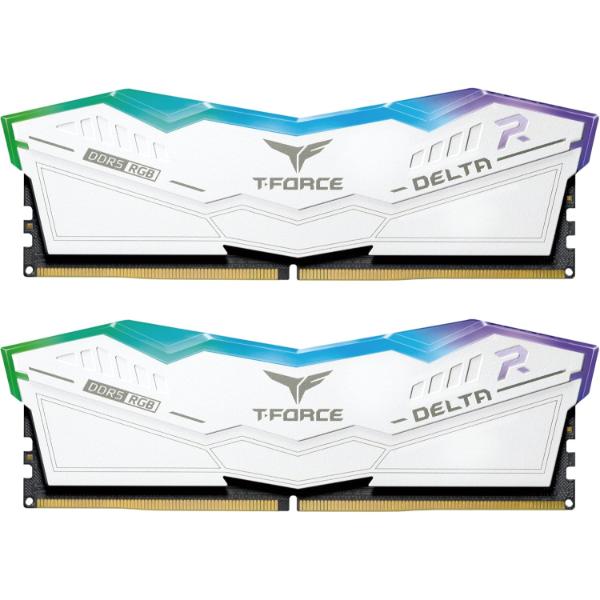
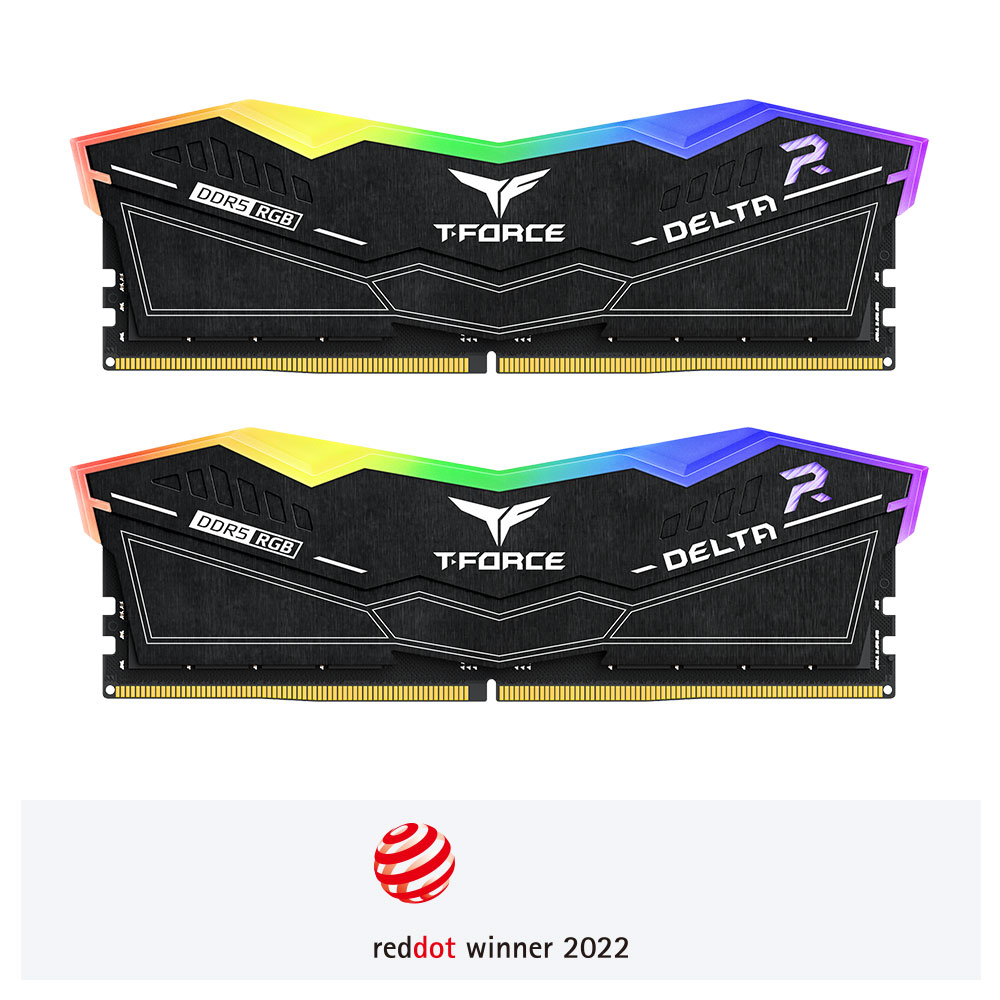
TeamGroup DELTA RGB 64GB (32GBx2) 6000MHz CL30 DDR5 DESKTOP MEMORY WHITE
- RGB Colors & 120° Ultra-Wide Lighting
- Combo Quick One-Click Overclocking Certification
- Power Management ICs (PMIC) Equipped for Stable, Efficient Power Usage
- TeamGroup DELTA RGB Strengthened PMIC Cooling Design
- On-die ECC for Stable System
- High-Quality ICs Selected for Stability & Reliability
- Equipped with Smart RGB IC Controller that Supports Various Lighting Effect Software
- Taiwan Utility Patent (number:M640994)
- Innovative circuit structure design lowering power consumption and heat
(Invention patent number in Taiwan: I842298)
(Invention patent number in the US: US12111715B2)


CAUTION
- Before purchasing memory products, please refer to the QVL(Qualified Vendor List) compatibility list first of the motherboard.
- The quality of the CPU memory controller (IMC) and the version from the BIOS of motherboard may both potentially affect the operating frequency of the memory.
- The overclocking memory with high frequency needs a more enhanced heat solution inside the case, to bring out better stability.
- Do not mix memory modules of different capacities, frequencies, brands, or models. Each memory kit is paired through compatibility testing. Mixing different kits may cause system instability or failure to boot.
- Memory kits labeled “Support Intel XMP 3.0” only include XMP Profiles. Kits labeled “Support AMD EXPO” only include EXPO Profiles. Kits labeled “COMBINATION Intel XMP/AMD EXPO” include both XMP and EXPO Profiles.
- If the system fails to boot, reset the motherboard CMOS, enter BIOS with default frequency, and then enable the Profile to retry system boot.
- Failure to install and use the memory as per the official specifications, warnings, or operating instructions may result in the memory not operating at the speed indicated on the packaging, system instability, or damage to other hardware.
Additional information
Reviews (0)
Only logged in customers who have purchased this product may leave a review.
Reviews
Clear filtersThere are no reviews yet.