


-
 Courier delivery
-
Official Brand Warranty (Check with Manufacturer)
-
3 Days DOA Replacement
Disclosure: Links on this page may be affiliate links. If you make a purchase through these links, we may earn a small commission at no extra cost to you. As an Amazon Associate, we earn from qualifying purchases.
 Courier delivery
 Our courier will deliver to the specified address
1-5 Working Days
 Official Brand Warranty (Check with Manufacturer)
  3 Days DOA Replacement
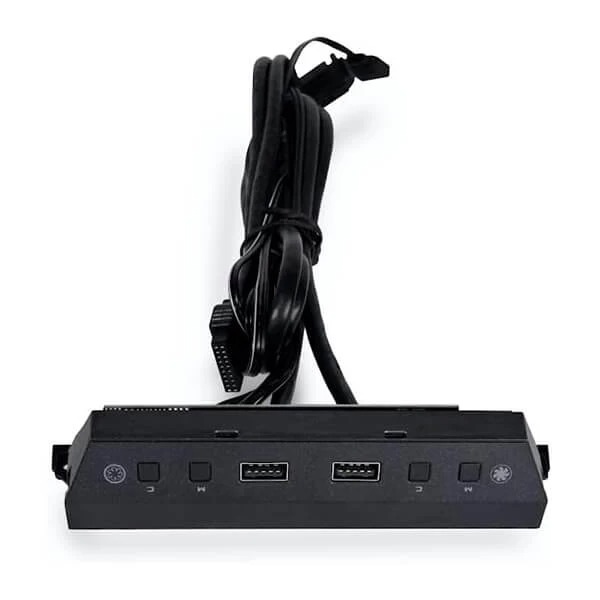
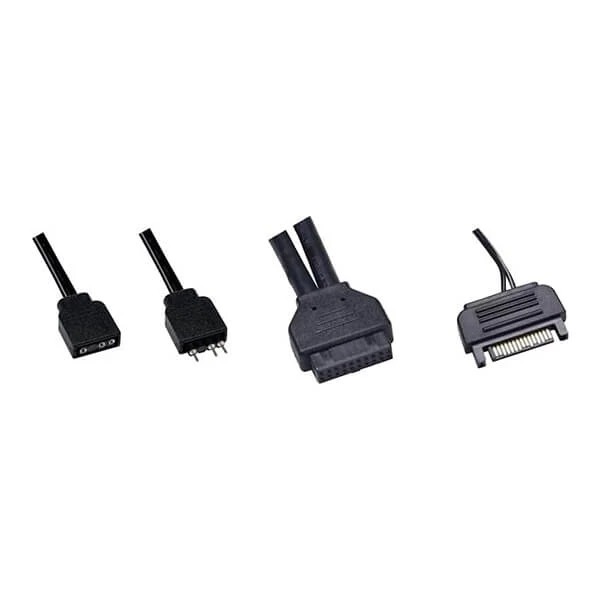
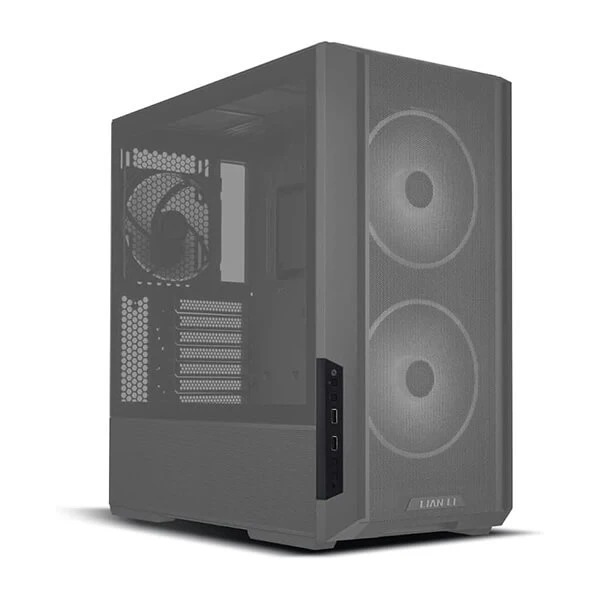
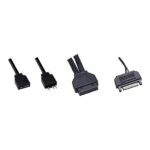
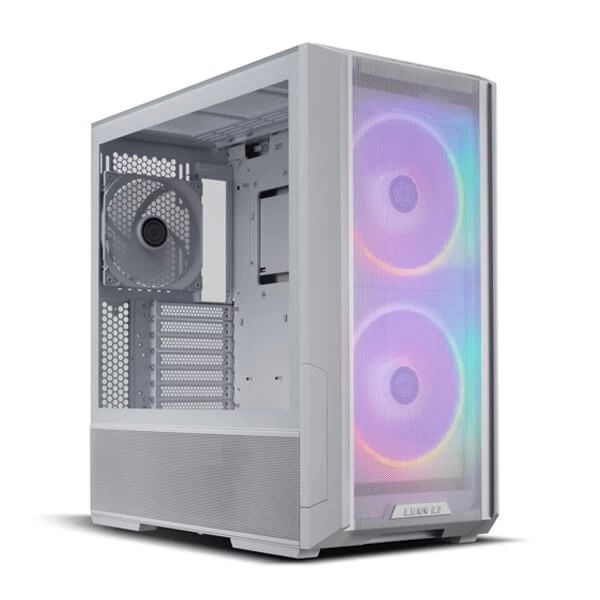
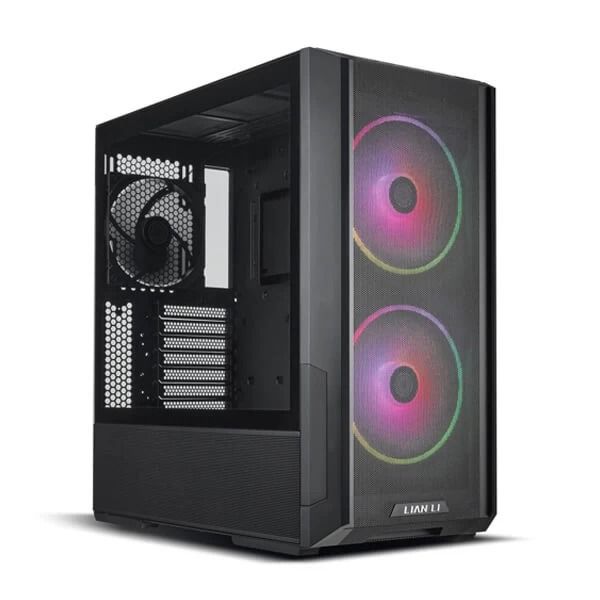
 An additional ARGB I/O module can be installed at the side or top of the front panel to provide better control over the front ARGB fans and offer 2 extra USB 3.0 ports.
Offering 10 lighting modes and 7 lighting colors with the controller. Users can set both the fan blade lighting effects and the fan rim lighting effects separately or combine the two LED channels to set the lighting effects.
Gather all cables through the bottom gap of fan bracket provides an easier installation.
| FUNCTION | ACTION | NOTE |
| Fan Blade Lighting Effect Mode | Press KEY_1 | – |
| Fan Blade Lighting Effect Color | Press KEY_3 | – |
| Fan Rim Lighting Effect Mode | Press KEY_2 | – |
| Fan Rim Lighting Effect Color | Press KEY_4 | – |
| MB Sync | Press KEY_1 or KEY_2 for 3 seconds | Blink white color 3 times and pass control to the motherboard |
| Quit MB Sync | Press KEY_1 or KEY_2 once | – |
| Combine Fan Blades + Rim | Press KEY_1 + KEY_2 together for 3 seconds |
|
| Remove Combination | Press again KEY_1 + KEY_2 together for 3 seconds | The light effect reverts to rainbow mode when disabled combination |
| Weight | 1 kg |
|---|---|
| Product Type | Gaming |
| Brands | Lian Li |
| Warranty | 1 Year |
| EAN / UPC Code | 6375256312453 |
Only logged in customers who have purchased this product may leave a review.
Reviews
Clear filtersThere are no reviews yet.