


-
 Courier delivery

-
Official Brand Warranty (Check with Manufacturer)

-
3 Days DOA Replacement


Essentials You Need To Be More Productive:

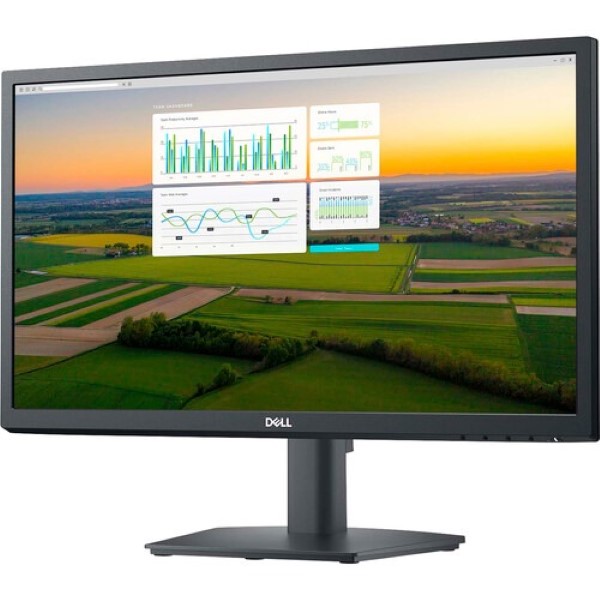
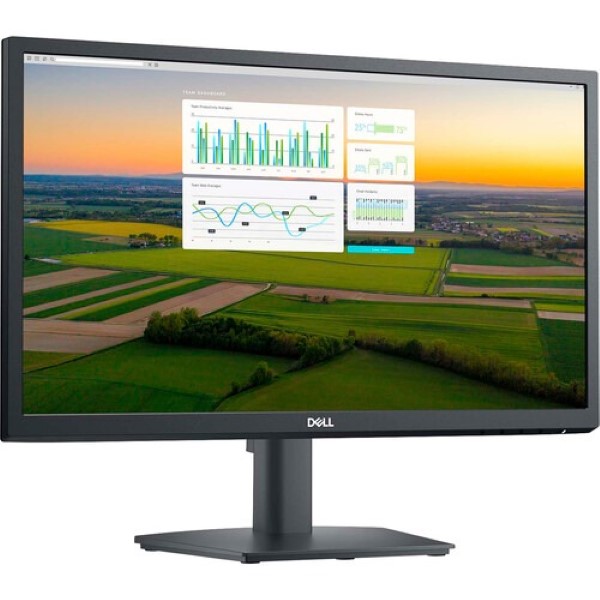
Wide viewing angle – View your work in stunning FHD clarity. IPS technology delivers consistent color and image quality across a wide 178°/178° viewing angle.
Easy on the eyes – The Dell E2723HN 27-inch LCD Monitor has a flicker-free screen with ComfortView, a software feature that reduces harmful blue light emissions. It is designed to optimize eye comfort even during extended viewing periods.

Functional, Space-Saving Design:
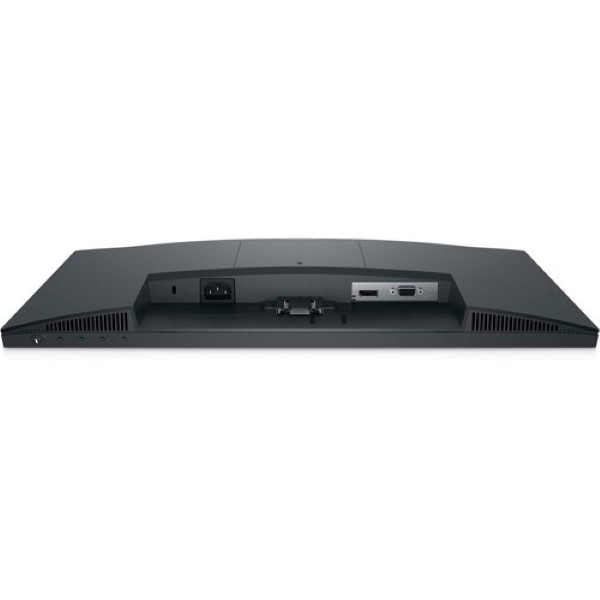
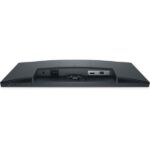
Convenient Connection – Connect to current and legacy systems through VGA and DP ports.
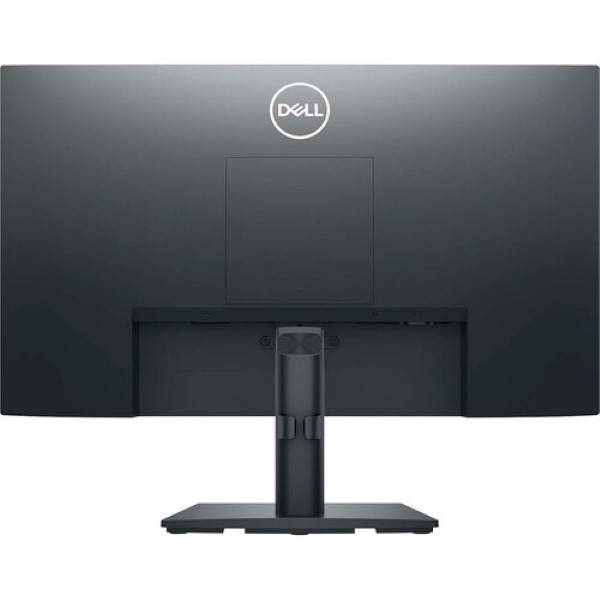
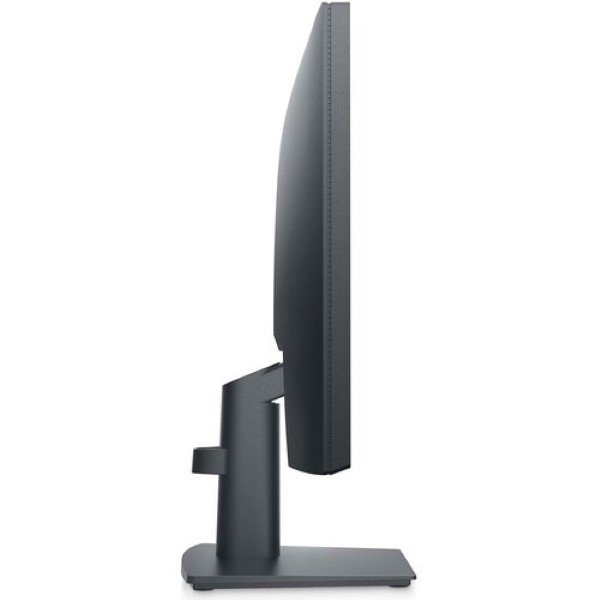
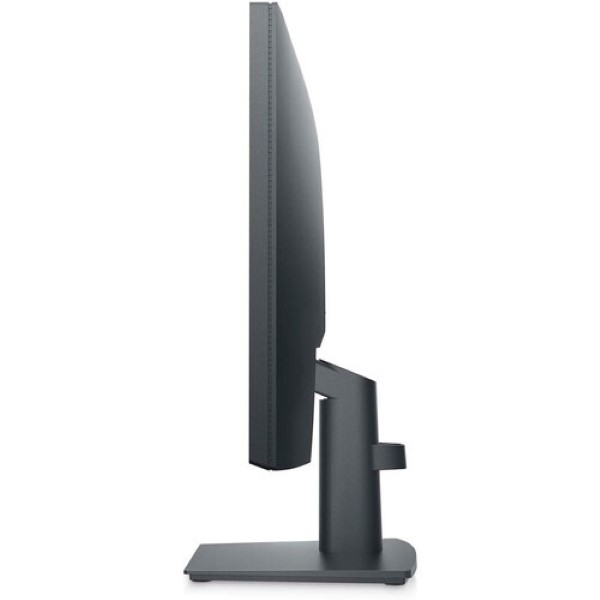
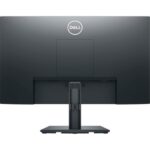
Maximize Your Desktop – Cut clutter with space-saving features like a compact stand and advanced cable management that hide cables while complementing any workspace.
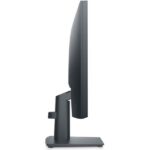
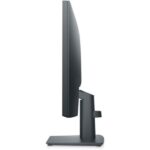
Clean, Simple Design – A thin bezel adds a stylish look.
Adjusts to your needs – Own your workspace with VESA-compatible mounts and stands.
Advanced Dell Display Manager:
Effective at every level – Dell Display Manager’s (DDM) Easy Arrange feature lets you quickly tile and view your applications on one or more connected screens for multitasking efficiency. And with advanced DDM, you get even more preset layouts.
Seamless conversion – The auto-restore feature remembers where you left off, so apps will return to where you left off even after you open them.
The key to comfort – Shortcut keys save you even more time, so you can easily configure your display management settings so you can work faster.
More Ways To Handle – Asset management reports allow IT administrators to quickly capture and track monitor data as well as configure multiple monitors through a single setup.

Only logged in customers who have purchased this product may leave a review.
Reviews
Clear filtersThere are no reviews yet.