


-
 Courier delivery

-
Official Brand Warranty (Check with Manufacturer)

-
3 Days DOA Replacement


Q. What is the difference between Android Standard Mode and Android Button Mapping Mode?
>The Android Standard mode supports all Android devices for games which natively support gamepads such as Asphalt, Beach Buggy and more.
>The Android Button Mapping mode allows you to map the gamepad buttons on your screen so that you can play almost any touch game by customizing the button positions on the screen. This mode is commonly used for games which do not natively support gamepads such as PUBG, Call of Duty, Free Fire, FIFA and more.
|
|
|
|---|---|---|
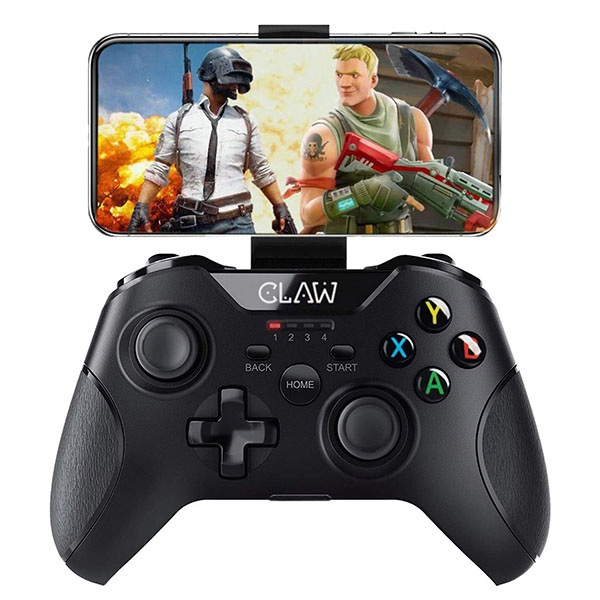
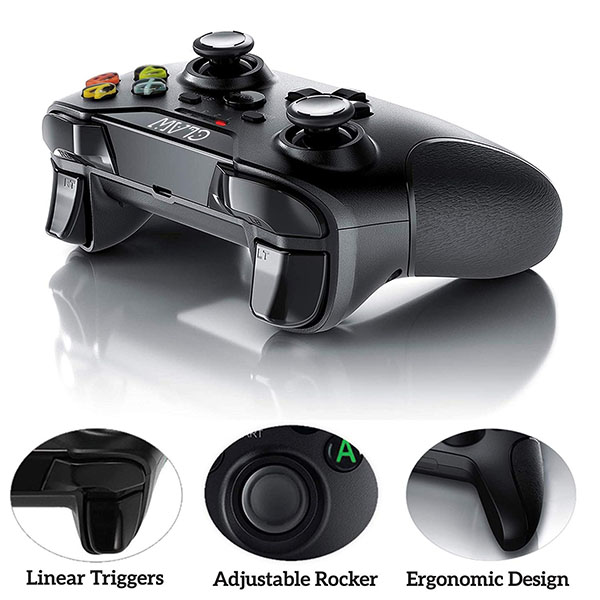
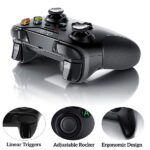
Rubberized Textured GripKeeps moisture away and stays dry thus reducing chances of a slip and giving you exceptional grip. | Claw Concave Analog SticksThe deeper surface provides more comfort along with raised edges at the sides to provide exceptional grip, no matter how hard you play! | Convex Action ButtonsThe dome design allows for quick transitions between buttons requiring less force which reduces fatigue on your wrist, hand and thumb. |


|
|
|
|---|---|---|
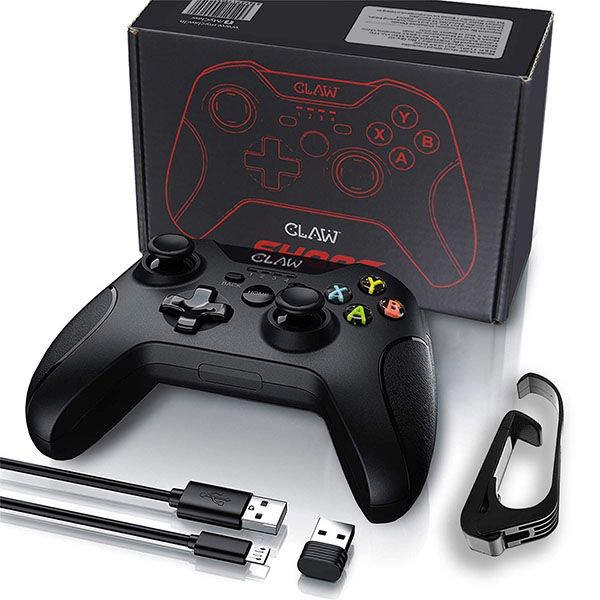
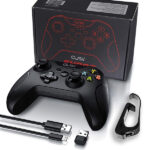
Detachable Mobile HolderThe smartphone bracket is capable of holding mobiles between 4 to 7 inches and is adjustable to suit your favorable viewing angle. | Built-in Rechargeable BatteryThe 400 mAh lithium battery provides you with up to 10 hours of continuous gameplay and needs approximately 2 hours for a full charge. | Multi-Device SupportSupports Window Desktop PC & Laptops and Android Mobiles, Tablets, TVs and TV box. |


Only logged in customers who have purchased this product may leave a review.
Reviews
Clear filtersThere are no reviews yet.