



-
 Courier delivery

-
Official Brand Warranty (Check with Manufacturer)

-
3 Days DOA Replacement


Screen Protection
ASUS OLED CARE PRO
New ASUS OLED Care Pro technology provides a full set of customizable monitor settings to protect the OLED panel and ensure longevity. Plus, it includes the new Neo Proximity Sensor that detects your distance from the monitor and transitions to a black image when you’re away to safeguard the panel from burn-in. All settings can be easily managed via DisplayWidget Center.
Neo Proximity Sensor
The built-in Neo Proximity Sensor precisely detects your distance from the monitor. When you step away, the monitor transitions to a black image to protect against panel burn-in, and instantly restores onscreen content when you return. Detection distance can be customized to suit personal preference, ensuring maximum convenience and protection.

Pixel cleaning
Recalibrates the screen when the monitor has been active for several hours―a process that takes just a few minutes and activates automatically when the monitor is turned off*
*Do not unplug the power cord during this time as it will interrupt the pixel-cleaning process.

SCREEN MOVE
Pixel locations are slightly shifted periodically to help prevent burn-in, and users can choose between several movement levels.
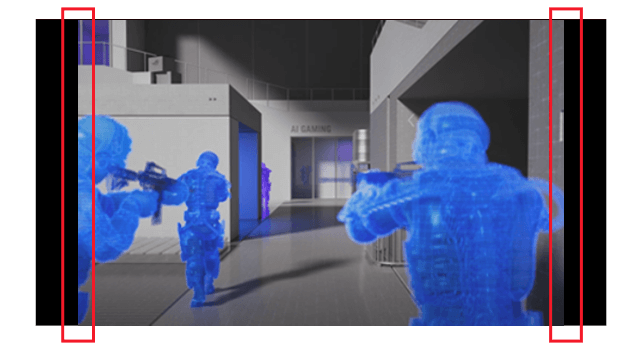
Boundary detection
Dynamically detects the boundary of the black bars and reduces the brightness and also slightly shifts the pixel of the near borders.
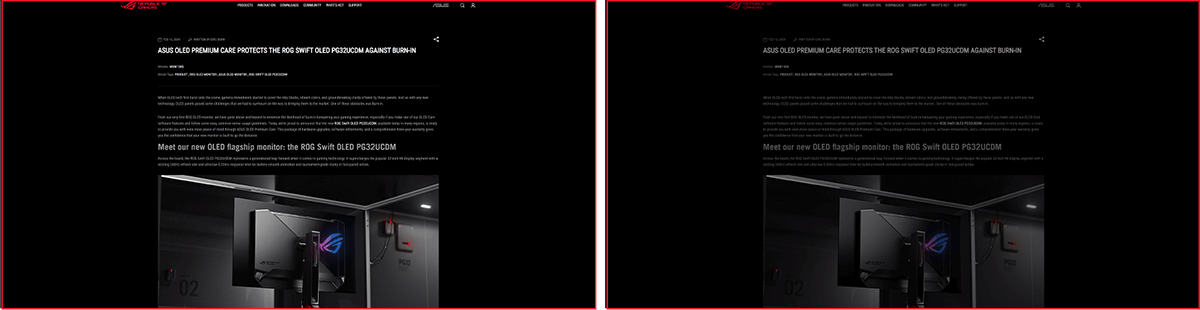
SCREEN SAVER OFF
SCREEN SAVER ON
SCREEN SAVER
Automatically dims the screen after two minutes of inactivity.

Adjust Logo Brightness OFF
Adjust Logo Brightness ON
Logo brightness adjustment
Automatically detects static onscreen logos and reduces their brightness to correct for potential picture-quality issue.
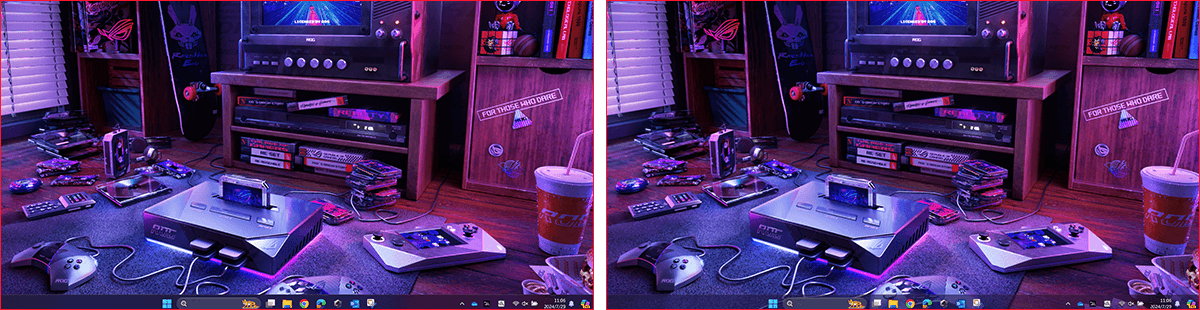
Taskbar detection OFF
Taskbar detection ON
Taskbar detection
Dynamically detects the taskbar and reduces brightness around it to avoid burn-in.

Outer dimming control OFF
Outer dimming control ON
Outer dimming control
Automatically identifies and adjusts the brightest areas of the screen to reduce the risk of burn-in.

Global dimming control OFF
Global dimming control ON
Global dimming control
Dynamically adjusts the overall brightness of the display to reduce the risk of burn-in.
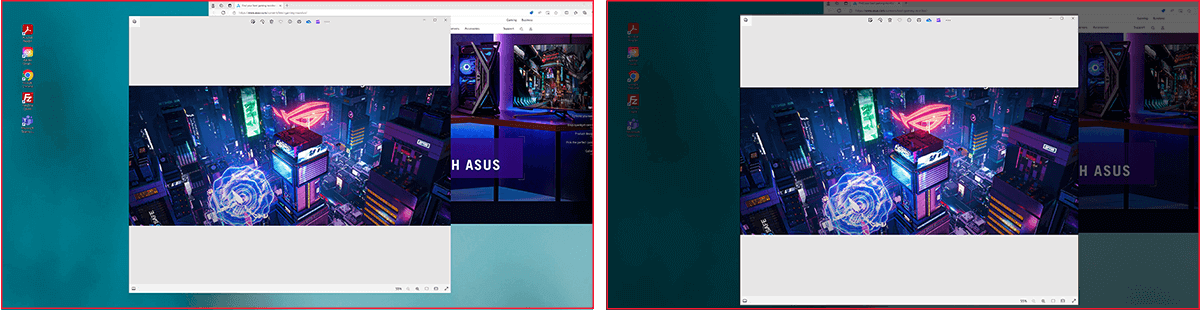
Target Mode OFF
Target Mode ON
Target mode
Dims the entire screen, except for a selected pinned window, which maintains its current brightness setting.
Built to Last
Worry-free OLED Monitor
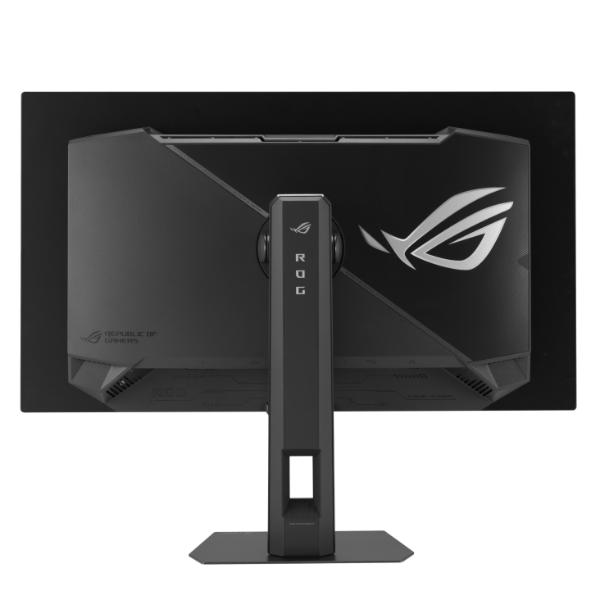
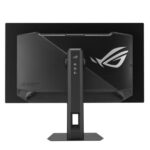
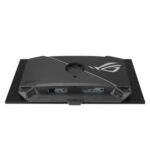
ROG OLED monitors are engineered to deliver stunning visuals for years to come. An innovative custom heatsink and a unique internal airflow improve cooling and reduce the risk of burn-in.
YOUR MONITOR, YOUR WAY
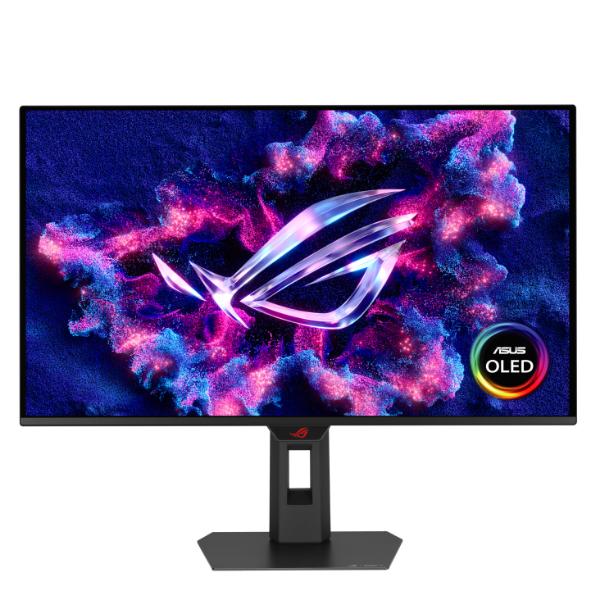
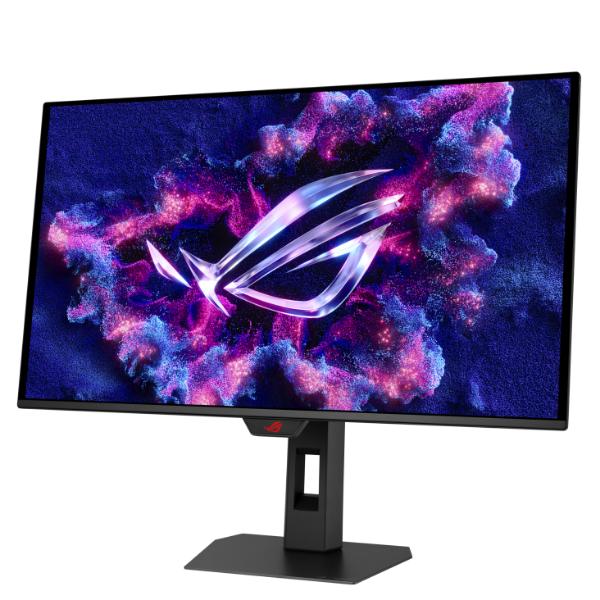
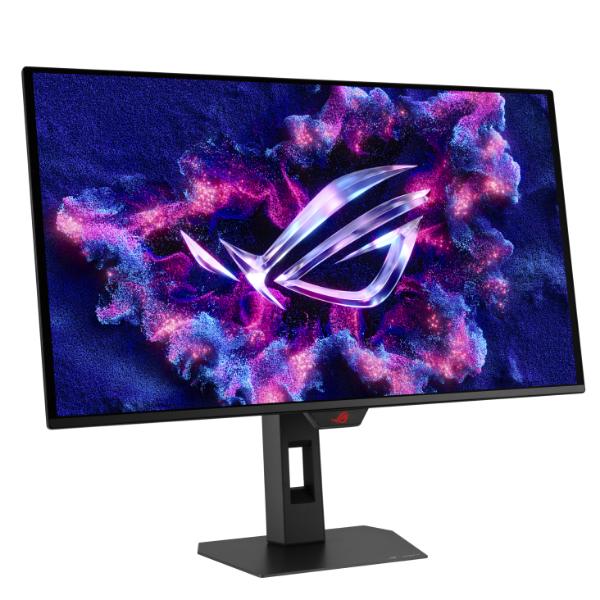
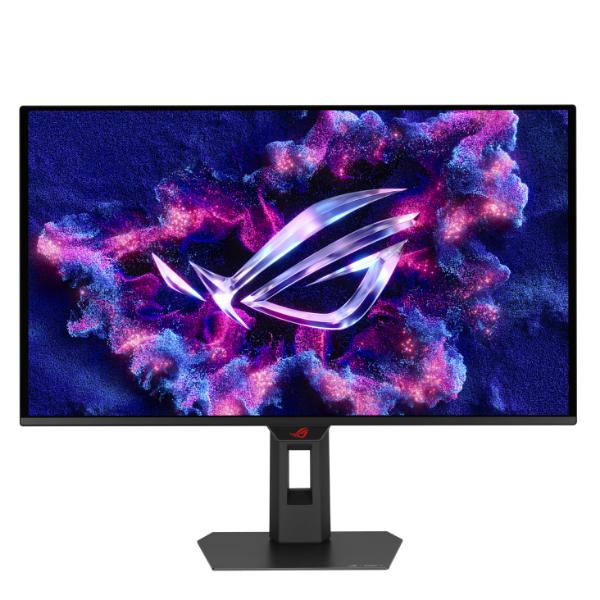
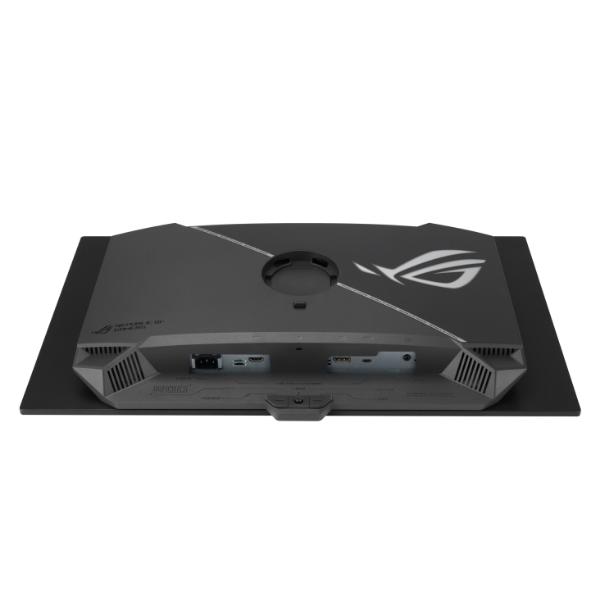
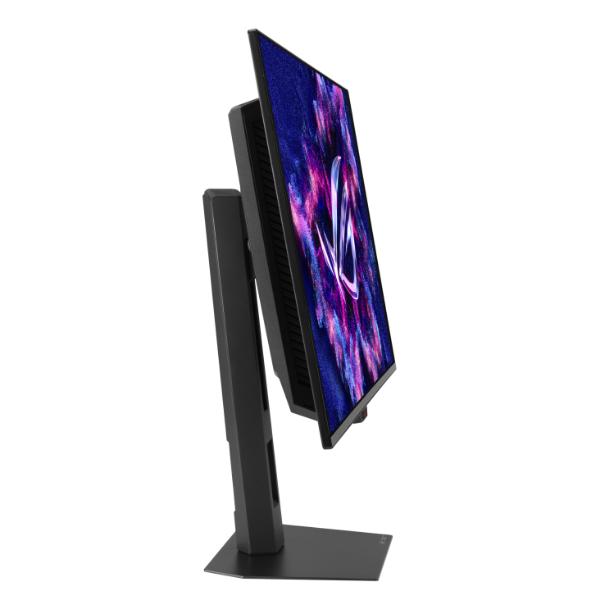
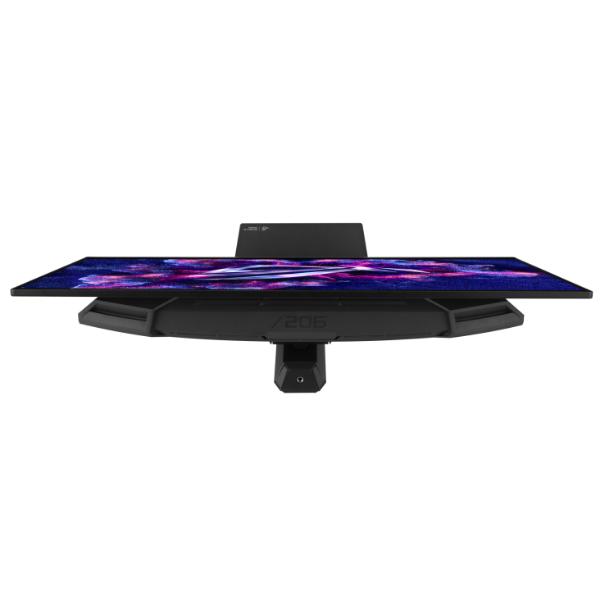
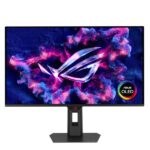
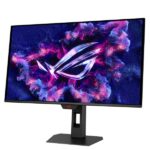
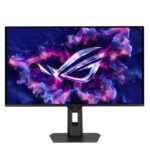
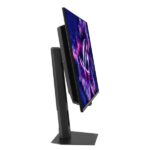
The XG27ACDMS monitor is a versatile powerhouse designed to excel in gaming, streaming, and content creation. Its high refresh rate, low response time, and vivid colors deliver a seamless, immersive experience. The wide viewing angles and built-in tripod socket make it perfect for streaming, while its exceptional color accuracy and wide color gamut ensure professional-grade content creation.
DisplayWidget Center
Take your monitor to the next level with DisplayWidget Center, a powerful monitor management software designed to help you optimize, personalize, and fully utilize your display via a mouse — so there’s no need to access the OSD menu. Additionally, DisplayWidget Center notifies you of the latest firmware updates and includes a direct update option. You can also import or export display configurations for sharing.
ROG GAMING AI TECHNOLOGY
The ROG AI Assistant technology includes AI Visual, Dynamic Crosshair, and Dynamic Shadow Boost, leveraging AI technology to help you practice more effectively to improve your gaming experience.
| Weight | 1 kg |
|---|---|
| Brands | Asus |
| Color | Black |
| Display Panel | OLED |
| Display Type | QHD |
| Refresh Rate | 280Hz |
| Resolution | 2560 * 1440 |
| Response Time | 0.03ms |
| Screen Size | 27 |
| Warranty | 3 Years |
| EAN / UPC Code | 4711387871348 |
Only logged in customers who have purchased this product may leave a review.



Reviews
Clear filtersThere are no reviews yet.