


-
 Courier delivery

-
Official Brand Warranty (Check with Manufacturer)

-
3 Days DOA Replacement

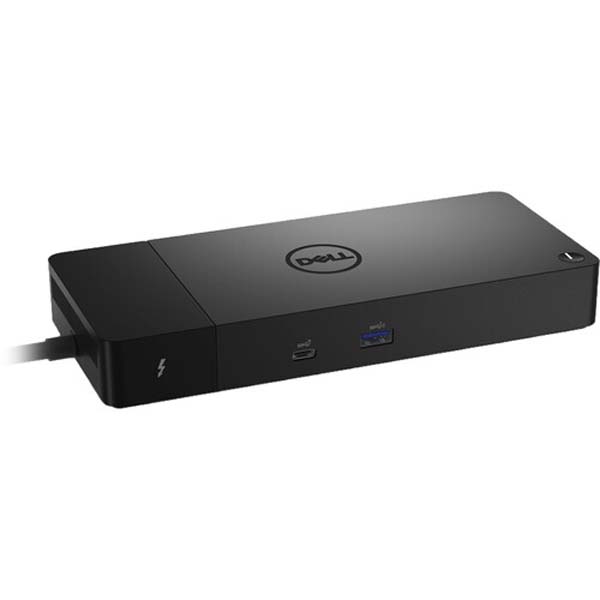
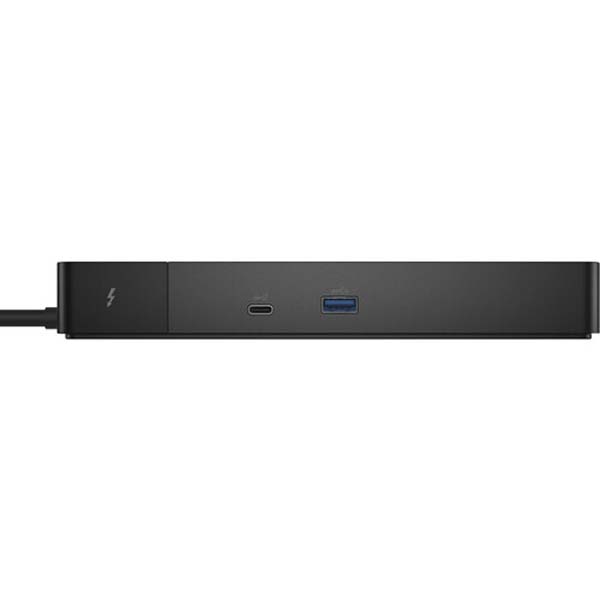
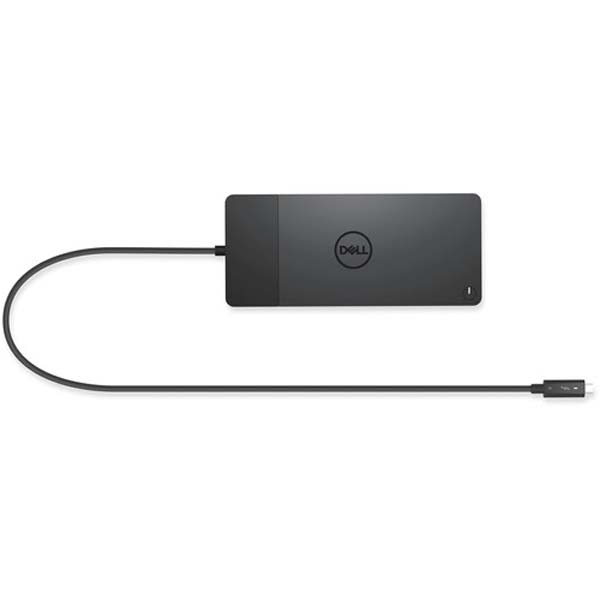
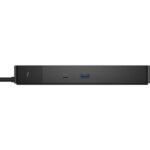
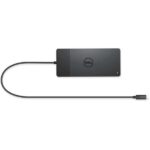
- Expand and enhance the connectivity of your computer with the Dell Thunderbolt Dock WD22TB4.The dock connects to your computer via a male Thunderbolt 4 connector.
- The Dell dock provides up to 130W of Power Delivery for Dell systems and up to 90W for non-Dell systems. The modular design allows you to swap modules for easy upgrades.
- Dell Thunderbolt can connect to multiple 4K displays and Thunderbolt peripherals without compromising your setup. Get the most out of your peripherals with a data transfer rate of up to 40 GB/s.
- WD22TB4 features with Dell ExpressCharge allows you to charge up to 80% in one hour or up to 35% in 20 minutes, making it the most efficient way to manage the workday.
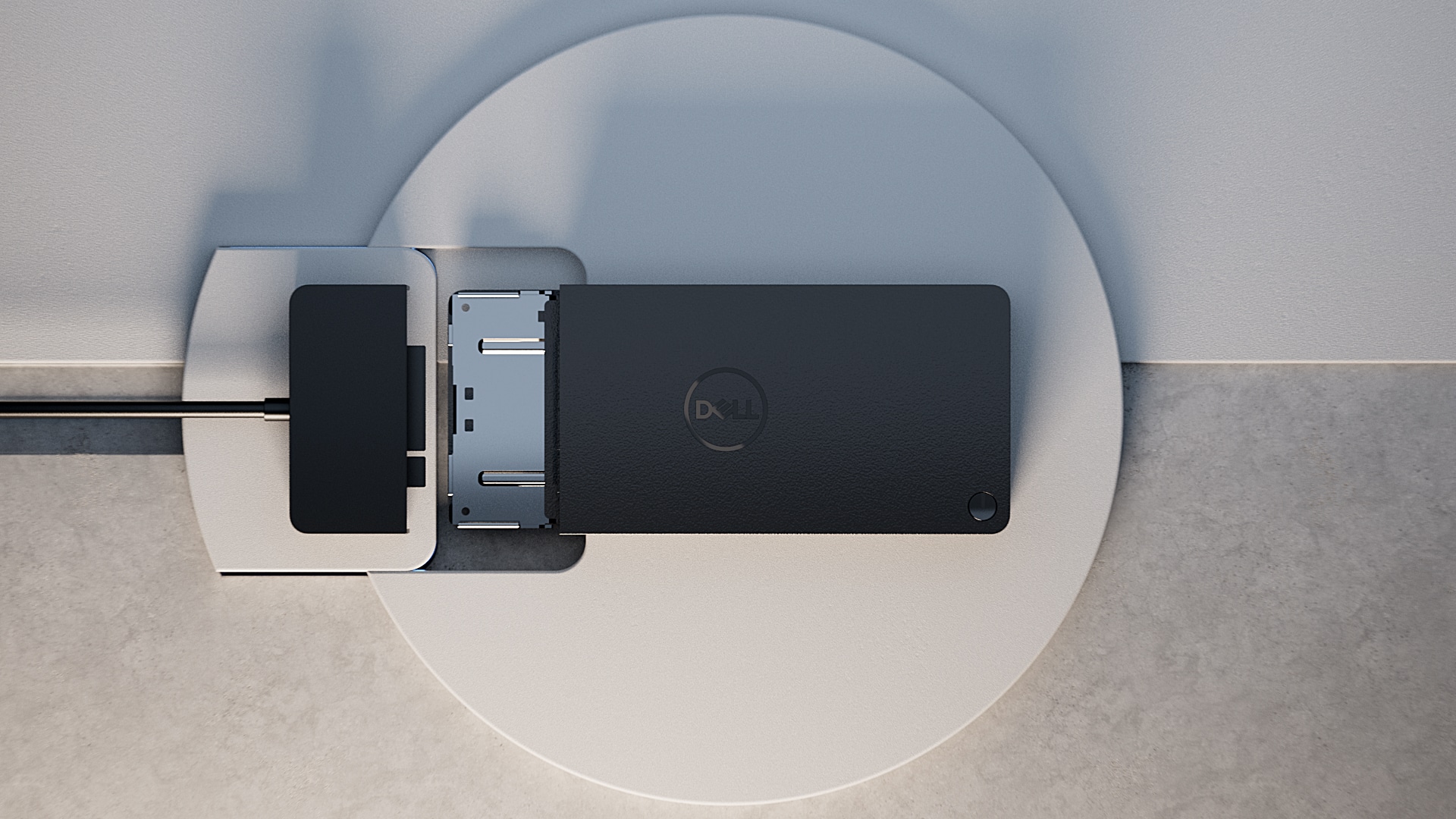
- The swappable module allows you to upgrade with ease to meet the needs of your IT environment. Upgrade to the latest connectivity method with not one, but two Thunderbolt 4 ports for even more flexibility.
ExpressCharge technology
- 80% charge in one hour
- 35% charge in just 20 minutes
Future-made design
- Swappable module lets you upgrade with ease to meet the needs of your IT environment.
- Upgrade to get the latest in connectivity with not one but two Thunderbolt™ 4 ports for even more flexibility.
Multiply productivity
Thunderbolt™ 4 dock with the highest number of ports connects multiple 4K displays and Thunderbolt peripherals allowing you to not compromise with your work setup. Get the maximum from your peripherals with data transfer of 40 GB/s.
Intelligent and simple management
Work without disruption: Firmware updates can be completed in five to seven minutes without needing to reboot the system.
Easier for IT: Dell Client Command Suite and Microsoft System Center Configuration Manager offers a smoother firmware update experience. You can also streamline deployment and management with a single firmware.
Easier upgrades: Modularity allows for simple field replacement of the power cable or connectivity module.
Better support: Inventory management got easier since each has its own service tag, allowing IT to push firmware updates only to certain dock.
Secure manageability: Keep your information safe with MAC Address pass-thru and remote port-disablement. Plus, with features like PXE Boot, Wake-on-LAN, and more, it’s easier than ever to stay productive while managing your dock.
Only logged in customers who have purchased this product may leave a review.

Reviews
Clear filtersThere are no reviews yet.