


-
 Courier delivery

-
Official Brand Warranty (Check with Manufacturer)

-
3 Days DOA Replacement

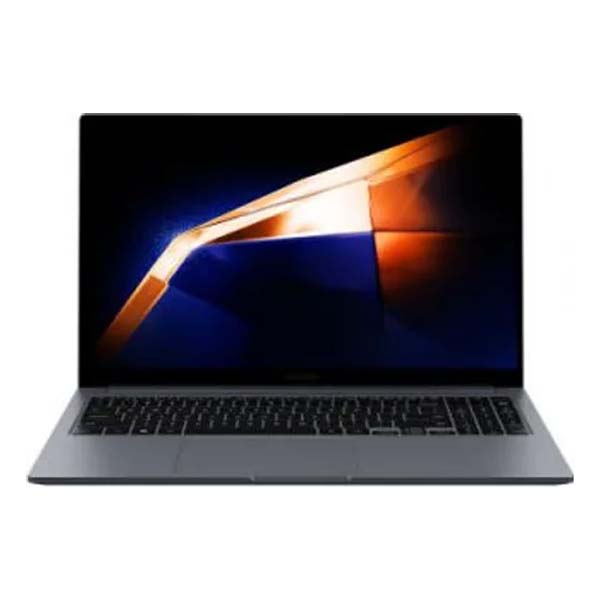
SAMSUNG Galaxy Book4 Metal Intel Core i7 13th Gen 1355U – (16 GB/512 GB SSD/Windows 11 Home) NP750XGJ-KG3IN / NP750XGJ-LG3IN Thin and Light Laptop (15.6 Inch, Gray, 1.55 Kg, With MS Office)
Feature

Reliable performance for your daily hustle
Master your checklist with the 13th Gen Intel® Core™ processor, delivering smooth performance for day-to-day productivity. Intel UHD Graphics, Intel® Xe graphics fuel your entertainment while the expandable SSD storage of up to 2TB gives you plenty of space for your files and photos.

*Screen image simulated for illustrative purposes. Actual UX/UI may vary.**CPU and GPU specifications vary depending on model, country, or region.***Galaxy Book4 models with an Intel® Pentium or Intel® Core™ i3 processor feature Intel® UHD Graphics. Galaxy Book4 models with an Intel® Core™ i5 or Intel® Core™ i7 processor feature Intel® Xe Graphics.****Expandable SSD storage sold separately.*****Adobe product screenshots reprinted with permission from Adobe.
Light. Thin. A portability win
Galaxy Book4 is incredibly portable — slim, lightweight and ready to follow you anywhere. The expansive 39.62 cm display brings onscreen visuals to life in full high definition with clear details that are a treat for your eyes.

More ports. Full dongle-free support
Slim yet mighty, Galaxy Book4 boasts a wide array of built-in ports to cover your connectivity needs. Plug in external devices via HDMI, two USB-A and two USB-C ports, microSD slot and even an RJ45 port for high-speed LAN connections.

Super compact charger. Battery life you can trust
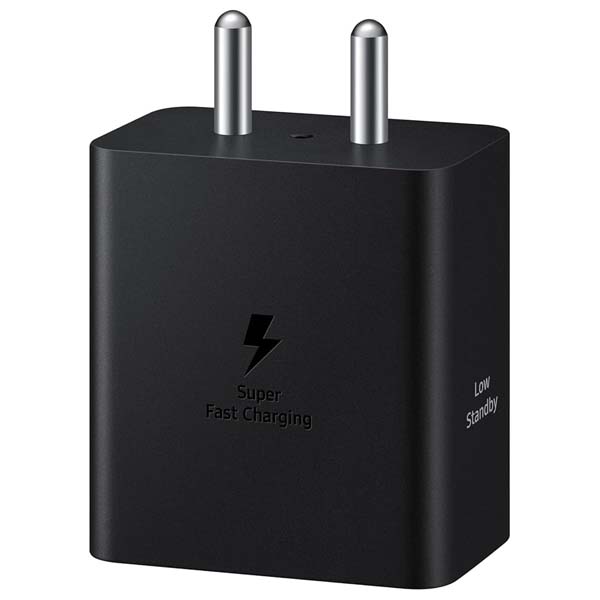
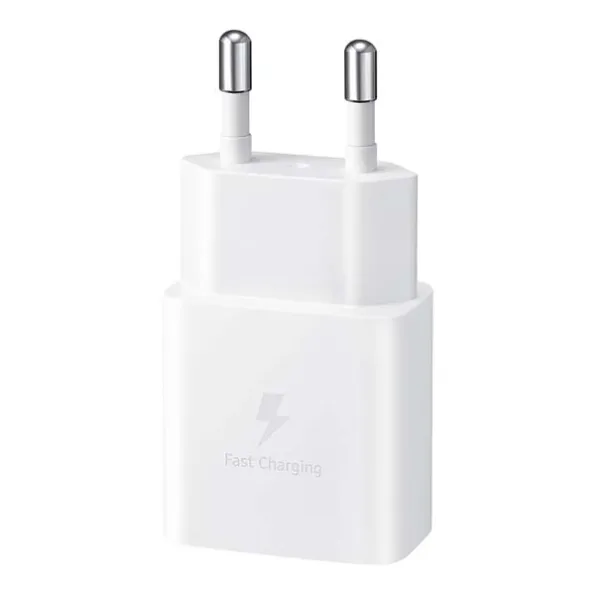
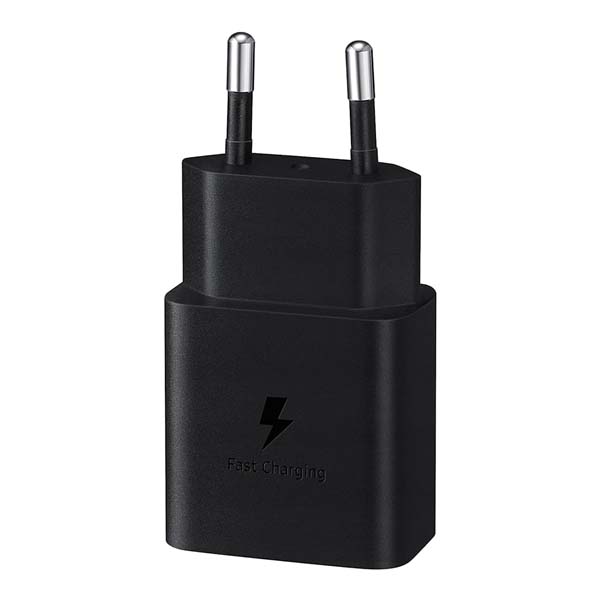
Stay powered and productive with Galaxy Book4’s battery, even when you’re on the go. To get a quick boost, power up in a snap using the light and portable charger that is also compatible with your other Samsung Galaxy devices.

Dolby Atmos. Ear-resistible sound quality
Hear and feel the action in games and movies with immersive audio from Galaxy Book4’s dual speakers. Tuned with Dolby Atmos, the speakers surround you with clear, rich sound that takes your entertainment to the next level.

Samsung Galaxy Ecosystem

Use your phone as a connected camera
Upgrade your video calls from standard laptop webcam to stunning clarity using your Samsung Galaxy smartphone as a connected camera. Connect seamlessly to your Galaxy Book4, switch between front and rear cameras to find your angle, and enjoy a high-quality picture with enhanced video effects in video applications.

*To use phone as a connected camera service, users must link their Samsung Galaxy device to their Windows PC through ‘Link to Windows’ on mobile devices and the Microsoft Phone Link App on PC and follow the set-up prompts, including being signed into the same Microsoft account. PC (Microsoft Phone Link App) requires Windows 11 24H1 or above and Phone requires OneUI 1.0 or above. Microsoft Phone Link requires Samsung Galaxy device to be on the same Wi-Fi network as the PC. Some related features may vary by device. **Screen image simulated for illustrative purposes. Actual UX/UI may be different.***Galaxy S24 Plus and Galaxy Book4 sold separately.****Windows feature availability and rollout timing vary by country and device. Requires Microsoft account to log in.
Copilot. Your own personalized AI
Stay on top of your tasks via quick chat prompts with Copilot’s personalized AI assistance. Plus, get smarter communication tools — access contacts and send messages effortlessly from your PC or Samsung Galaxy mobile device with a simple chat command.

Connect your phone and PC for seamless access
Get direct access to content on your phone right from your laptop with File Explorer. Simply set up the wireless connection between your devices and you’re set — search for the files and photos you need, then open them seamlessly from your PC.

Meet your AI photo editing ally: Photo Remaster
The AI-powered Photo Remaster tool lets you breathe new life into old photos and low-quality images. Using a smart algorithm, the feature allows you to clean up blurry photos, as well as remove unwanted light and shade from your snaps with just a tap.

Samsung Studio. Create and edit seamlessly
Shoot a video and start cutting on one of your Samsung Galaxy mobile devices, then export easily via Quick Share to add final touches with precision on the big screen of Galaxy Book4.

*Screen images simulated for illustrative purposes. Actual UX/UI may vary.**Share project is available on Samsung Galaxy smartphones and Galaxy Tab devices updated to One UI 6.1 or later versions and with the Samsung Studio mobile app installed. When sharing a project from a mobile device to PC, the sharing method such as Quick Share can be selected from a list by opening the Share project menu. The received file can be opened on PC by loading the project after selecting the Import project menu in the Samsung Studio PC app.***Samsung Studio PC app usage may require an app update from the Microsoft Store.

It’s all under control with Multi Control
Enhance your work productivity across your Samsung Galaxy devices with Multi Control. Use Galaxy Book4’s keyboard with a mouse to easily navigate your smartphone or Galaxy Tab. Drag and drop or copy and paste text, images and files between devices for quick, intuitive transfers.

Quick Share. File transfer at your fingertips
Quick Share lets you exchange large files, presentations and final works between Samsung Galaxy devices in a flash via direct wireless pairing. If you need to share something confidential, the private sharing feature protects your sensitive data by encrypting it with blockchain technology.

Unleash your mobile experience on your PC
The Phone Link app lets you access notifications, calls, messages, recently viewed webpages and even your Samsung Galaxy device’s mobile hotspot right from your Galaxy Book4. Launch recently used mobile apps directly from your PC for a quick and seamless workflow across devices.
| Laptop Size | 15.6″ Inch |
|---|---|
| Laptop Series | Galaxy Book |
| Processor Series | Core i7 |
| RAM Size | 16GB |
| RAM Type | LPDDR4x |
| Storage Capacity | 512GB |
| Storage Type | SSD |
| Warranty | 1 Year |
Only logged in customers who have purchased this product may leave a review.
Reviews
Clear filtersThere are no reviews yet.