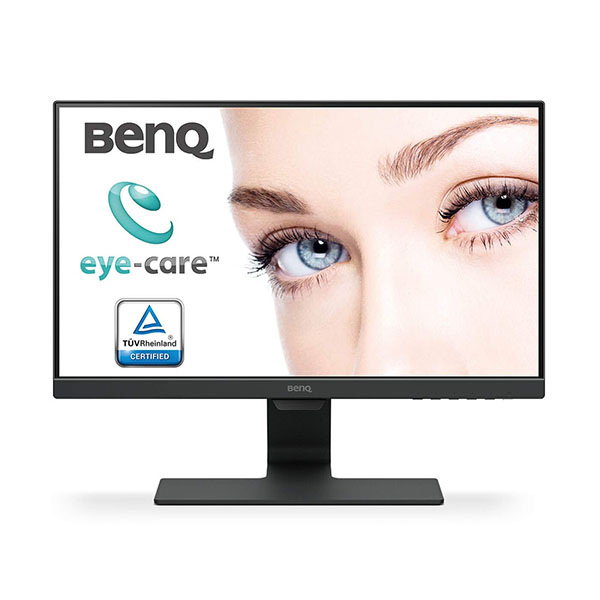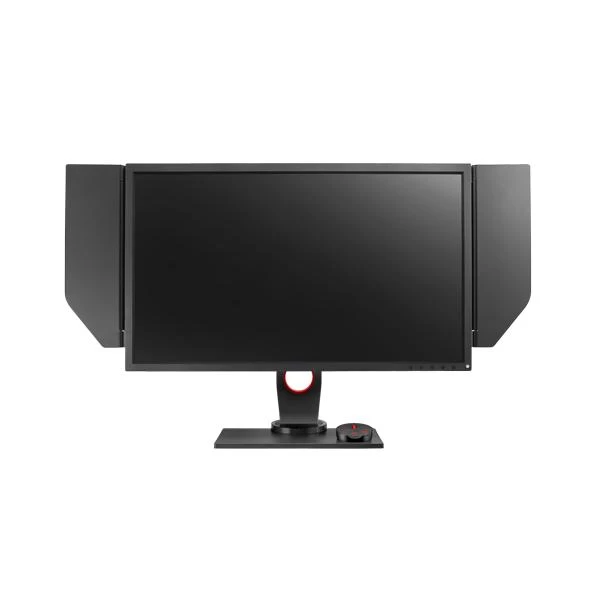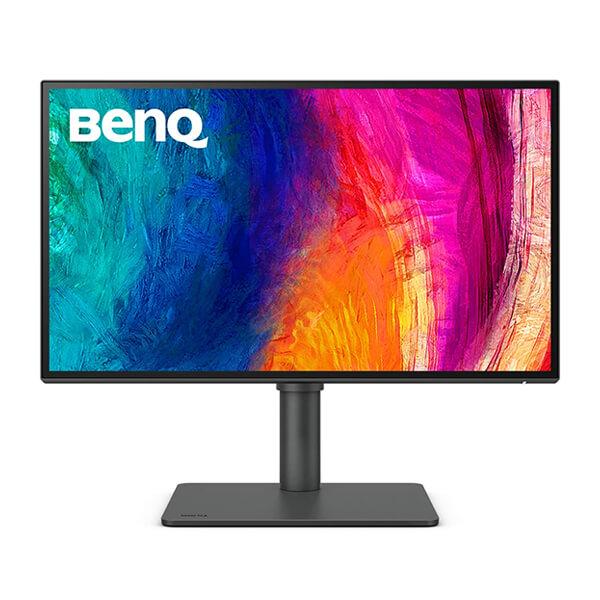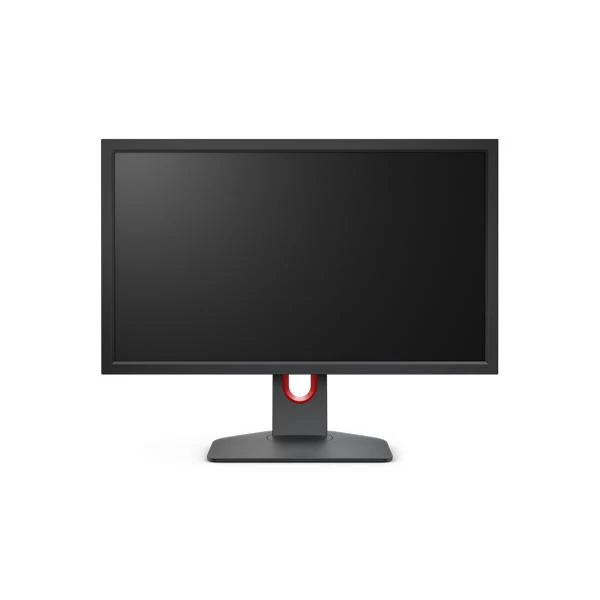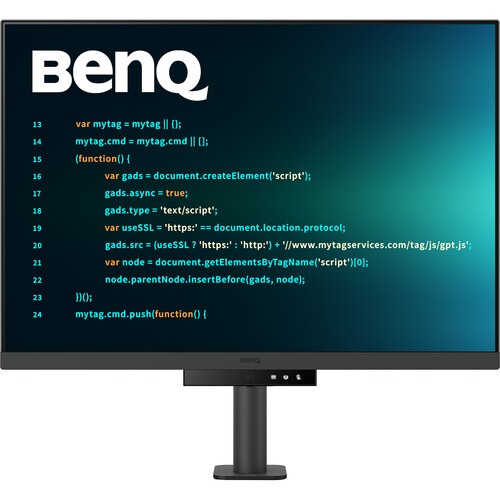
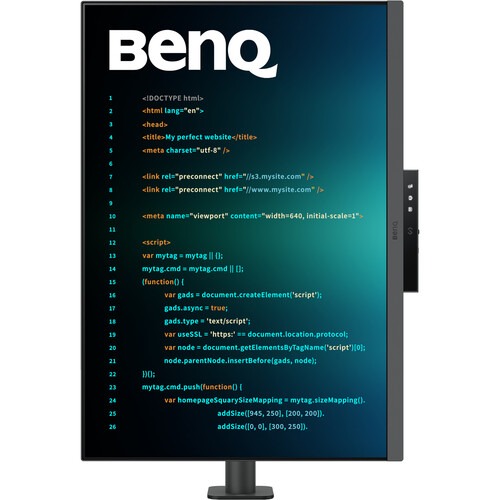
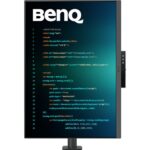
BenQ RD280UA 28” 4K+ Programming Monitor with Backlight and Flexible Arm

✈️ Estimate Delivery:
103 People watching this product now!
15 Items sold in last 3 hours
  • 28.2″ 3:2 IPS Panel
  • HDMI | DisplayPort | USB-C (90W)
  • UHD 4K+ 3840 x 2560 at 60 Hz
  • 5 ms Response Time
  • 1200:1 Static Contrast Ratio
  • 400 nits Peak HDR Brightness

Disclosure: Links on this page may be affiliate links. If you make a purchase through these links, we may earn a small commission at no extra cost to you. As an Amazon Associate, we earn from qualifying purchases.

SKU: RD280UA

Missing Product?

Shipping & Delivery

  • Courier delivery

Our courier will deliver to the specified address

1-5 Working Days

  • Official Brand Warranty (Check with Manufacturer)

  • 3 Days DOA Replacement
Description

BenQ RD280UA 28” 4K+ Programming Monitor with Backlight and Flexible Arm

Feature

  • 3:2 aspect ratio(RD280U/RD280UA) for more vertical screen estate.
  • Fine-Coated Panel: Unlock peak productivity with BenQ‘s exclusive anti-glare, anti-reflective Fine-Coated Panel designed for programmers.
  • Advanced Coding Modes for Improved Codes Differentiation: Crafted for programmers, BenQ Programming Monitor offers you full immersion in your code.
  • Experience Focus with Unique Backlight: Experience MoonHalo by BenQ – a blend of immersive and comforting illumination.
  • Optimal Posture, Superior Output: BenQ Programming Monitors prioritize your comfort for long-term projects.
  • Keep Your Eyes Fatigue-Free: Experience unmatched eye comfort during night hours with our Night Hours Protection and Brightness Intelligence Gen2.

BenQ RD series equipped with exclusive Nano Matte Panel unlock peak productivity of programmers.

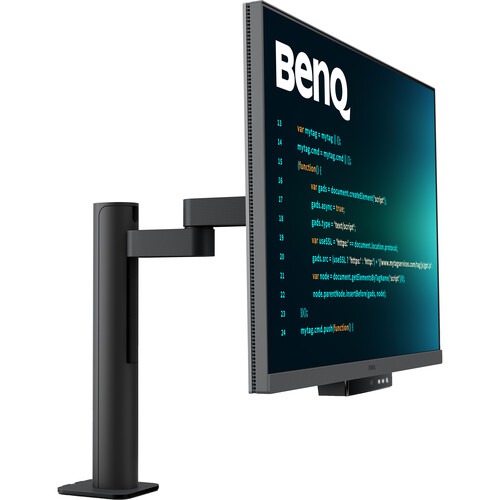
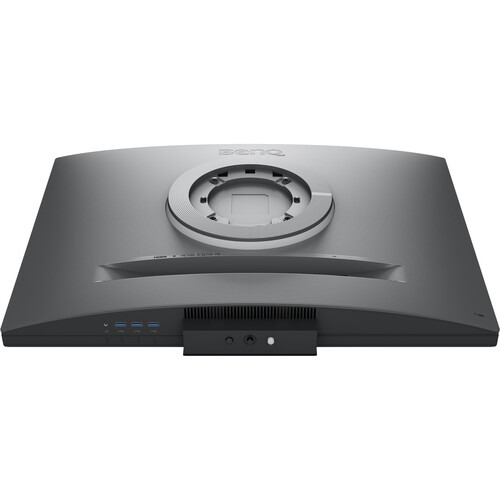
The Display Pilot 2 software eases your workflow by allowing you to assign specific viewing modes to different applications, add shortcuts, and more. You can connect your system through the HDMI and DisplayPort connectors. Or you can transfer data, video, and up to 95W of power with compatible laptops using a single USB-C cable. The USB-C port also allows you to use the integrated 3-port USB-A hub for peripherals. Adding a second RD280UA display using the USB-C daisy chain port can enhance your multitasking. The BenQ Ergo Arm clamps onto your desk and provides flexible screen positioning for increased comfort while the integrated light sensor automatically adjusts the screen’s brightness to match your environment. Adjustable rear-facing MoonHalo ambient lighting can keep you focused or set the mood while watching movies.

BenQ's advanced coding modes ensure crystal-clear fonts and improved code differentiation, reducing eye strain during prolonged use.

Code with Comfort and Efficiency

Stay Focused

This 3840 x 2560 resolution display offers more vertical viewing space than traditional 4K monitors, and its anti-glare finish helps you to stay comfortable in almost any environment. Its 28.2″ IPS panel provides 1.07 million colors and HDR10, supporting a 1200:1 static contrast ratio with 400 nits peak brightness.
BenQ RD Series offers both dark and light themes for adaptable coding environments. Swiftly adjust brightness, sharpness, and contrast for optimal coding conditions.

Code Differentiation

BenQ’s advanced coding modes ensure crystal-clear fonts and improved code differentiation, reducing eye strain during prolonged use.

Light and Dark Themes

Offer both dark and light themes for adaptable coding environments. Swiftly adjust brightness, sharpness, and contrast for optimal coding conditions.
BenQ Display Pilot 2 synchronizes MoonHalo with your monitor, enhancing the ease of adjusting light settings, including Switch, Brightness, Color Temperature, Light Mode, Non-stop Mode control.

Coding Hotkey and Function Bar

Boost productivity with the Coding HotKey and Function Bar. Located just below the screen, pressing the Coding HotKey button provides access to the monitor’s settings.

Daisy Chain with 90W USB-C

Multi-Stream Transport Technology allows you to extend screens across multiple displays using the USB-C output. The 90W USB-C port carries images, videos, and other data seamlessly and charges your mobile devices at the same time all with one cable.
BenQ Low Blue Light Plus includes Circadian Mode, which automatically adjusts your screen's color temperature throughout the day, mirroring the natural sunrise to sunset cycle.

MoonHalo Lighting

MoonHalo by BenQ is designed to deliver a blend of immersive illumination and comforting ambiance. With customizable color temperature, brightness, and light modes, along with Auto Dimming, MoonHalo ensures optimal eye protection and focus, whether you’re working from home or the office.

Comfort and Flexibility

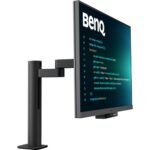
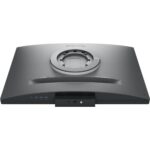
Clamp the BenQ Ergo Arm stand to your desk and rotate the screen 90° for a portrait mode view. Then adjust the height, tilt, and 550° swivel to match your preferences. You can also use the 100 x 100mm VESA mounting pattern to attach the screen to a swivel stand or multi-monitor stand. With 178° vertical and horizontal viewing angles, you can see the screen clearly from almost any position.
Binding your IDE with BenQ RD series advanced coding modes by Display Pilot 2 for the state of flow!

Night Hours Protection

Discover enhanced eye protection in dark with Night Hours Protection. Its intelligent ambient light detection and auto-switch capabilities require minimal user intervention, ensuring effortless and consistent eye care.

Display Pilot 2 Features

Boost Efficiency with Shortcuts
The Shortcuts feature allows you to easily bind commonly used functions to the hotkeys.
Launch Desktop Partition and drag the application you're working with into partitions by BenQ Display Pilot 2 with preset templates or customizing your own layouts.

Assign Different Modes to Applications

Application Mode makes it easy to assign different color modes and remembers your frequently-used settings for upcoming applications. Binding your IDE with RD series advanced coding modes for the state of flow!
With BenQ Display Pilot 2, Shortcuts allows you to easily bind commonly used functions to the hotkeys.

Organize Your Workspace

Launch Desktop Partition and drag the application you’re working with into partitions by using preset templates or by customizing your own layouts. You can work more efficiency without the hassles of dragging and resizing.
BenQ RD280UA equipped with built-in KVM for seamless source switching

Circadian Comfort

BenQ Low Blue Light Plus includes Circadian Mode, which automatically adjusts your screen’s color temperature throughout the day, mirroring the natural sunrise to sunset cycle.
Additional information
Weight4 kg
Product Type
ColorBlack
Brands
Refresh Rate60Hz
Resolution3840 x 2560
Response Time5ms
Display PanelIPS
Display TypeLCD
Warranty
Reviews (0)
0 reviews
0
0
0
0
0

There are no reviews yet.

Only logged in customers who have purchased this product may leave a review.