

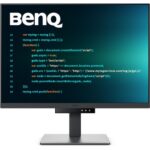
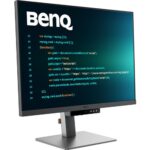

-
 Courier delivery

-
Official Brand Warranty (Check with Manufacturer)

-
3 Days DOA Replacement

Feature

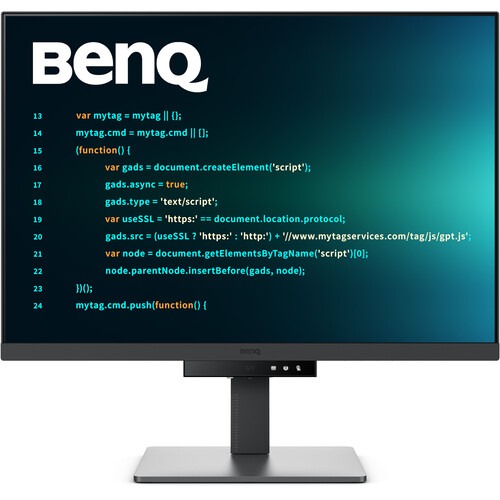
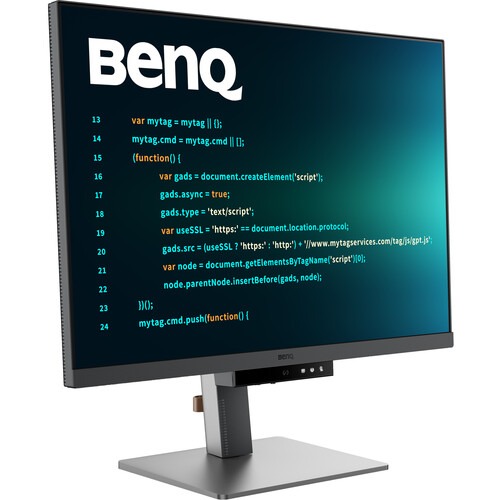
- 【Display】28.2 inch 3:2 Aspect Ratio 3840×2560 4K+ IPS Programming Monitor 1200:1 CR IPS, 95% P3 for vibrant colors with Dual Coding, Mbook and Cinema Modes
- 【 Experience Focus with Unique Backlight 】Experience MoonHalo by BenQ – a blend of immersive and comforting illumination.
- 【 Advanced Coding Modes for Improved Codes Differentiation 】Crafted for programmers, BenQ Programming Monitor offers you full immersion in your code.
- 【Daisy Chain with the 90W USB Type-C】The 90W USB Type-C carries images, videos, and other data seamlessly plus charges your mobile devices at the same time all with one cable.
- 【Quick-access Coding HotKey】 Effortlessly boost productivity with a swift press of the </> Coding HotKey at the heart of the function bar.
- 【Optimal Posture, Superior Output】BenQ Programming Monitors prioritize your comfort for long-term projects.
- 【Night Hours Protection】Discover enhanced eye protection in dark with our Night Hours Protection. Its intelligent ambient light detection and auto-switch capabilities require minimal user intervention, ensuring effortless and consistent eye care.
- 【BenQ’s Green Commitment】- RD280U incorporates recycled materials and energy-efficient design- A vision of Sustainability.
- 【In The Box】1.8m Power Cable, HDMI 2.0 Cable, USB 3.2 Cable, USB-C Cable , Warranty Card
- 【Warranty】3 Years Manufacturer Warranty

4K+ (3840×2560)
-2?$ResponsivePreset$&fmt=png-alpha)
Dual Coding Mode
?$ResponsivePreset$&fmt=png-alpha)
MoonHalo Backlight

USB Type-C
-1?$ResponsivePreset$&fmt=png-alpha)
95% Display P3
Scroll Less and Achieve More
With a rare 3:2 ratio design, RD280U is crafted for coders to provide them with an expansive field of view.
Enhanced Focus with Backlight MoonHalo
Experience MoonHalo by BenQ – a seamless blend of immersive illumination and comforting ambiance. With customizable color temperature, brightness, and light modes, along with Auto Dimming powered by B.I. Gen2, MoonHalo ensures optimal eye protection and focus, whether you’re working from home or the office.
Ultra-Sharp Coding, Glare-Free Brilliance
Crafted for Programmers: BenQ Programming Monitor offers you full immersion in your code no matter where you are.

Empowering Programmers with a Fine-Coated Panel
Unlock peak productivity with BenQ’s exclusive anti-glare, anti-reflective Fine-Coated Panel designed for programmers. Elevate your coding experience with technology that minimizes distractions, maximizing focus for heightened productivity. Experience clarity and concentration like never before, and unleash your coding capabilities with BenQ’s Fine-Coated Panel.

Code with Comfort and Efficiency
Offers both dark and light themes for adaptable coding environments. Swiftly adjust brightness, sharpness, and contrast for optimal coding conditions.

Control the Display Settings with Display Pilot 2
Display Pilot 2 is designed to meet your needs. Users can arrange preferred functions with ease, including MoonHalo Control, Shortcuts, Desktop Partition, Application Mode, Software Dimming, Circadian Mode, and more.

Easily Control the Built-in MoonHalo Bias Light
With Display Pilot 2, MoonHalo seamlessly synchronizes with your monitor, enhancing the ease of adjusting light settings, including Switch, Brightness, Color Temperature, Light Mode, and Non-stop Mode control.

Intelligent Circadian Displays for Comfortable Eyes
BenQ Low Blue Light Plus includes Circadian Mode, which automatically adjusts your screen’s color temperature throughout the day, mirroring the natural sunrise to sunset cycle. Enjoy eye comfort worry-free.


Easily Organize Your Workspace with Desktop Partition
Launch Desktop Partition and drag the application you’re working with into partitions by using preset templates or by customizing your own layouts. You can work more efficiency without the hassles of dragging and resizing.

Enhancement for Maximum Physical Comfort
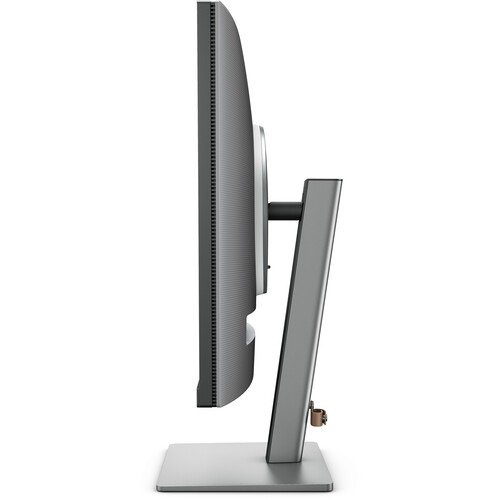
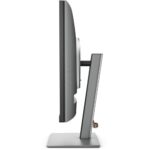
Enhance your coding workspace with adjustable height, tilt, and swivel capabilities for optimal efficiency and comfort.


Swivel

Tilt

Height Adjustable Stand
Seamless Connectivity with Easy Plug and Play
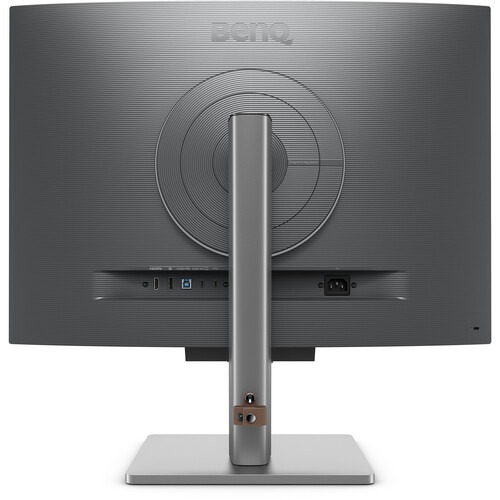
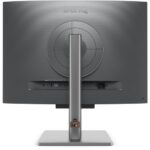
BenQ Programming Monitor offers ample port options, including USB Type-C for all-in-one connectivity.
Daisy Chain with the 90W USB Type-C
Multi-Stream Transport Technology allows you to extend screens across multiple displays using the USB Type-C. The 90W USB Type-C carries images, videos, and other data seamlessly plus charges your mobile devices at the same time all with one cable.
Please note that Mac® and MacBook® devices only support daisy chaining via Thunderbolt. Daisy chaining is not supported via HDMI or using regular USB ports on any device. Also, you can only connect a single external display using a Mac device with the M1 or M2 chips. For more information about connecting different models of Mac devices to external displays, please refer to the Apple website.

Maximum Efficiency, Multitask with Ease
Maximum efficiency through unified integration with diverse devices, flexible screen window partitions, and built-in KVM (keyboard, video, mouse) for seamless source switching.

Keep Your Eyes Fatigue-Free
Experience unmatched eye comfort during night hours with our Night Hours Protection and advanced Brightness Intelligence Gen2. BenQ Eye-Care Technology is dedicated to enhancing your visual comfort.


Reviews
Clear filtersThere are no reviews yet.