


-
 Courier delivery

-
Official Brand Warranty (Check with Manufacturer)

-
3 Days DOA Replacement

Description


Team up. Seamlessly.
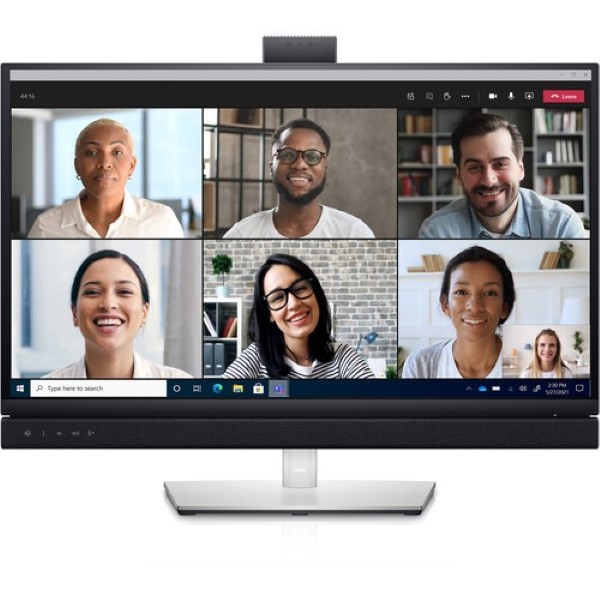
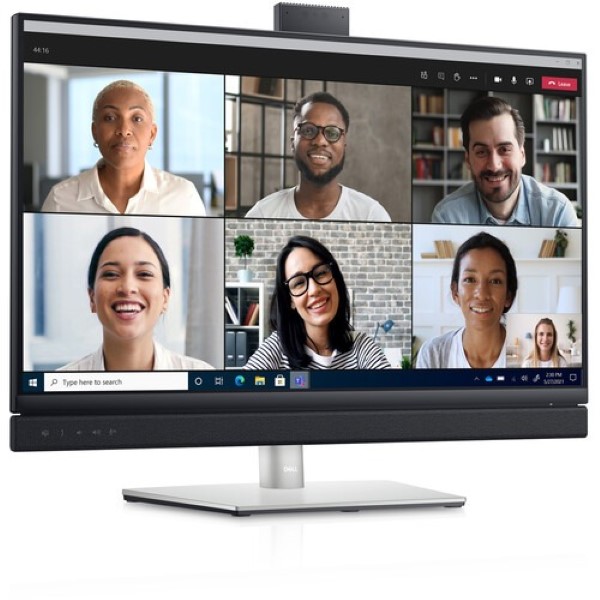
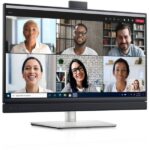
- One button. Tons of benefits: Introducing the world’s first 27-inch QHD video conferencing monitor certified for Microsoft Teams, purpose-built so you can launch the Teams application, join meetings and respond to notifications with a press of a button. Plus, there is an LED indicator to notify you about a Teams alert.
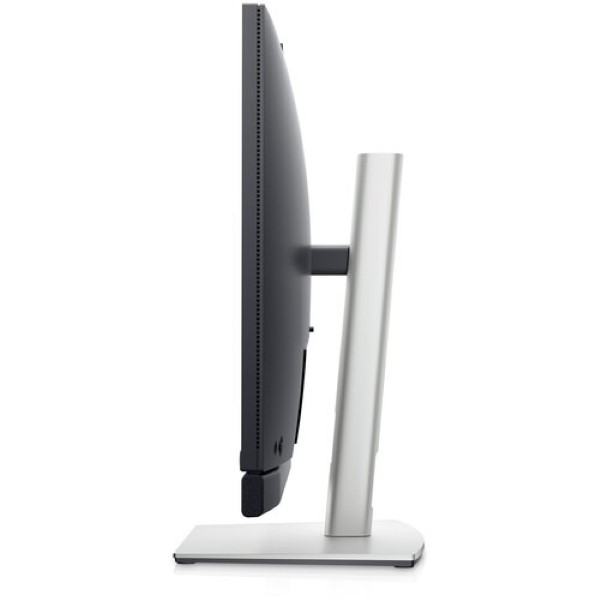
- Streamline virtual meetings: With an integrated pop-up IR camera, dual 5W speakers and noise-canceling mic, this display delivers simplified collaboration wherever you work.
- Quick, safe protection: Save time signing in with secure, Windows Hello facial recognition that’s faster than remembering and typing your password.
- Personalized convenience: Say what you need and let Cortana do the rest with hands-free commands.
- Jumpstart productivity: Simply press the monitor power button and the power sync feature seamlessly starts your monitor and connected Dell PC, even when the laptop lid is closed. Compatible with select Dell PCs.

World-class video conferencing
- Immersive collaboration: Simplified collaboration offered with an integrated IR camera for FHD video conferencing with dual 5W built-in speakers that can deliver communication from any workspace, quashing background chatter with its noise-canceling microphone.
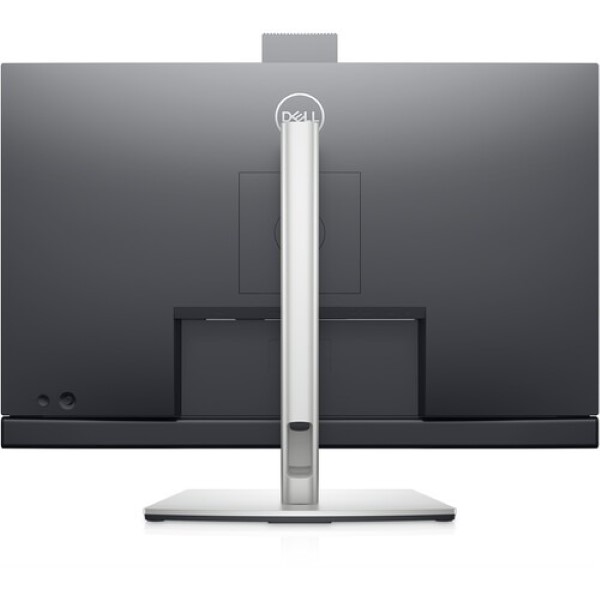
- Enhanced security: The pop-up web camera hides safely out of sight when not in use, and there’s an intelligent layer of security with facial recognition through Windows Hello.
- Seamless video from all angles: FHD video with 30 frames per second rate delivers seamless, media-quality video and stunning screen clarity. The 178°/178° wide viewing angle presents superior views and consistent colors ideal for video conferencing.

Your productivity hub
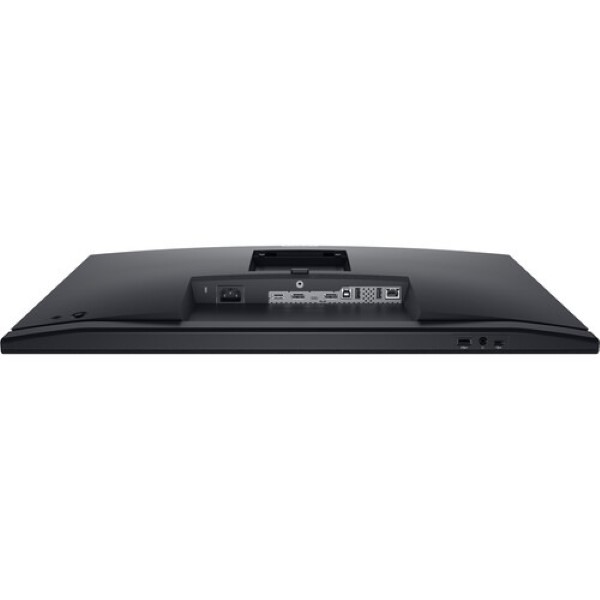
- Connect to productivity: With wired connectivity options like RJ45 and USB-C, your monitor delivers reliable Ethernet, power, audio and video—all in a clutter-free setup.
- The power of USB-C: Get up to 90W of power delivery via USB-C, and charge your laptop (even when the monitor is off) with the Always On Power Delivery feature. This single-cable solution also saves up to 72% of workspace setup time, reduces cable clutter and transmits power, data and audio—all at once.
- Enhanced manageability: Managing your monitor is easy with MAC Address pass-through, PXE Boot, and Wake-on-LAN conveniently built in.
- Multitask efficiently: Connect two PC sources to the monitor—our intelligent Auto KVM feature detects the second connected PC and seamlessly switches controls over. KVM (keyboard, video and mouse) allows you to control both PCs with a single keyboard and mouse. Plus, you can enhance efficiency by 21%i by adding a second monitor via the daisy chain feature.

Dell Display Manager
- Productive at every level: Easy Arrange allows you to easily tile multiple applications across one or more screens with 38 pre-set window partitions and the ability to personalize up to five windows, giving you improved multitasking abilities.
- Seamless transitions: The auto-restore feature remembers where you left off, so applications will go back to where you left them, even after you’ve unplugged.
- More ways to manage: Asset management reports allow IT managers to quickly capture and track monitor information as well as configure multiple monitors at once through a single setup.
- The key to convenience: Shortcut keys can save you even more time, letting you easily configure your display management settings so you can get to work faster.
- Expanded compatibility: With support for multiple operating systems, Dell Display Manager helps you stay productive however you work.

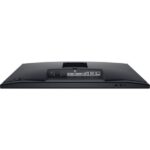
- Ports & Slots: 1. Microphone | 2. IR LED | 3. Webcam lens | 4. IR LED | 5. Webcam LED indicator | 6. Microphone | 7. Built-in speakers | 8. Teams button and LED | 9. Hook switch and LED | 10. Volume down and LED | 11. Volume up and LED | 12. Microphone mute and LED | 13. Power LED indicator
- Cables included: Power cable (varies by country) | DisplayPort cable (DisplayPort to DisplayPort) | USB 3.2 Gen1 Type-A to Type-B upstream cable | USB-C cable (C to C)
Additional information
Reviews (0)
Only logged in customers who have purchased this product may leave a review.
Reviews
Clear filtersThere are no reviews yet.