


-
 Courier delivery

-
Official Brand Warranty (Check with Manufacturer)

-
3 Days DOA Replacement

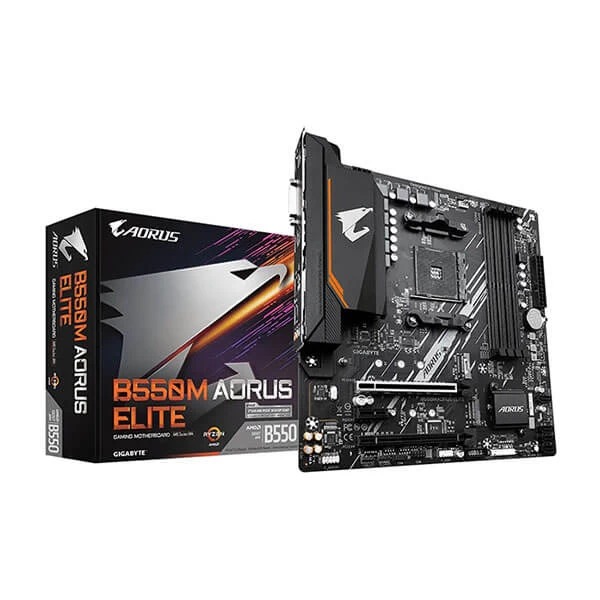
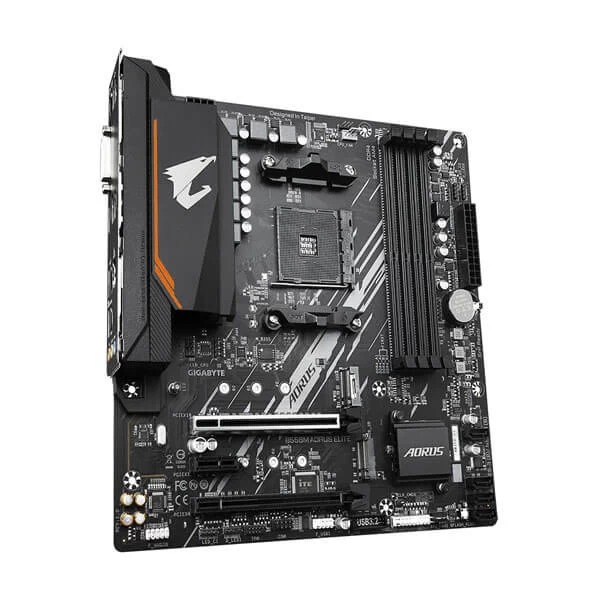
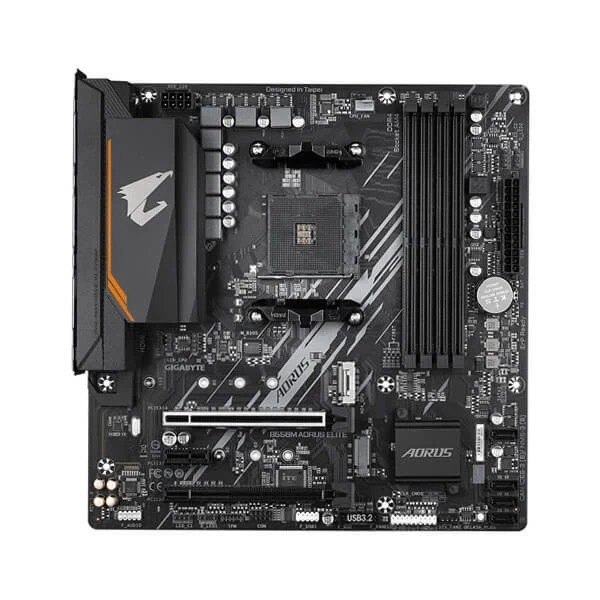
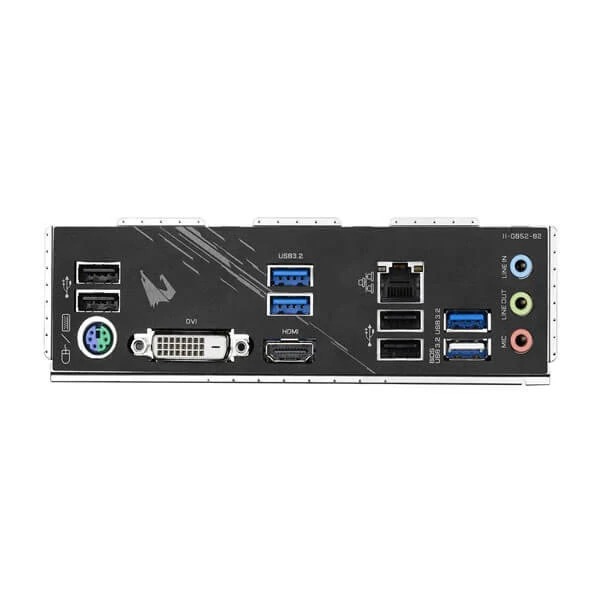
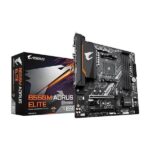
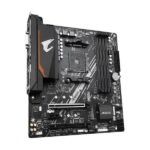
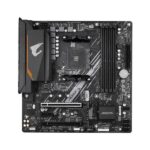
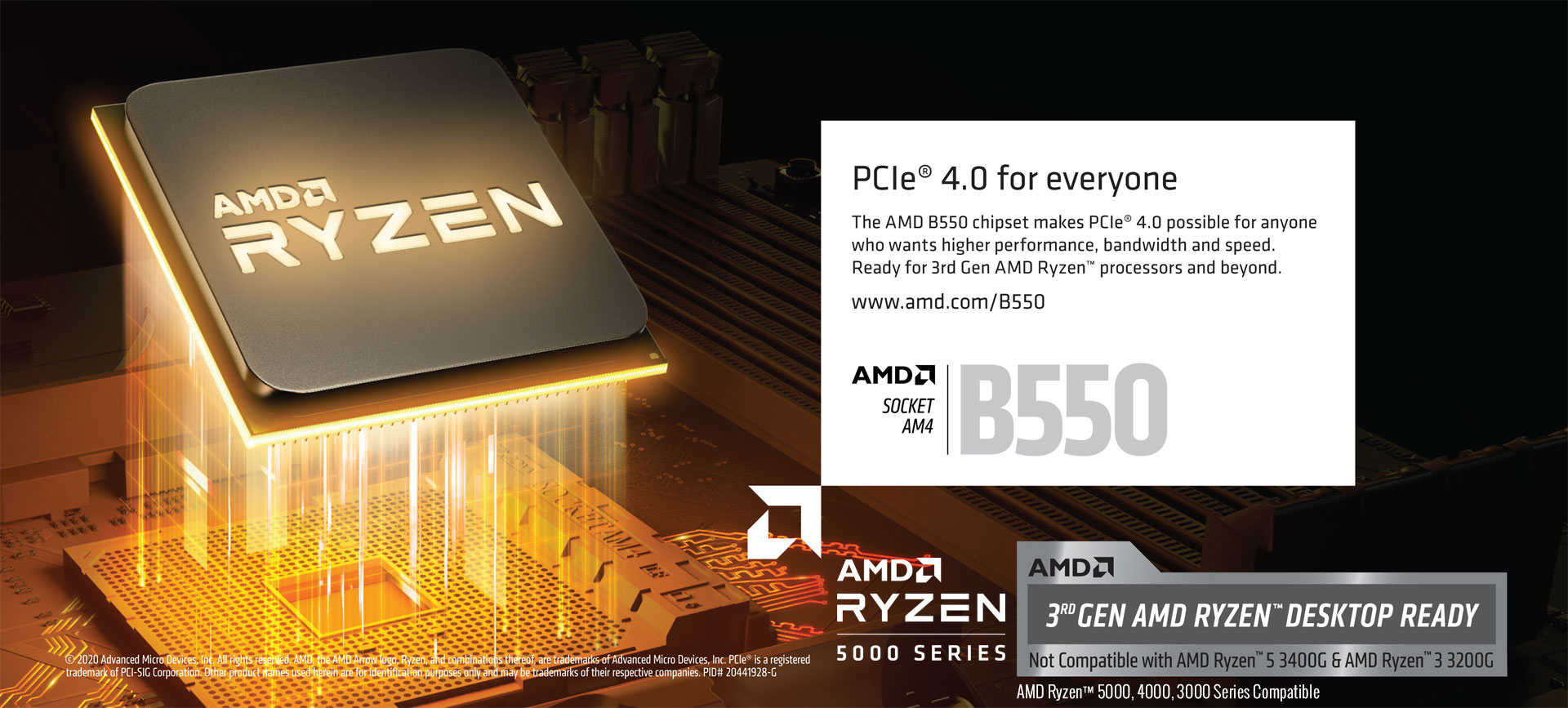
Gigabyte B550M Aorus Elite Motherboard
Feature
AMD StoreMI Technology
GIGABYTE B550 motherboards maximize your PC’s potential with AMD StoreMI technology. StoreMI accelerates traditional storage devices to reduce boot times and enhance the overall user experience. This easy-to-use utility combines the speed of SSDs with the high capacity of HDDs into a single drive, enhances the read/write speeds of the device to match that of SSDs, bolsters data performance for incredible value, and transforms the everyday PC to a performance driven system.
The benefits of AMD StoreMI:
• Making the PC experience fast, smooth and easy
• Optimizing computer responsiveness from system boot to application launch
• Offering SSD performance with HDD capacity at an affordable cost
• Quickly accessing key files by automatically learning users’ computing behaviors
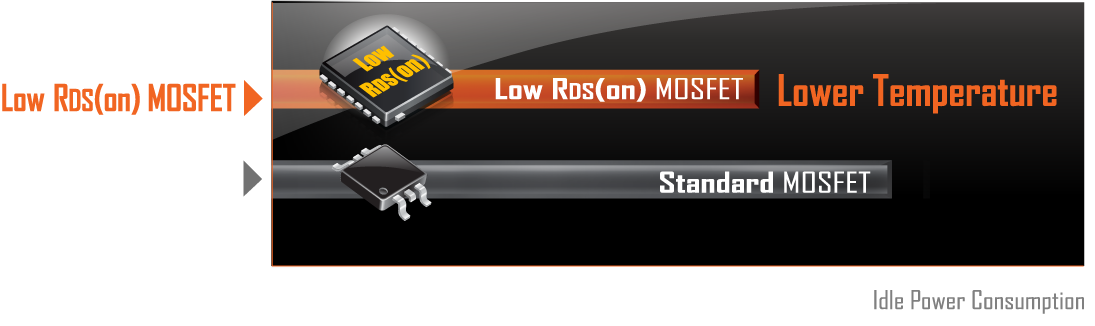
5+3 Phases Pure Digital VRM Solution with Low RDS(on) MOSFETs
GIGABYTE AORUS series motherboards use a 5+3 phases pure digital PWM + Low RDS(on) MOSFETs design to support the 3rd Gen AMD Ryzen™ CPUs by offering incredible precision in delivering power to the motherboard’s most power-hungry and energy-sensitive components as well as delivering enhanced system performance and ultimate hardware scalability.
Benefits of Low RDS(on) MOSFETs
‧ Lower temperature, smaller size, better thermal characteristics.
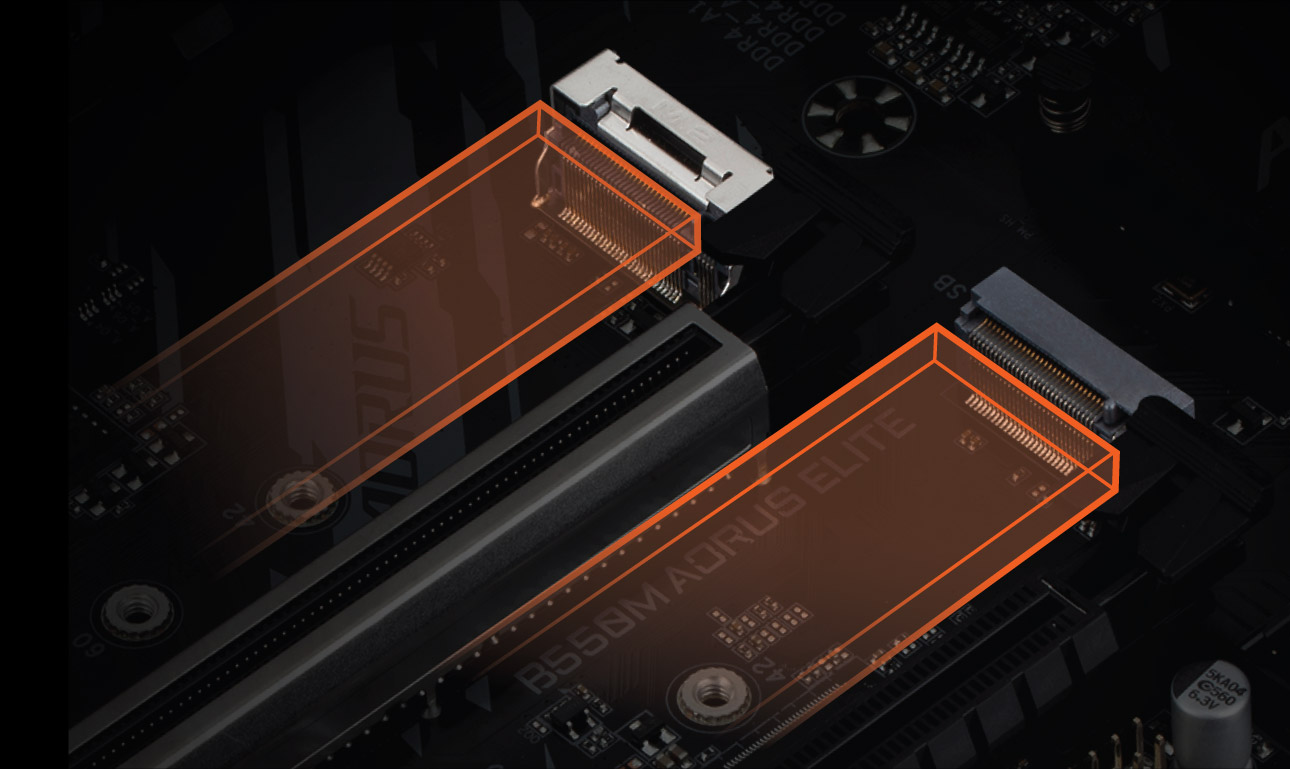
PCIe 4.0* Hardware Design
PCIe 4.0 Slot
M.2 PCIe 4.0 Slot
CONNECTIVITY
Dual NVMe PCIe 4.0*/3.0 M.2 Connectors
Realtek GbE LAN with Bandwidth Management
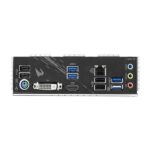
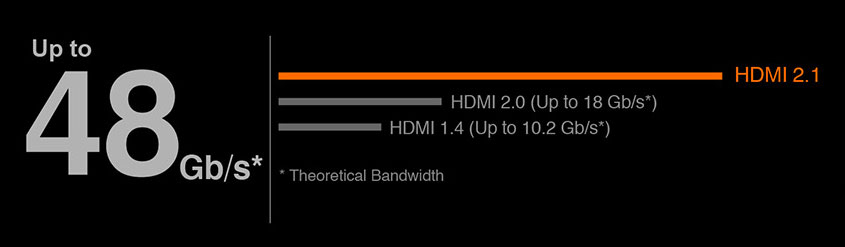
HDMI 2.1 for 4K / 60P / 21:9 / HDCP 2.3 Support
Enlarged MOSFET Heatsink
- Enlarged MOSFET Heatsink ensures lower temperature.
- Pre-installed IO Shield for easier assembly.
Realtek GbE LAN with Bandwidth Management
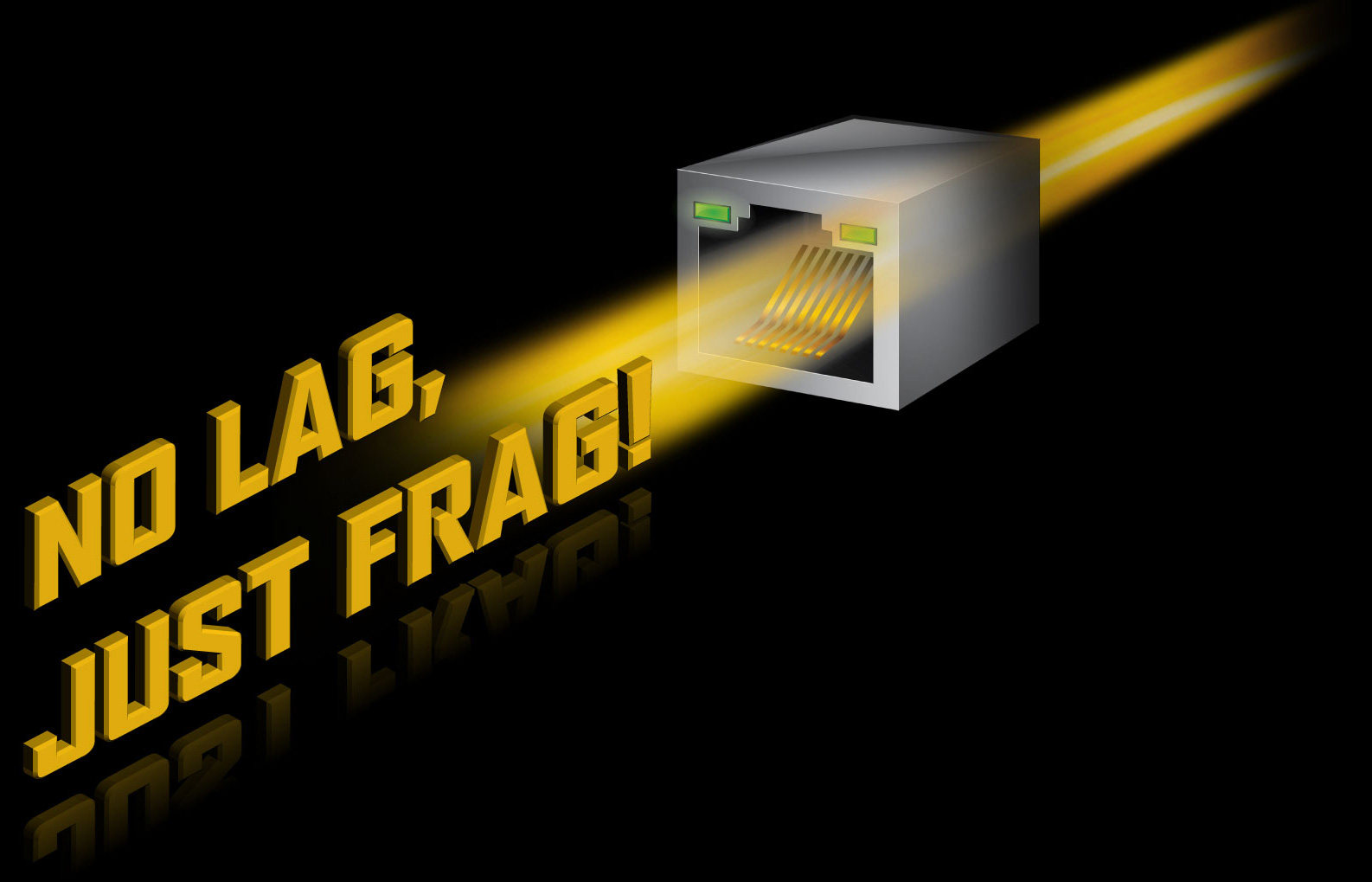
The Industry’s Leading LAN Static-Electricity & Surge Protection
COOLING
- Enlarged MOSFET Heatsink ensures lower temperature.
- Pre-installed IO Shield for easier assembly.

Smart Fan 5
With Smart Fan 5 users can ensure that their gaming PC can maintain its performance while staying cool. Smart Fan 5 allows users to interchange their fan headers to reflect different thermal sensors at different locations on the motherboard. Not only that, with Smart Fan 5 more hybrid fan headers that support both PWM and Voltage mode fans have been introduced to make the motherboard more liquid cooling friendly.
RGB Fusion 2.0 Software
RGB Fusion APP
GIGABYTE RGB Fusion APP
Don’t just make your PC shine, make it a work of art that friends will envy. With the GIGABYTE RGB Fusion mobile app users can watch as they control the lighting within their gaming PC. This gives users ease of access as they try and adjust colors and speeds for different modes, all this can be achieved away from the keyboard and monitor of their PC.
High-End Audio Capacitors
Audio Noise Guard
Q-Flash Plus
Update the BIOS easily without installing the CPU, memory and graphics card.

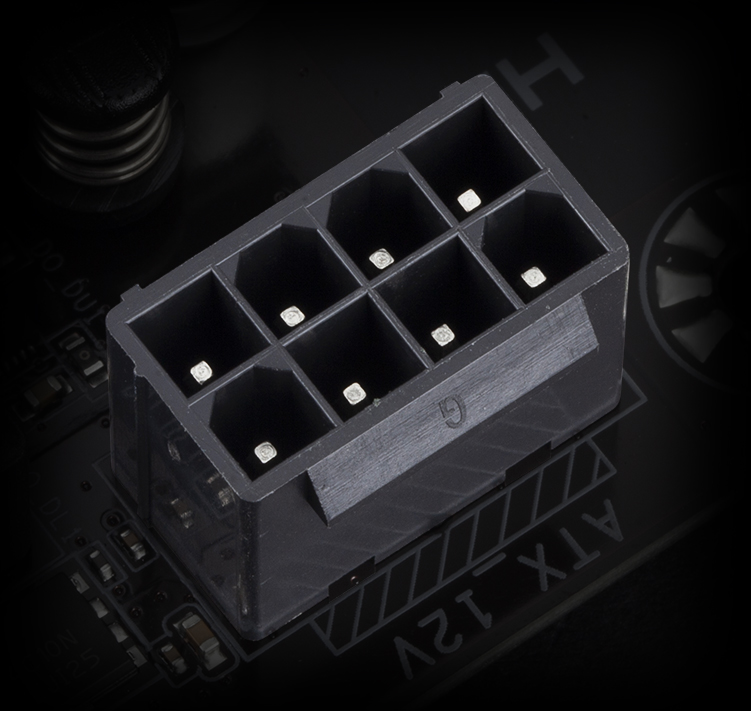
Solid Pin Power Connectors
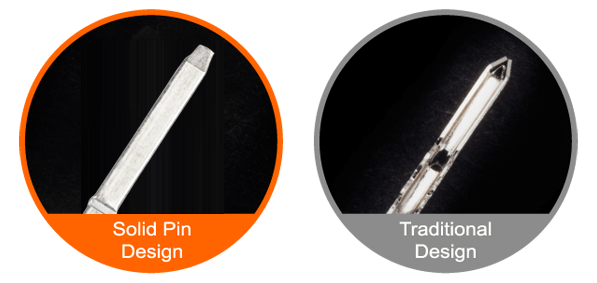
Solid Pin Power connector advantages
- Larger contact area for electricity
- More metal quantity to sustain higher power and generated heat
- Ultra durable and longer lifespan
START SULFURIZATION PROTECTION
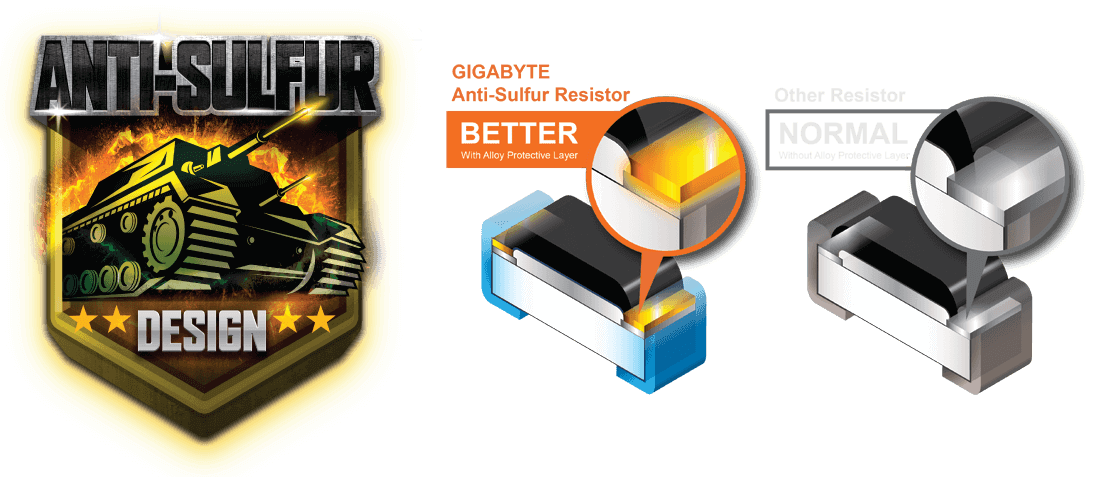 Sulfur compounds in the air can penetrate tiny onboard resistors creating chemical change and causing these resistors to open or short. If either of these occurs the motherboard will fail to function. By equipping resistors with an Anti-Sulfur Design GIGABYTE gives Ultra Durable Motherboards a whole new meaning.
New User Interface
All new EASY MODE shows important hardware information in one page including CPU clock, Memory, Storage, Fan.
My Favorites
Add constantly used items into the favorite menu for quick access.
Storage Information
Show all kinds of storage information including SATA, PCIE and M.2 interface.
Changelog
List all changes before saving and exiting bios. Quickly review overall settings modification.
Intuitive Load Line Curve
Clearly show each loadline calibration setting in an intuitive curve graph.
APP CENTER
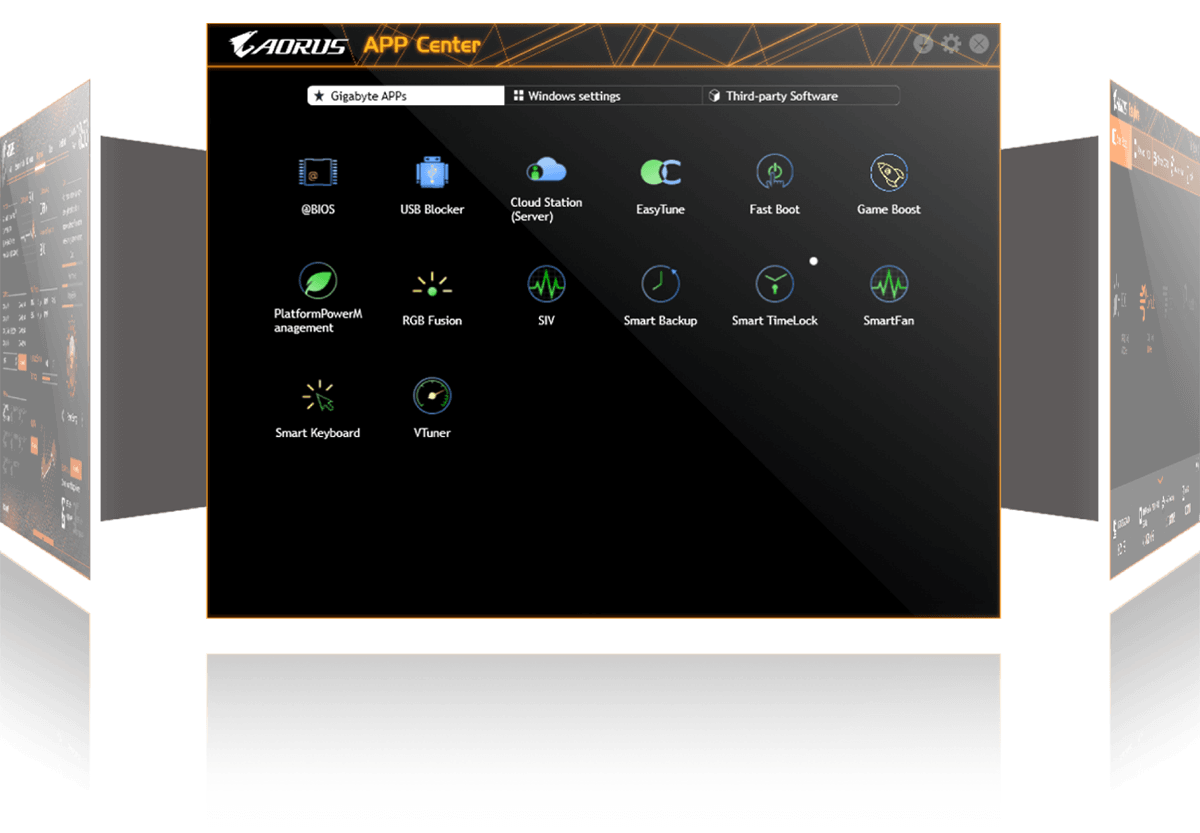
GIGABYTE APP CENTER is an useful portal of all GIGABYTE MB utilities and drivers, you can choose any utility you want to install from APP CENTER and keep you updated with latest utilities and drivers version.
LIGHTING
RGB FUSION 2.0
With B550 Motherboards, RGB Fusion 2.0 is even better with Addressable LEDs. RGB Fusion 2.0 offers users the option to control onboard RGB and external RGB / Addressable LED light strips* for their PC build. Already feature filled with colors and patterns, RGB Fusion 2.0 are now upgraded to improve the Addressable LED support. With external Addressable LED strips, where each LED is digitally addressable that users can experience even more patterns, styles, and illuminations.
With B550 Motherboards support the external 5V Addressable LED lighting strips and up to 300 LED lights. RGB Fusion 2.0 with Addressable LEDs comes with new patterns and various speed settings with more to come.
EasyTune™
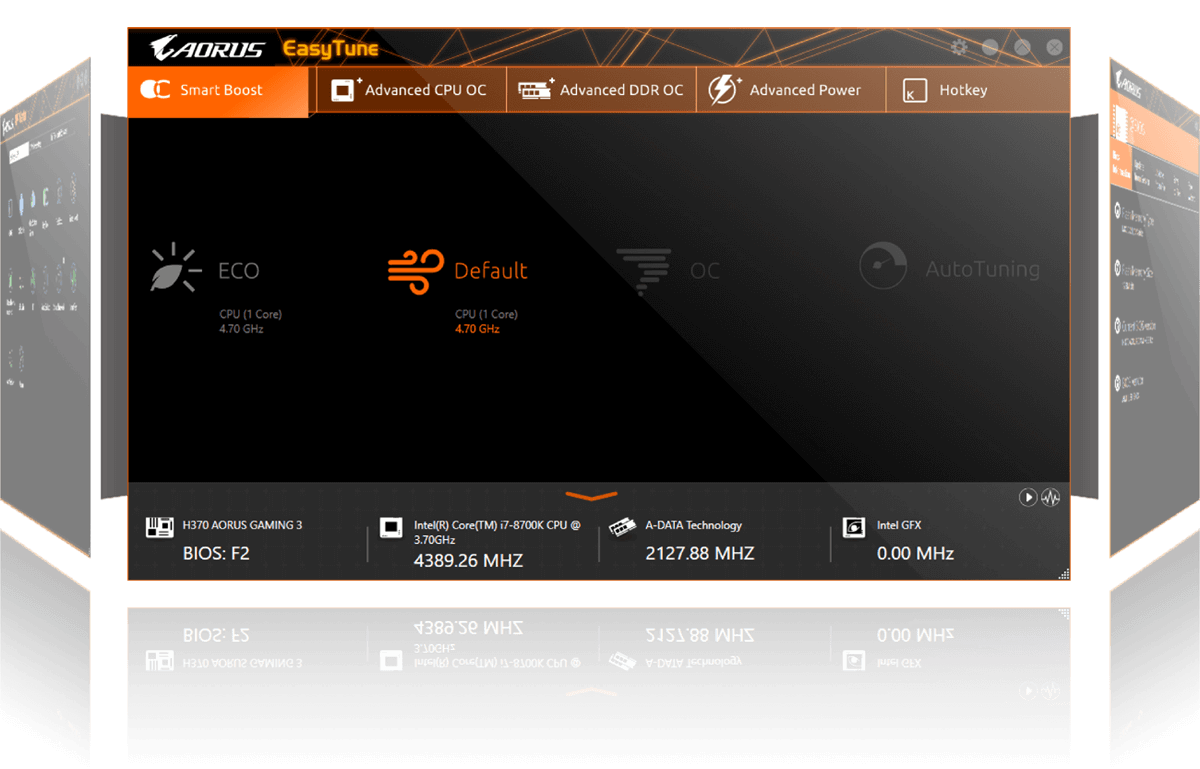
GIGABYTE’s EasyTune™ is a simple and easy-to-use interface that allows users to fine-tune their system settings or adjust system and memory clocks and voltages in a Windows environment. With Smart Quick Boost, one click is all it takes to automatically overclock your system, giving an added performance boost when you need it the most.
@BIOS
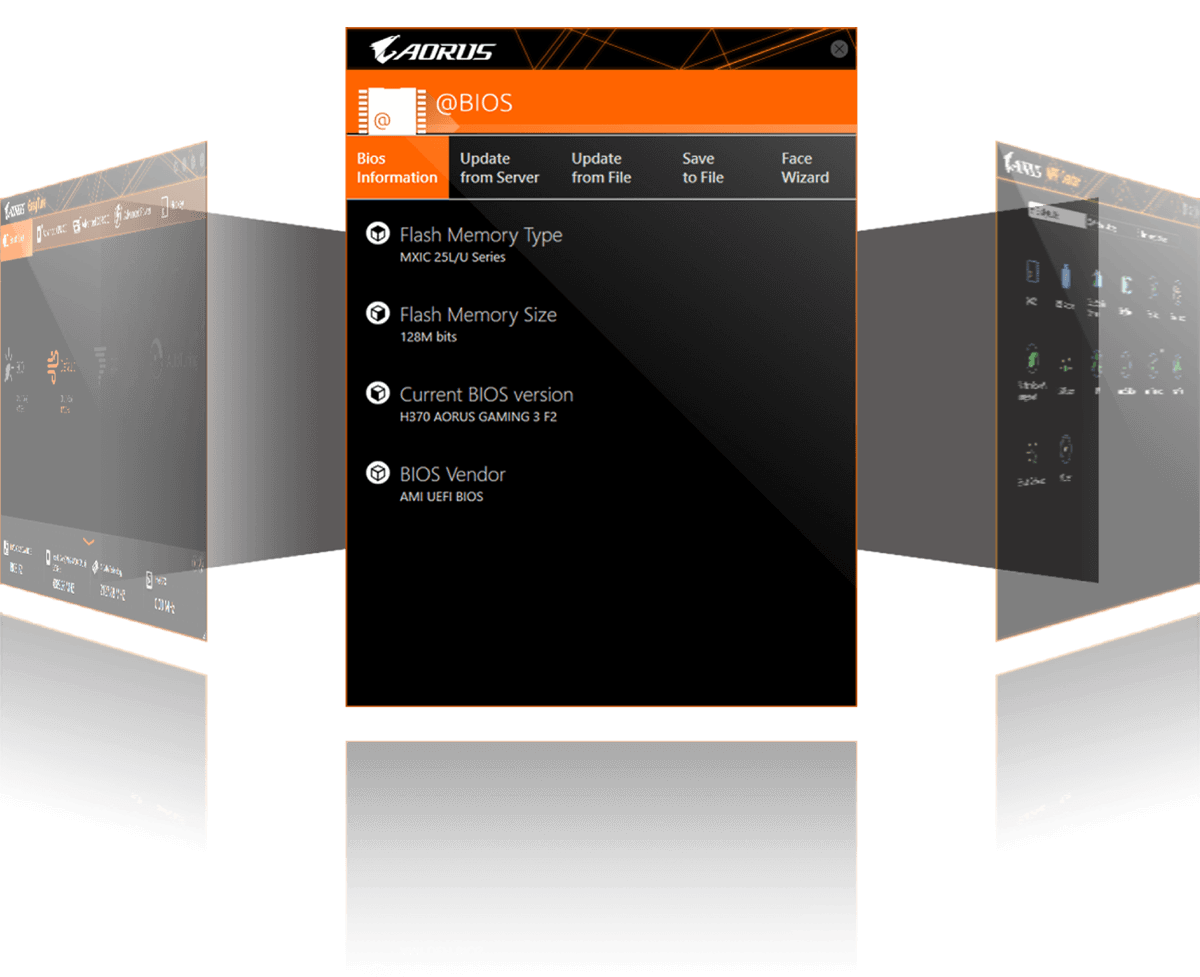
The GIGABYTE @BIOS app allows you to update your system’s BIOS from within Windows using a simple and slick graphical user interface. @BIOS can automatically download the latest version from the GIGABYTE servers or you can update your BIOS from a file on your computer. @BIOS also allows you to save your current BIOS to a file, recover your previous BIOS from an image and backup your BIOS to an image.
System Informat
ion Viewer
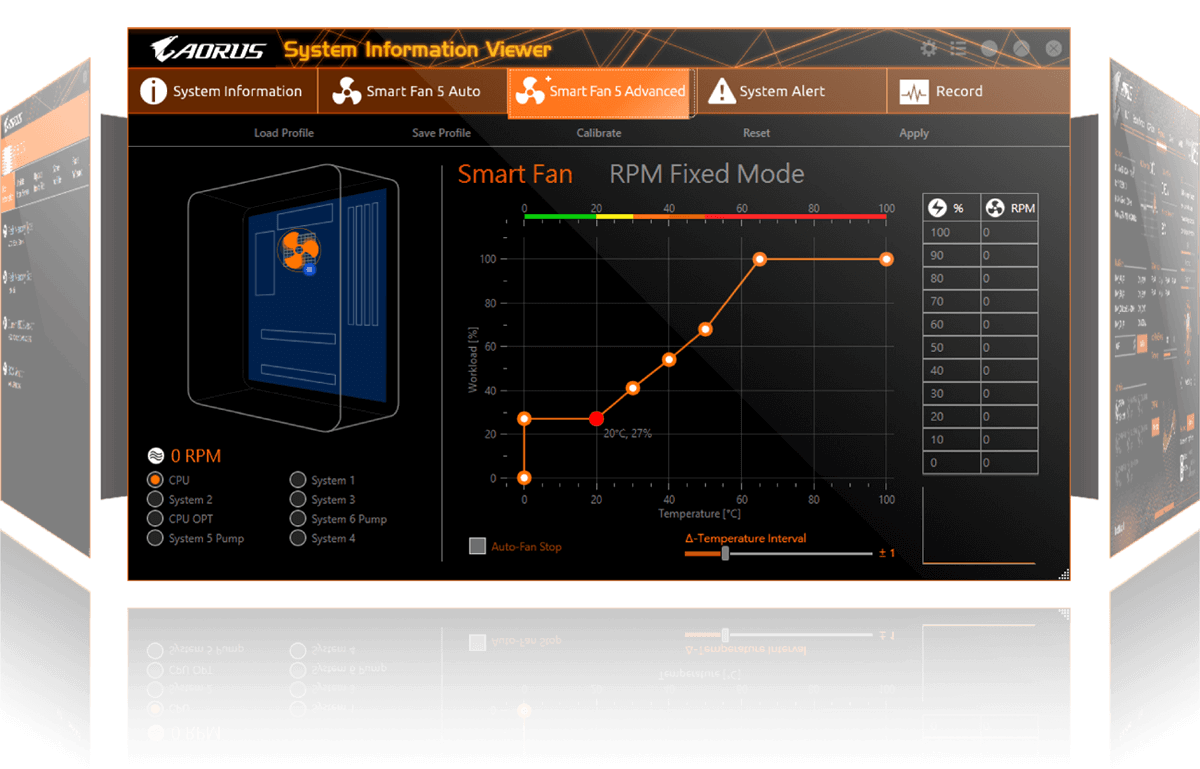
GIGABYTE System Information Viewer is a central location that gives you access to your current system status. Monitor components such as the clocks and processor, set your preferred fan speed profile, create alerts when temperatures get too high or record your system’s behavior; these are the possibilities of the System Information Viewer.
XSplit Gamecaster + Broadcaster: Cast Your Game Anytime, Anywhere
Now set up your stage and share the greatest gaming moments with XSplit Gamecaster + Broadcaster! Fully optimized social media integration is ready for real-time chats—keeping you notified yet focused in the game. It takes just one click to stream your gameplay to Twitch. Host your game like a pro!
| Weight | 1 kg |
|---|---|
| Product Type | Gaming |
| Brands | Gigabyte |
| Color | Black |
| Memory Series | DDR4 |
| Motherboard Size | mATX |
| Motherboard Series | Gigabyte Aorus |
| Socket | AM4 |
| Platform | AMD |
| Chipset | B550 |
| RAM Type | DDR4 |
| Warranty | 3 Years |
| EAN / UPC Code | 7866227686619 |
Only logged in customers who have purchased this product may leave a review.
Reviews
Clear filtersThere are no reviews yet.